
Have you ever blanked during a presentation despite studying for days? Maybe a few weeks later, you’re writing an article, and the name of that obscure study suddenly pops into your head. This common scenario reveals how our brains work: they need time to process information.
The "second brain method" is a personal knowledge management strategy that takes the pressure off your brain by using technology to enhance memory and organize information. This guide explores how the 'Second Brain Method' can help you achieve your goals, like instantly recalling information and free AI note-maker.
Constella’s AI notes manager is a valuable tool that can help you achieve these objectives. This free AI note-maker lets you quickly organize, recall, and retrieve information to focus on your projects instead of worrying about memorization.
Types of Second Brain Method

The PARA Method: Unpacking Knowledge with Projects, Areas, Resources, and Archives
The PARA method simplifies the way you organize notes. With this approach, you categorize notes into four sections: Projects, Areas, Resources, and Archives. Projects are short-term efforts with a clear goal, like writing a report or organizing a vacation. Areas are ongoing responsibilities, such as job performance, personal finances, and health.
Resources are materials that can help you in your projects and areas. Archives are for notes you no longer need to access regularly. You can move notes between these categories during weekly and monthly reviews. This method promotes a dynamic approach to organizing knowledge that can help you boost productivity and creativity.
The Zettelkasten Method: Building a Web of Ideas
The Zettelkasten method helps you break down information and understand it more deeply. With this approach, you start by processing resources thoroughly, extracting the most relevant and interesting ideas, and summarizing them in your own words. Next, you create notes that focus on single concepts. Then, you organize these notes in a way that makes sense. In the Zettelkasten method, notes can be organized hierarchically, but they are often most useful when linked together like a web. This promotes creative thinking by helping you uncover connections between ideas you can use in your work.
Progressive Summarization: Summarizing Your Summaries
Progressive summarization helps you distill large amounts of notes into a digestible format to jog your memory and get to work quickly. First, you take a set of notes, like those from a book, and summarize them. Next, you highlight the most relevant sections of this summary to create a new, smaller set of notes. This process can be repeated to develop progressively smaller notes retaining crucial information.
Benefits of the Second Brain Method

Enhanced Productivity: Boost Your Efficiency with a Second Brain
Consider having a system that captures your thoughts, tasks, and ideas in a structured and accessible way. This isn't just about storing information - it's about creating a dynamic, interactive system that enhances your ability to think, make, and perform at your best.
By offloading your thoughts into a second brain, you can free up mental space, allowing your brain to focus on higher-order thinking and problem-solving. According to a study by the American Psychological Association, productivity can increase by up to 25% when tasks are organized and delegated effectively. Using a second brain, you streamline your workflow, making managing and completing tasks easier.
Reduced Stress: Alleviate Your Mental Load with a Second Brain
Our brains aren't designed to remember everything. They're meant to experience, react, and then let go. Constantly trying to remember everything can be stressful and overwhelming. By offloading your thoughts into a second brain, you reduce cognitive load, manage stress better, and improve overall well-being. Our brain has an incredible capacity to connect disparate pieces of information and generate innovative ideas when we visualize different sources of information.
By seeing various data points, concepts, and insights side by side, our cognitive processes can identify patterns and relationships that may not be immediately apparent. This ability to juxtapose and integrate diverse information fosters a deeper understanding and sparks creativity, enabling us to develop more comprehensive and novel solutions to complex problems. Visualizing information catalyzes cognitive synergy, where the whole becomes more significant than the sum of its parts.
A research study from the University of California, Irvine, found that employees who maintained an organized work environment experienced a 40% reduction in stress levels. A second brain helps you organize your mental space, leading to a more peaceful mind.
Improved Mental Health: Discover the Therapeutic Benefits of a Second Brain
The second brain isn't just a productivity enhancer and a companion for mental health. By offloading some of the cognitive load from your brain, you can manage stress better and improve your overall well-being. Trust me, it's a game-changer.
Constella: The Perfect Alternative to Traditional Note-Taking Apps
Constella reimagines note-taking with an infinite canvas that lets you capture and connect ideas effortlessly, powered by AI search that makes finding information instantaneous. Whether you're a researcher trying to draw connections across numerous papers or someone who wants a more intuitive way to organize your thoughts and files, Constella's AI assistant helps you build and navigate your knowledge base without the constraints of traditional folder structures. Constella transforms how you capture, find, and connect your ideas, perfect for busy knowledge workers and researchers limited by conventional note-taking tools. Research 10 times faster with Constella's AI notes manager.
Related Reading
- PKM Tools
- Personal Knowledge Management Tools
- Second Brain Apps
- Heptabase Alternative
- Zettelkasten Note Taking
12 Tips for Efficient Second Brain Method of Learning

1. Use Constella to Jot Down Notes
Constella reimagines note-taking with an infinite canvas that lets you capture and connect ideas effortlessly, powered by AI search that makes finding information instantaneous. Whether you're a researcher trying to draw connections across numerous papers or someone who wants a more intuitive way to organize your thoughts and files, Constella's AI assistant helps you build and navigate your knowledge base without the constraints of traditional folder structures. Constella transforms how you capture, find, and connect your ideas, perfect for busy knowledge workers and researchers limited by conventional note-taking tools. Research 10 times faster with Constella's AI notes manager.
2. Decide What You Want to Capture
Think about your Second Brain as an intimate commonplace book or journal. What do you most want to capture, learn, explore, or share? Identify two to three kinds of content you already value to get started with.
3. Choose a Capture Tool
I recommend starting with a read-later app such as Instapaper or Pocket to save any article or other online content you’re interested in for later consumption. Believe me, this one step will forever change your thoughts about consuming content.
4. Get Set Up with PARA
Set up the four folders of PARA (Projects, Areas, Resources, Archives) and, focusing on actionability, create a dedicated folder (or tag) for each of your currently active projects. Focus on capturing notes related to those projects from this point forward. Check out this blog post for an intro to the PARA system.
5. Get Inspired by Identifying Your Twelve Favorite Problems
Make a list of some of your favorite problems, save it as a note, and revisit it anytime you need ideas for what to capture. Use these open-ended questions as a filter to decide which content is worth keeping.
6. Automatically Capture Your Ebook Highlights
Set up an integration to automatically send highlights from your reading apps (such as a read-later or ebook app) to your digital notes. Tools like Readwise or IFTTT make this easy.
7. Practice Progressive Summarization
Summarize a group of notes related to a project you’re currently working on using multiple layers of highlighting to see how it affects how you interact with those notes.
8. Experiment with Just One Intermediate Packet
Choose a project that might be vague, sprawling, or simply hard, and pick just one piece to work on—an Intermediate Packet. Maybe it is a business proposal, a chart, a run of show for an event, or key topics for a meeting with your boss. (Check this blog post for more examples of Intermediate Packets.) Break the project down into smaller pieces, make a first pass at one of the pieces, and share it with at least one person to get feedback.
9. Make Progress on One Deliverable
Choose a project deliverable you’re responsible for and use any workflow and express techniques outlined here. See if you can make decisive progress using only the notes in your Second Brain. These techniques are designed to help you execute your projects more effectively. They are standardized procedures to move faster, save your progress, and produce work of higher quality.
10. Schedule a Weekly Review
Put a weekly recurring meeting with yourself on your calendar to begin establishing the habit of conducting a Weekly Review. To start, just clear your notes inbox and decide on your priorities for the week. From there, you can add other steps as your confidence grows.
11. Assess Your Notetaking Proficiency
Evaluate your current note-taking practices and areas for improvement using our free Productivity Potential Quiz.
12. Join the PKM Community
Follow and subscribe to thought leaders on Twitter, LinkedIn, Substack, Medium, or your platform(s) of choice and join communities creating content related to personal knowledge management (#PKM), #SecondBrain, #BASB, or #toolsforthought.
10 Best Note-Taking Tools for Second Brain Method
1. Constella: The Note-Taking App That Captures and Connects Ideas Effortlessly
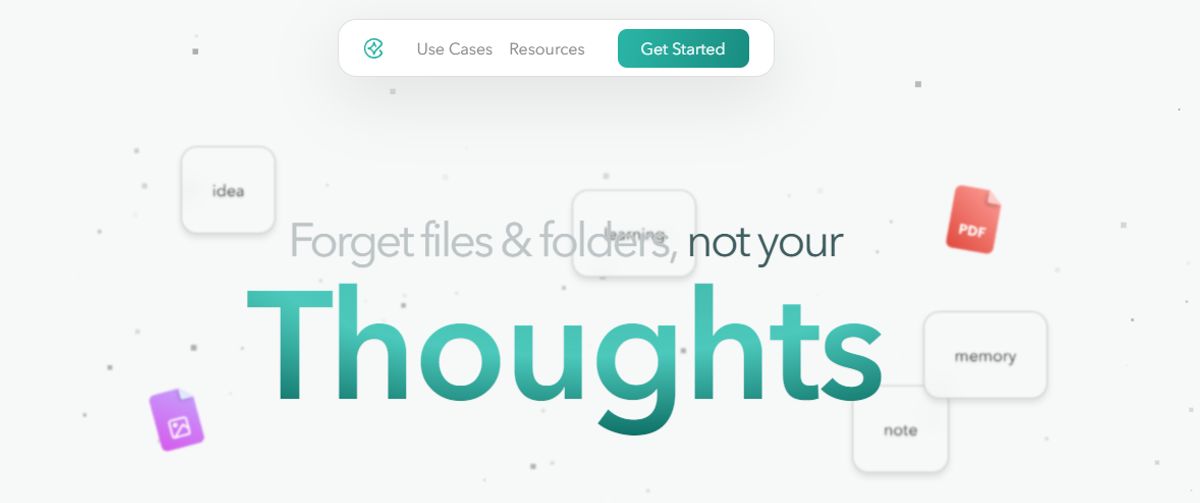
Constella reimagines note-taking with an infinite canvas that lets you capture and connect ideas effortlessly, powered by AI search that makes finding information instantaneous. Whether you're a researcher trying to draw connections across numerous papers or someone who wants a more intuitive way to organize your thoughts and files, Constella's AI assistant helps you build and navigate your knowledge base without the constraints of traditional folder structures. Constella transforms how you capture, find, and connect your ideas, perfect for busy knowledge workers and researchers limited by conventional note-taking tools. Research 10 times faster with Constella's AI notes manager.
2. Bear: A Flexible Note-Taking App for macOS and iOS
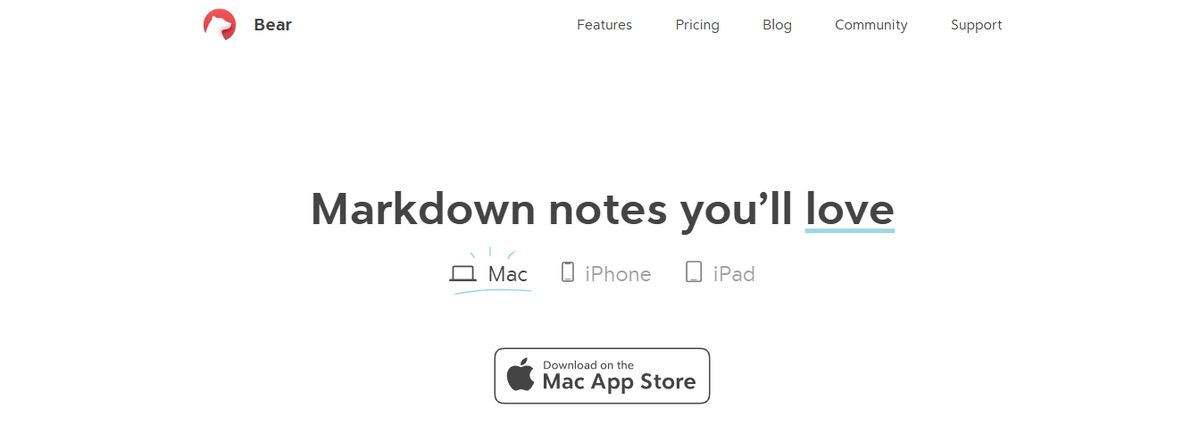
Bear is a flexible note-taking app for macOS and iOS that features rich text editing, organization tools, and markdown support. Users can create notes in various formats, including text, images, links, and files, and organize them using tags, folders, and search functionality. Bear also offers themes, focus mode, and encryption for secure note-taking.
3. Workflowy: A Simple Yet Powerful Outlining Tool
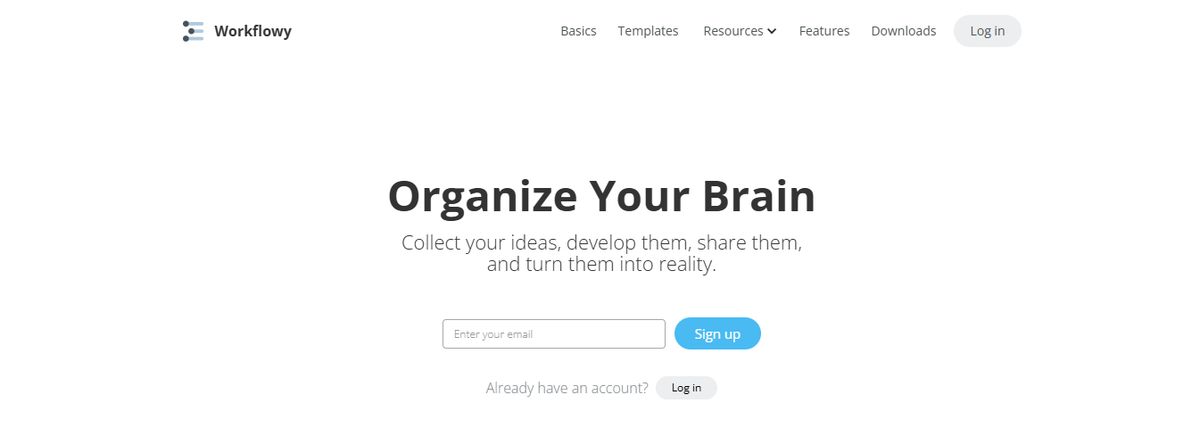
Workflowy is a simple yet powerful outlining tool that helps users hierarchize their thoughts and ideas. Users can create lists and sublists to break down complex concepts into manageable chunks and easily rearrange and expand them. Workflowy also offers features like tags, search functionality, and collaboration tools for sharing and editing lists with others.
4. Devonthink: A Document and Information Management Tool
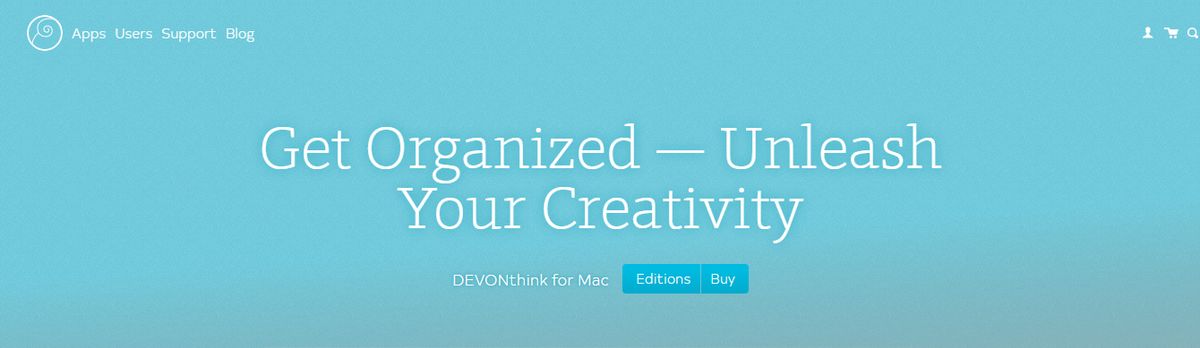
Devonthink is a document and information management tool for macOS that helps users collect, organize, and search their files and notes. Users can import documents, emails, web clippings, and more into Devonthink and manage them using folders, tags, and metadata. Devonthink also offers features like AI-powered searching, innovative groups, and synchronization across devices for easy access to information.
5. Turtl: An Open-Source Note-Taking App That Focuses on Privacy
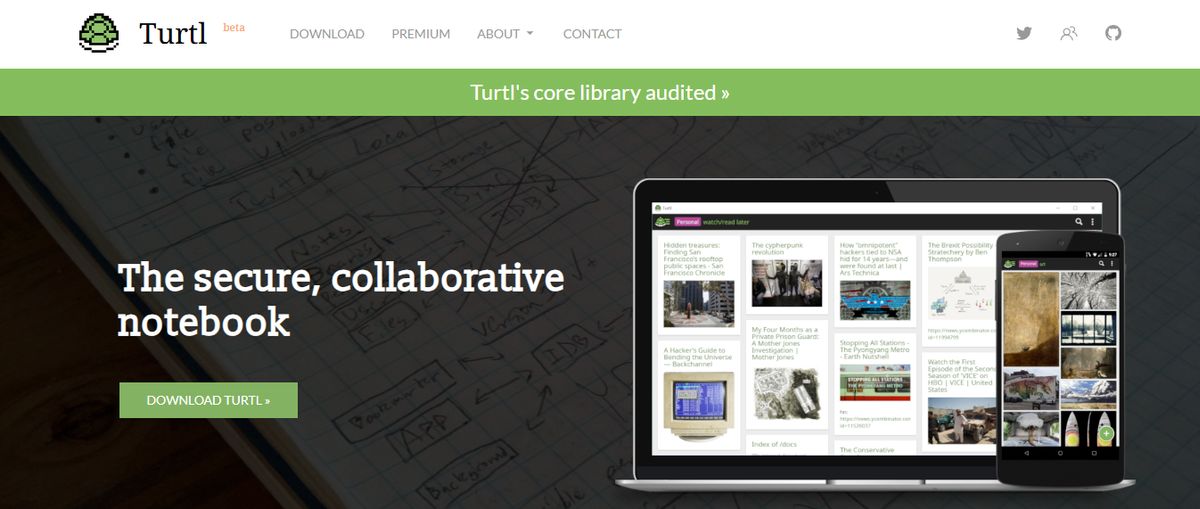
Turtl is an open-source, secure, and encrypted note-taking app focusing on privacy and collaboration. Users can create and organize notes, bookmarks, and passwords in a secure vault and share them with others using end-to-end encryption. Turtl also offers features like tags, search functionality, and synchronization across devices for easy access to information.
6. Notion: An All-in-One Personal Knowledge Management Tool
Notion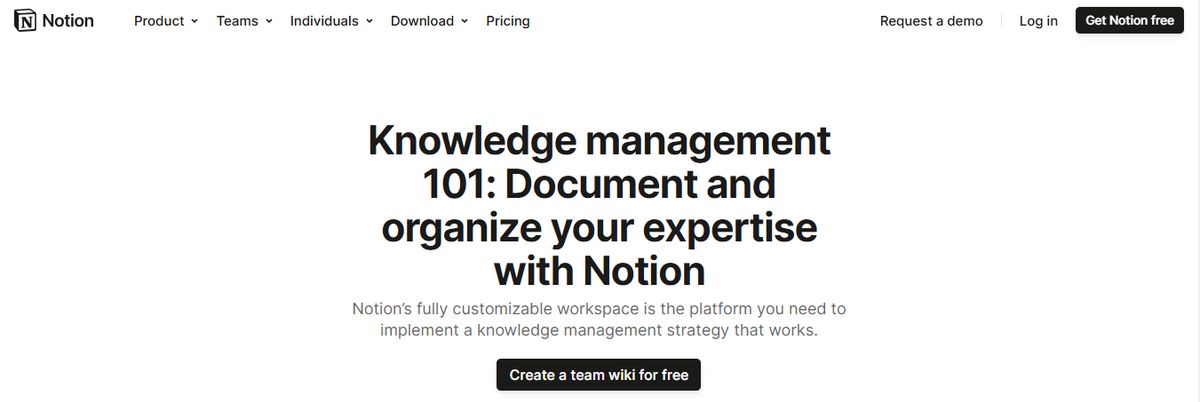
Notion is an all-in-one personal knowledge management tool for teams and organizations. It helps you collectively build a simple and valuable knowledge base with your team. In addition to text, it allows you to add or drag and drop images, videos, audio files, and even link pages in your knowledge base.
From managing client data and brainstorming ideas to tracking project milestones, Notion AI makes finding relevant information from your base easy. I also love how the AI writing tool provides note-editing and summarizing capabilities to enhance your knowledge base.
7. Bloomfire: An AI-Driven Knowledge Management Platform
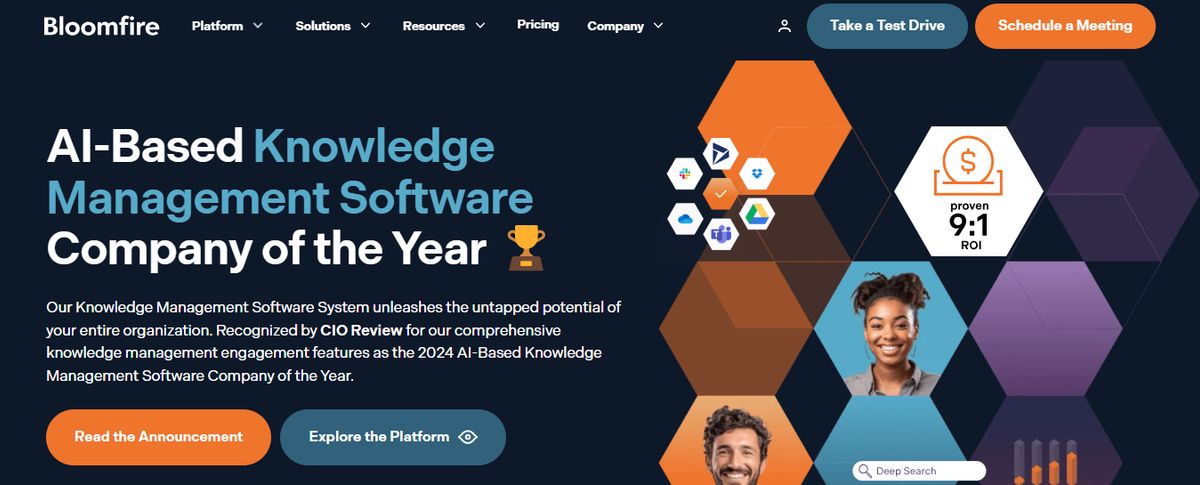
Bloomfire is a scalable AI-driven knowledge management platform for small to multinational enterprises of all sizes. Designed to centralize and democratize information within organizations, the platform helps professionals efficiently gain, organize, and share knowledge. Building secure and searchable repositories provides content authoring and moderation tools to ensure only the most relevant and accurate content is published, enabling your teams to make reliable data-driven decisions.
8. Evernote: A Comprehensive PKM and Note-Taking Tool
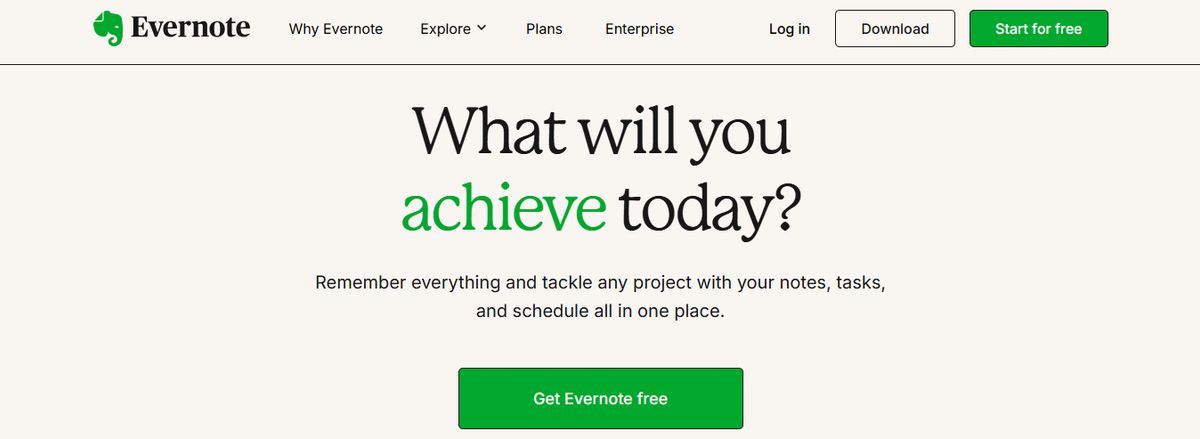
Evernote is a comprehensive personal knowledge management (PKM) and note-taking tool designed to help professionals capture, organize, and access information smoothly across devices. As the name suggests, it lets you jot down random thoughts and store important files and documents to develop a knowledge base. What I like about Evernote is its functionality to record audio notes for personal and professional purposes.
9. Obsidian: A Powerful Markdown-Based PKM Tool
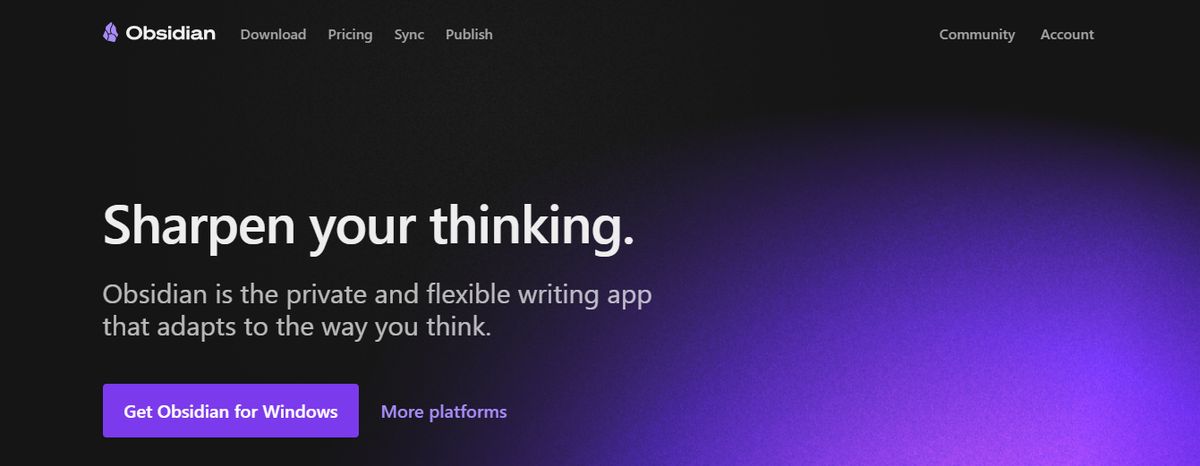
Obsidian is a powerful, markdown-based personal knowledge management (PKM) tool designed to help students effectively organize and connect their ideas. The app lets you jot down notes and graphically visualize their relationships. Whether building a personal wiki, creating mind maps, or developing a second brain, Obsidian offers unparalleled flexibility and control, making it a standout choice for students seeking to better their productivity and learning.
10. Roam Research: A Note-Taking Tool for Non-Linear Thinking
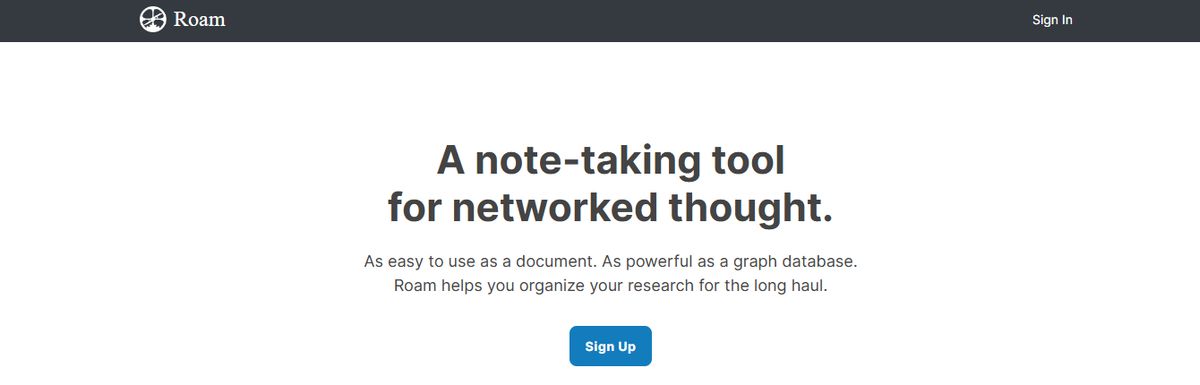
Another great note-taking PKM tool is Roam Research. Popular among researchers, writers, and lifelong learners, this tool is designed for non-linear thinking and idea organization. Roam helps students create a ‘networked thought’ system, connecting concepts and notes to mirror how the brain naturally works. Bidirectional linking on Roam enables you to create a web of interconnected notes and quickly identify relationships between disparate pieces of information.
Related Reading
- Slite Alternatives
- Roam Research Alternatives
- Joplin Alternatives
- Notion Knowledge Management
- Coda Alternatives
- SiYuan Alternatives
Research 10 Times Faster with Constella
Constella reimagines note-taking with an infinite canvas that lets you capture and connect ideas effortlessly, powered by AI search that makes finding information instantaneous. Whether you're a researcher trying to draw connections across numerous papers or want a more intuitive way to organize thoughts and files, Constella's AI assistant helps you build and navigate your knowledge base without the constraints of traditional folder structures.
Constella transforms how you capture, find, and connect your ideas, perfect for busy knowledge workers and researchers limited by conventional note-taking tools. Research 10 times faster with Constella's AI notes manager.
Related Reading
Want more insights like this?
Subscribe to get short productivity tips and useful summaries of new tools every week.
Want more insights like this?
Subscribe to get short productivity tips and useful summaries of new tools every week.


