

Consider you're in a meeting, and someone asks a question you know the answer to but can't recall. You fumble around unsuccessfully for a moment, feeling anxious and embarrassed before the moment passes. Later, you find the information you were looking for in your notes, and now you can’t even remember what the meeting was about.
This is a common scenario that many of us encounter, and it can easily be avoided with the proper Personal Knowledge Management (PKM) tools. This article will explore PKM tools, their importance, and how they can help you recall information instantly and avoid the feelings of panic and embarrassment that come from not being able to remember important details.
One tool that can help you reach your goals is Constella's AI notes manager. This free and easy-to-use tool can help you organize your notes to find what you're looking for when needed. Instead of sifting through endless documents or notes scattered everywhere, the AI Notes Manager automatically organizes your notes so you can retrieve information quickly and efficiently.
7 Tips for Efficient Personal Knowledge Management

1. Use Constella
Constella transforms how we take notes. Its infinite canvas lets us capture and connect ideas effortlessly. Whether you’re a researcher trying to draw connections across numerous papers or someone who wants a more intuitive way to organize your thoughts and files, Constella’s AI assistant helps you build and navigate your knowledge base without the constraints of traditional folder structures. Constella’s AI notes manager can help you research 10 times faster, perfect for busy knowledge workers and researchers limited by conventional note-taking tools.
2. Define Your Goals
Before starting with a personal knowledge management system, you must define your goals and purpose. Here are some key questions to help clarify your strategy:
- What are my overall objectives?
- What specific problems am I trying to solve?
- What kind of knowledge gatherer do I want to be?
- What information sources will I be gleaning from?
A clear purpose lays a strong foundation for your PKM system and helps you pick a relevant tool to do the job. Imagining your perfect workflow enables you to create a PKM system that aligns with how you naturally think.
3. Develop a Consistent Capture Habit
Once you define clear goals for your PKM system and pick a relevant tool, create a routine of capturing any information that might be useful. You can record anything: an article, a quote, or a quick thought. Speed up the information-capturing process and minimize the friction by using web clippers, a quick note function (if a tool supports it), voice memos, and other integrations.
We recommend taking a few minutes at the end of each day to capture any information or ideas you encounter. Avoid relying solely on memory. Instead, make it a habit to record information and determine its importance afterward. Ultimately, it’s better to have some duplicate or obscure information than to miss something important.
4. Organize Your Knowledge
In addition to jotting down quick notes and ideas, sorting your information in your digital repository is vital. Based on your preferred tool, there are several ways to structure information for clarity. You can use tags (hashtags), backlinks, folders, sub-folders, smart folders (where the system organizes relevant notes based on set rules), and more.
Different formatting options like bold text and highlighting help prioritize key information—and link related notes by forming a web of interconnected ideas. Use a daily note to capture tasks, ideas, and relevant links. Ultimately, it’s about actively using your knowledge as you accumulate it rather than letting it sit in a digital graveyard.
5. Create Visual Representations
Visual representation delivers a powerful way of understanding and interacting with information. You can create mind maps and utilize infinite whiteboards, concept maps, diagrams, sketches, and knowledge graphs to combine text and visuals to unlock a new level of creativity and productivity. It's a must-have practice for your PKM system and lets you see the big picture, improve recall and retention, boost creativity, simplify complex information, and communicate ideas effectively.
6. Customize Your PKM System
You shouldn’t settle with the default look and functionalities of your PKM tool. Most offer customization options to boost your PKM setup to the next level. For instance, Evernote has a fully customizable home menu with different widgets to suit your note-taking preferences.
7. Consistently Evaluate and Refine Your PKM Setup
Your PKM system needs periodic check-ups to ensure it's running smoothly. We recommend setting a recurring weekly, monthly, or quarterly reminder to evaluate and refine your PKM setup. You can remove unnecessary notes from your PKM system, organize relevant ones for better clarity, and remove other bottlenecks. By consistently reviewing your PKM setup, you will ensure that it remains a valuable tool to keep you productive over the long term.
Use of Personal Knowledge Management

1. The Art of Note-Taking and Study Management with PKM Tools
Students and researchers use PKM tools to manage class notes, research materials, and study plans. A university student uses Notion to track lecture notes, create study guides, and link related course materials. A Ph.D. researcher organizes citations and annotations for a thesis in Obsidian, using backlinks to connect ideas.
2. Mastering Project Management and Task Tracking
Professionals use PKM tools to manage tasks, deadlines, and collaborative projects. A freelance designer plans client projects on ClickUp, creating workflows and maintaining project notes. A marketing team uses Asana to assign tasks and document strategies alongside campaign-related content.
3. Cultivating Content Creation and Writing with PKM Tools
Writers and creators use PKM tools to collect inspiration, outline drafts, and manage editorial calendars. A content creator uses Evernote to save article ideas, write drafts, and clip online resources. A blogger plans, posts, and organizes research in Roam Research to find connections between topics.
4. Knowledge Sharing and Team Collaboration
Teams use PKM tools to maintain a shared knowledge base for smoother workflows and better decision-making. A software team uses Confluence to document APIs, team processes, and best practices, ensuring knowledge continuity. A startup creates a shared company wiki on Coda to onboard new employees and maintain institutional knowledge.
5. Personal Development and Habit Tracking with PKM Tools
Individuals track goals, habits, and reflections to improve productivity and well-being. A professional uses Trello to manage a personal growth board with goals, progress, and accomplishments. A self-improvement enthusiast logs daily habits and journals in Day One, reflecting on achievements and challenges.
6. Research and Idea Management
Researchers and innovators collect and connect ideas to develop new solutions or hypotheses. A product designer uses Miro to brainstorm and structure ideas visually while linking them to supporting documents. An entrepreneur uses Obsidian to build a knowledge graph of market research and trends, identifying patterns .
7. Reading and Information Organization
Curating and revisiting helpful information from books, articles, or videos. A reader uses Readwise to save and review highlights from eBooks and online articles. A journalist collects and organizes sources for articles in Devonthink, tagging and categorizing them for easy retrieval.
8. Creative Workflows (Art, Design, Music)
Artists and designers manage inspiration, references, and iterative drafts. A digital artist saves mood boards and sketches in Milanote, linking them to project timelines. A musician stores lyrics, chord progressions, and audio notes in Google Keep for quick access during creative sessions.
9. Financial Planning and Analysis with PKM Tools
Managing budgets, tracking expenses, and storing financial knowledge. A personal finance enthusiast uses Notion to track investments, savings goals, and financial lessons. A small business owner organizes invoices, tax documents, and financial plans in OneNote.
10. Career Growth and Skill Development
Maintaining a skills tracker, career goals, and learning resources. A software developer uses Obsidian to store coding notes, tutorials, and conference insights. A job seeker organizes networking contacts and interview prep in Airtable.
Unpacking Constella: The Smart, AI-Powered PKM Tool
Constella reimagines note-taking with an infinite canvas that lets you capture and connect ideas effortlessly, powered by AI search that makes finding information instantaneous. Whether you're a researcher trying to draw connections across numerous papers or someone who wants a more intuitive way to organize your thoughts and files, Constella's AI assistant helps you build and navigate your knowledge base without the constraints of traditional folder structures.
Constella transforms how you capture, find, and connect your ideas, perfect for busy knowledge workers and researchers limited by conventional note-taking tools. Research 10 times faster with Constella's AI notes manager.
Related Reading
- Personal Knowledge Management Tools
- Second Brain Apps
- Second Brain Method
- Heptabase Alternative
- Zettelkasten Note Taking
15 Best PKM Tools for Note-Taking
1. Constella: Note-taking Reinvented
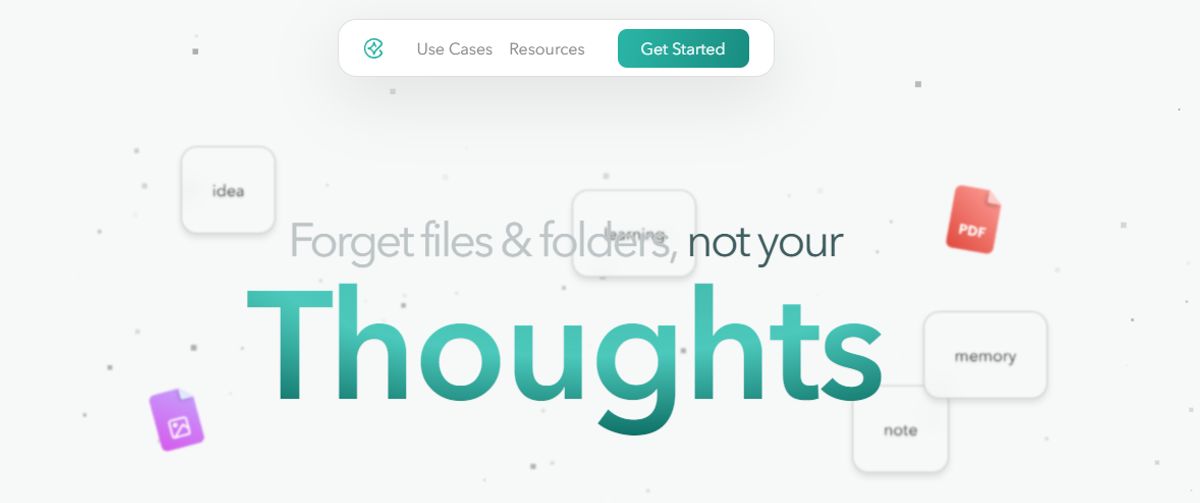
Constella transforms note-taking with an infinite canvas that helps you capture and connect ideas effortlessly. Powered by AI search, finding information is instantaneous. Whether you're a researcher trying to draw connections across numerous papers or want a more intuitive way to organize thoughts and files, Constella's AI assistant helps you build and navigate your knowledge base without the constraints of traditional folder structures.
Constella transforms how you capture, find, and connect your ideas, perfect for busy knowledge workers and researchers limited by conventional note-taking tools. Research 10 times faster with Constella's AI notes manager.
Key Features
- Infinite canvas to organize notes and files visually
- AI search to instantly find information
- Robust note-taking features to build your knowledge base
2. Notion: The All-in-One PKM Tool
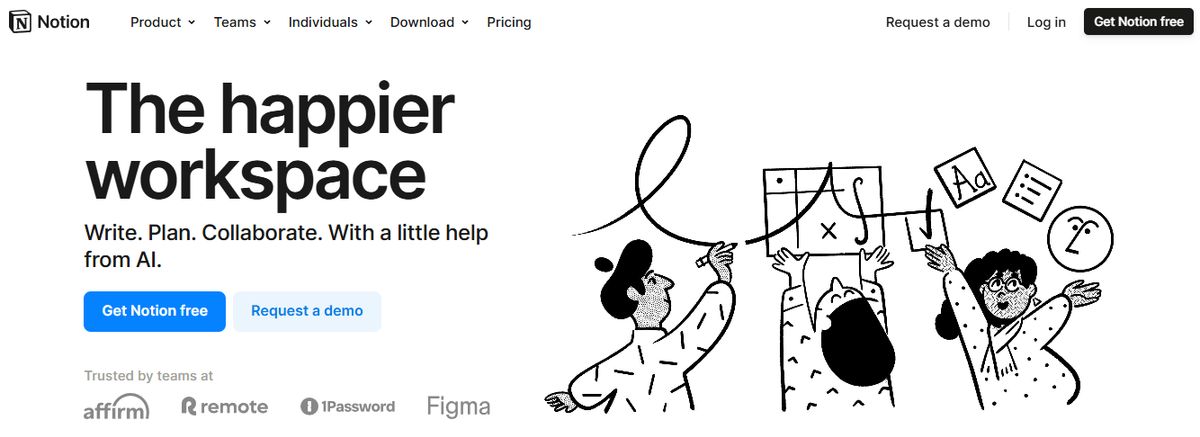
The notion is an all-in-one personal knowledge management (PKM) tool for teams and organizations. It helps you collectively build a simple and valuable knowledge base with your team. In addition to text, it allows you to add or drag and drop images, videos, audio files, and even link pages in your knowledge base. From managing client data and brainstorming ideas to tracking project milestones, Notion AI makes finding relevant information from your base easy. I also love how the AI writing tool provides note-editing and summarizing capabilities to enhance your knowledge base. Key Features
- Share knowledge, assign tasks, and collaborate in real-time with built-in tools for teams and projects.
- Create and link structured databases to manage projects, track clients, and organize resources.
- Access 20,000+ templates for creating company wikis, meeting notes, etc.
3. Tettra: Build a Better Knowledge Base
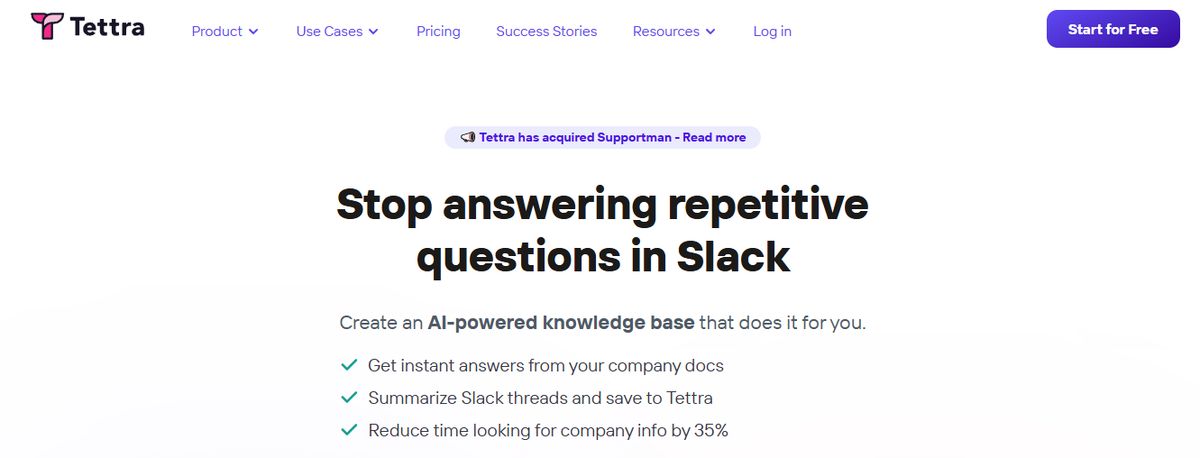
Tettra is a good software for building a centralized knowledge base and managing overall company knowledge. With Tetra’s simple editor, you can create new documentation or export existing content from tools like Google Docs, Notion, etc. Suitable for growing organizations, Tettra offers features such as AI-driven content suggestions and verification workflows to maintain accuracy and public knowledge-sharing capabilities.
Key Features
- Get answers to team questions from Tetra's AI assistant, Kai
- Verify content on a set schedule with the help of subject matter experts through knowledge automation
- Add media and cross-link files within the knowledge base
4. Evernote: The Comprehensive PKM Tool
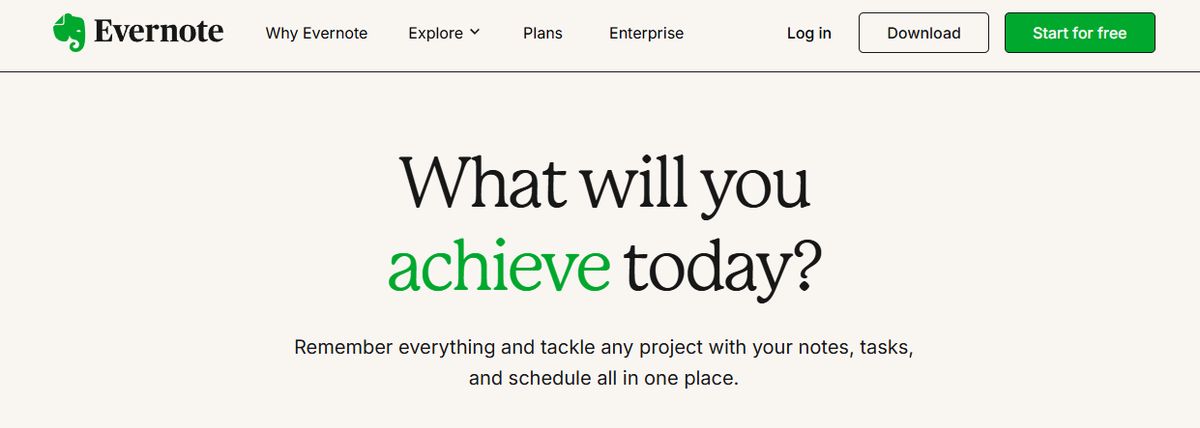
Evernote is a comprehensive personal knowledge management (PKM) and note-taking tool designed to help professionals capture, organize, and access information smoothly across devices. As the name suggests, it lets you jot down random thoughts and store important files and documents to develop a knowledge base. What I like about Evernote is its functionality to record audio notes for personal and professional purposes.
Key Features
- Digitize physical documents directly into Evernote so that there is easy access to relevant documents, papers, and lists
- Quickly locate information within your notes using natural language queries
- Easily sync information across devices to access it anytime from anywhere
5. Obsidian: The Powerful PKM Tool
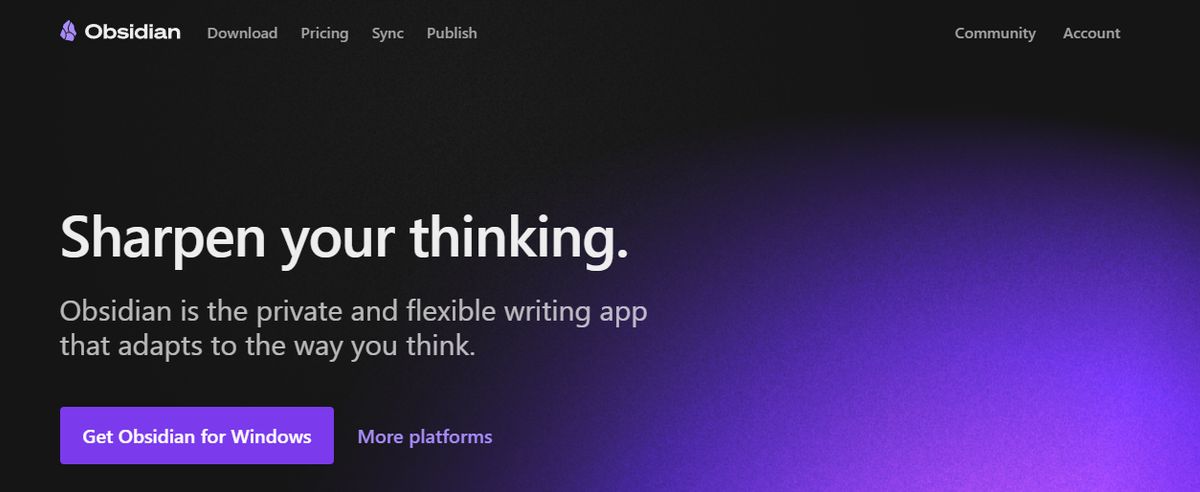
Obsidian is a powerful, markdown-based personal knowledge management (PKM) tool designed to help students effectively organize and connect their ideas. The app lets you jot down notes and graphically visualize their relationships. Whether building a personal wiki, creating mind maps, or developing a second brain, Obsidian offers unparalleled flexibility and control, making it a standout choice for students seeking to better their productivity and learning. Apart from building a personal knowledge base and wiki, I also like how Obsidian doubles as knowledge-sharing software, letting you publish personal wikis securely on the web.
Key Features
- Brainstorm, research, and map out your ideas with the Canvas feature
- Extend functionality with community-created plugins or personalize the interface to match your workflow and preferences
- Keep your data secure on your device and access it anytime, even without an internet connection
6. Bloomfire: The AI-Powered Knowledge Management Platform
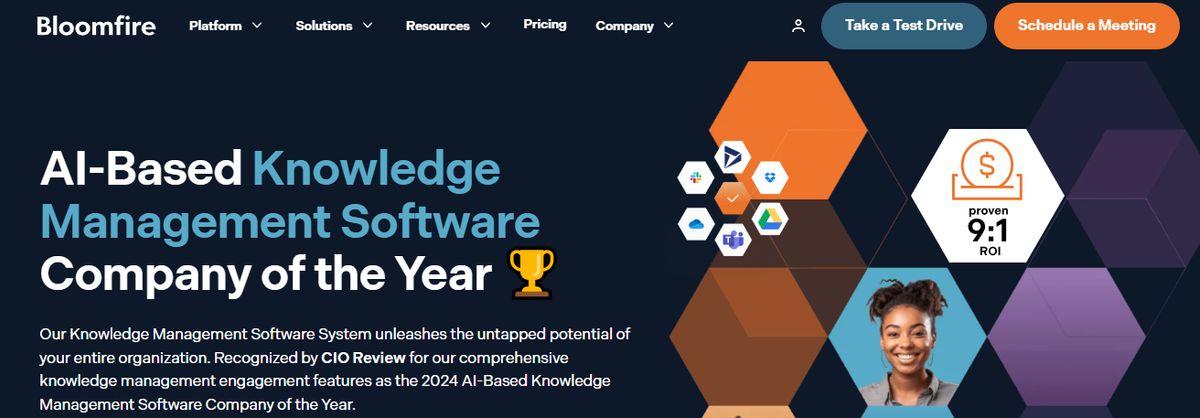
Bloomfire is a scalable AI-driven knowledge management platform for small to multinational enterprises of all sizes. Designed to centralize and democratize information within organizations, the platform helps professionals efficiently gain, organize, and share knowledge. How? Through building secure and searchable repositories. It provides content authoring and moderation tools to ensure only the most relevant and accurate content is published, enabling your teams to make reliable data-driven decisions.
Key Features
- Find relevant information with the advanced search functionality that indexes every word in all types of content, including videos
- Promote knowledge sharing and collaboration through interactive discussions and forums
- Track engagement metrics and gain insights into content performance with the dedicated analytics suite
7. Roam Research: A Unique PKM Tool

Another great note-taking PKM tool is Roam Research. Popular among researchers, writers, and lifelong learners, this tool is designed for non-linear thinking and idea organization. Roam helps students create a ‘networked thought’ system, connecting concepts and notes to mirror how the brain naturally works. Bidirectional linking on Roam enables you to create a web of interconnected notes and quickly identify relationships between disparate pieces of information.
Key Features
- Generate a daily note to help you keep track of your thoughts and ideas on a day-to-day basis
- Refer to and reuse pieces of text across different notes
- Store your notes as plain text files, making it easy for you to read and share them
8. Guru: The AI-Powered Company Wiki

Guru is an AI-powered knowledge management platform that converts your company’s collective knowledge into a single, centralized, and up-to-date Wiki for your employees. The AI search feature provides instant, personalized responses to your employees’ questions, enabling them to get back to their assigned tasks with clarity. Guru allows teams to maintain a single source of truth, ensuring that information is accurate, up-to-date, and easily retrievable—integral to improving operations and making informed decisions.
Key Features
- Create a personalized intranet that serves as a centralized hub for company information
- Connect to your existing apps, chats, and documents through AI
- Provides role-based access control functionalities
9. Document360: The All-in-One Workspace for Knowledge Management
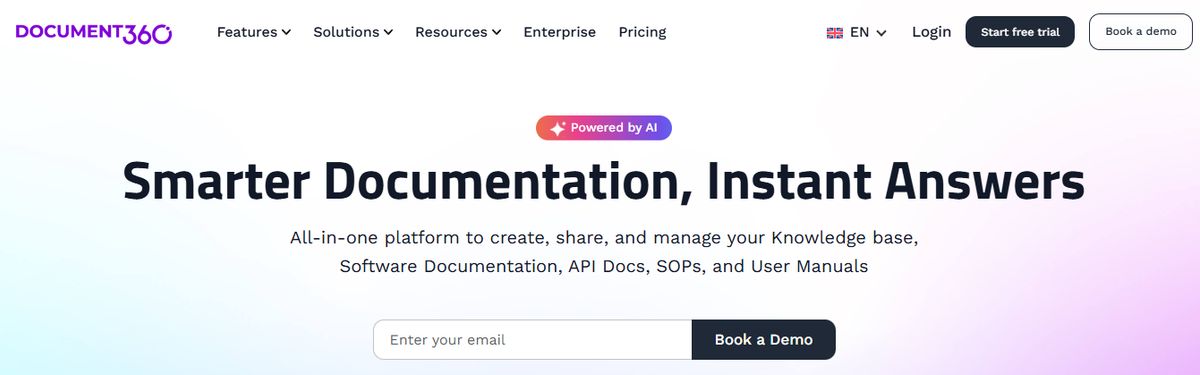
Another all-in-one workspace software for building customizable knowledge bases is Document360. This software helps you personalize your knowledge base with branded colors. It helps create dynamic, searchable, multilingual user manuals, SOPs, how-to guides, and other documents. Ideal for professionals seeking to streamline documentation processes, Document360 offers a user-friendly interface that caters to technical and non-technical users. Plus, it offers AI functionalities to simplify tackling all documentation needs.
Key Features
- Improve the context and relevance of documentation with real-time AI feedback
- Get insights into user behavior and content effectiveness to optimize knowledge management strategies
- Connect with popular tools like Slack, Microsoft Teams, Zendesk, and Intercom to build a cohesive workflow across platforms
10. Bear: The PKM Tool with a Minimalist Design

Bear is a Markdown note-taking app with a polished, minimal interface that lets you plan and organize your week, projects, and even wikis. Add text, photos, tables, and other elements to your notes, and then export them in formats such as PDF, DOCX, HTML, and more. Moreover, sharing your notes with others, including family, friends, or work colleagues, is easy.
Key Features
- Use quick and consistent styling across notes with Markdown
- Pin important tags with over 250+ tag options
- Draw and insert sketches anywhere in your note-taking process
11. Mem.AI: Your AI-Assisted PKM Tool

Mem.ai is an AI-powered personal knowledge management tool for researchers, managers, content creators, and entrepreneurs. Think of this AI tool as your assistant—it organizes your notes, summarizes insights, drafts tailored content, and digs up answers to your questions. In addition, the platform integrates with various productivity tools, allowing users to consolidate information from different sources into a unified workspace.
Key Features
- Automatically categorize and link related notes through AI to discover connections
- Effortlessly retrieve information based on context and content through advanced search capabilities
- Manage complex information with a user-friendly interface
12. Tana: The Advanced PKM Tool

Tana is one of the more advanced PKM tools and has much potential. Tana is a note-taking app focused on system-based organization. It comes with powerful features like supertags, AI abilities & a growing community of users. Features like graph view, superstars, and AI abilities help you better organize PKM notes in one place. Supertags are a unique system in Tana that allows you to apply the potential of templates to each of your notes. They allow you to add critical metadata to notes that you can reuse, which makes things easier with search.
13. Reflect Notes: The Smart Note-Taking App

Reflect Notes is a note-taking app that handles notes and tasks and organizes your upcoming meetings from Google Calendar as notes for agendas and more. It is also focused on secure note-taking with E2E encryption. Reflect Notes integrates artificial intelligence to streamline the management of notes, meeting notes, and ideas, making it a smart companion for those seeking efficiency.
Its user-friendly design makes the integration of AI into everyday knowledge management smooth and approachable. The AI's ability to provide smart summaries and insights is a game-changer, allowing users to save time while enhancing the overall productivity of their knowledge management efforts. As a PKM tool, Reflect Notes sits between a traditional tool and a PKM app, allowing you to have the traditional feel of Evernote but the potential of Obsidian.
14. Heptabase: The Visual Note-Taking App
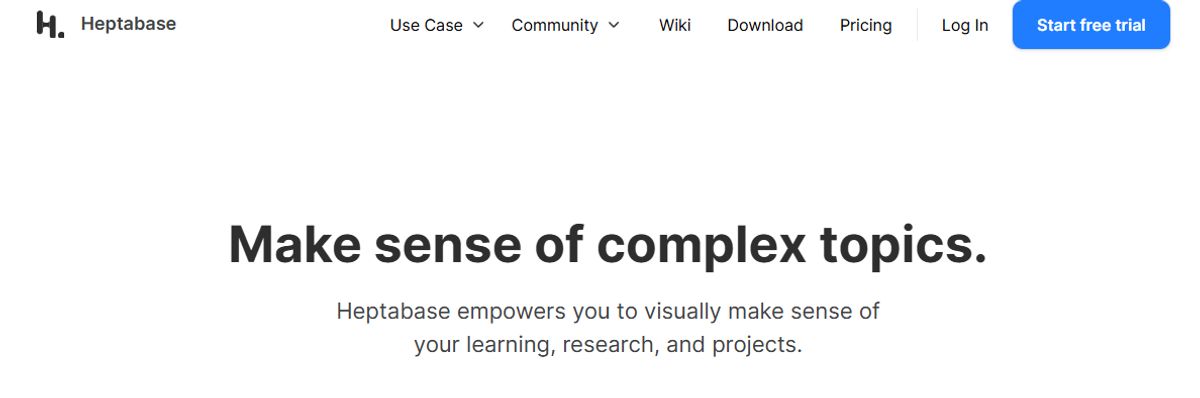
Heptabase is a visual note-taking app designed to help you bring ideas together in a canvas view. It allows you to add and link notes, which is popular with researchers and students. Heptabase is perfect for visual thinkers & those who want to get into PKM. It balances both worlds well with a canvas mode that allows you to add ideas by dragging them together, much like apps like Miro and Milanote.
Hetpabase even has project management abilities like Kanban views, which people will like if they want more structured ways to manage their knowledge base. It creates a different yet great PKM for visual thinkers and those who like open-plan ways of bringing ideas together. If you're a researcher, student, or visual thinker, Heptabase is a must-try. The application perfectly bridges the gap between handling notes in a PKM style whilst still being able to express them in a whiteboard fashion.
15. Capacities: The Object-Based Note-Taking Tool
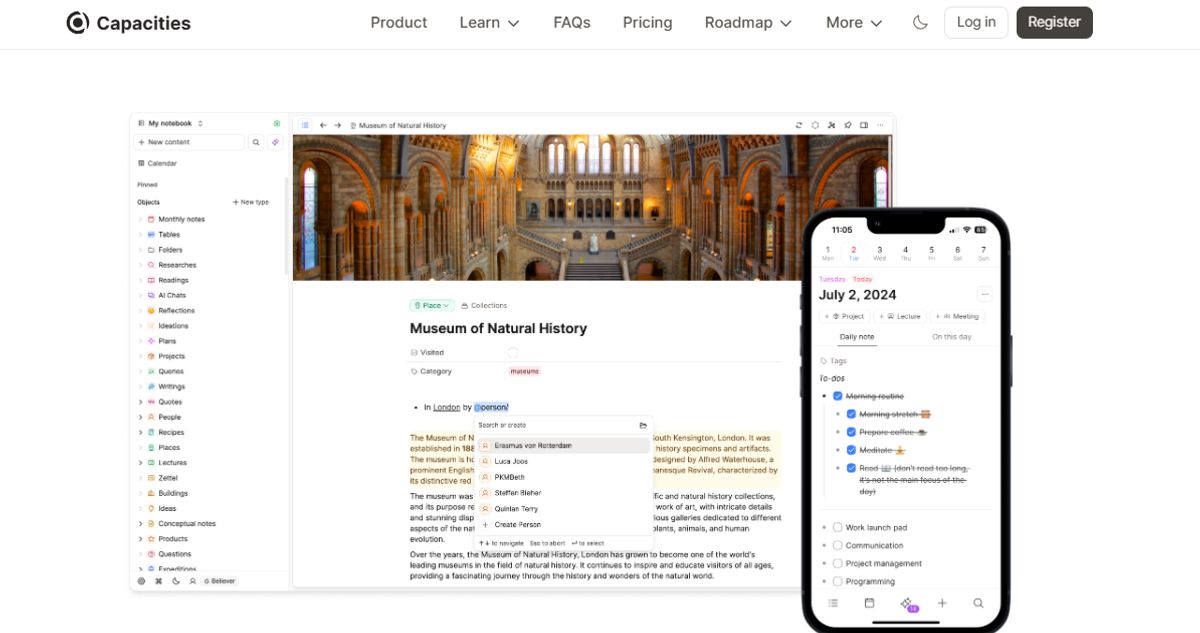
Capacities is a note-taking tool for PKM that uses object types to organize how you structure your knowledge base. It is popular with busy professionals and those who want to manage their notes using this system. Capacities introduce an innovative object-based approach to note-taking and PKM, organizing information around distinct knowledge units or 'objects.'
This approach allows for a more flexible and intuitive way of handling data, appealing to many knowledge workers. Capacities' integrated knowledge framework supports a more holistic view of personal and professional knowledge, making it an ideal tool for those seeking an adaptable and comprehensive knowledge management solution.
Related Reading
- Slite Alternatives
- Roam Research Alternatives
- Joplin Alternatives
- Notion Knowledge Management
- Coda Alternatives
- SiYuan Alternatives
How to Choose the Best PKM Tools

1. Clarify Your Objectives and Use Cases
Establish specific reasons for needing a PKM tool and detail how you'll use it.
To get started, ask yourself a series of questions.
- Will you use it for note-taking, task management, research, or habit tracking?
- Are you organizing personal knowledge, team projects, or both? Will it be for creative work, academic research, or professional tasks?
For example, tools like Obsidian or Notion may work best if you're a writer managing content drafts and research. If you're tracking habits, consider Trello or Day One.
2. Examine Core Features
Look for features that match your workflow.
As you assess different PKM tools, watch for key features to boost your productivity. Here are a few to consider:
- Organization: Do you prefer tags, folders, or databases? Ease of Access: Is it available on multiple platforms (desktop, mobile, web)?
- Searchability: Does it have advanced search and filtering options? Linking and Connecting: Can you create backlinks or use graph views (e.g., Obsidian)?
- Customization: Can you adapt layouts or workflows to fit your needs?
- Collaboration: Does it have shared workspaces or real-time partnerships if you're working with others?
3. Analyze Integrations and Ecosystem
Choose tools that integrate with your existing systems.
As you assess different options, consider how they fit into your digital ecosystem. Ask yourself:
- Does it connect with your email, calendar, or cloud storage?
- Can you import/export data easily?
- Does it support APIs or plugins for added functionality?
For example, Notion integrates well with tools like Google Drive and Slack, making it ideal for teams. Readwise connects with Kindle highlights and exports to tools like Roam Research or Obsidian.
4. Ease of Use and Learning Curve
Consider your comfort with technology and willingness to learn.
Different PKM tools vary in complexity and ease of use. Before committing to a tool, assess your comfort level with technology and how much you're willing to learn. Ask yourself:
- Is the interface intuitive?
- How long will it take to master the tool?
- Are there tutorials or community support?
For example, Evernote is beginner-friendly, while tools like Obsidian may require more time to understand due to its Markdown-based approach.
5. Scalability and Flexibility
Choose a tool that can grow with your needs.
- Consider how your needs may change over time.
- Will the tool handle increasing amounts of data?
- Does it support advanced workflows or customization?
For example, Obsidian scales well for complex knowledge graphs, while more straightforward tools like Google Keep may feel limiting over time.
6. Budget and Pricing
Understand the cost and assess its value.
Before committing to a PKM tool, get a firm grasp of the pricing structure and the features you’ll use. Ask yourself:
- Is it free, one-time purchase, or subscription-based?
- Are premium features necessary for your needs?
For example, tools like Notion and Obsidian have generous free plans, while Roam Research requires a subscription.
7. Security and Privacy
Ensure your data is safe and protected.
Before committing to a PKM tool, check its security and privacy features to ensure your data will be protected. Consider the following:
Is your data encrypted?
- Does the tool allow offline storage or local hosting?
- Does it comply with privacy regulations (e.g., GDPR)?
Logseq or Obsidian (local storage) might be better choices for sensitive information than cloud-only options.
8. Community and Support
Check the availability of user communities and support resources.
Before committing to a tool, check the availability of user communities and support resources. Ask yourself:
- Are there active forums or user groups?
- Is customer support responsive?
For example, Notion and Obsidian have large, active communities that share templates, workflows, and tips.
9. Trial and Experimentation
Try out multiple tools before committing.
Most PKM tools offer free plans or trial versions. Before committing to a specific tool, experiment with their features to see how they fit your needs.
10. Long-Term Compatibility
Think about future-proofing your knowledge base.
Before committing to a PKM tool, consider how future-proof it is. Ask yourself:
- Can you export your data quickly?
- Will the tool continue to be supported and updated?
For example, Markdown-based tools like Obsidian ensure your notes remain accessible even if you stop using the tool.
Research 10 Times Faster with Constella
Constella reimagines note-taking with an infinite canvas that lets you capture and connect ideas effortlessly, powered by A.I. search that makes finding information instantaneous. Whether you're a researcher trying to draw connections across numerous papers or want a more intuitive way to organize your thoughts and files, Constella's A.I. assistant helps you build and navigate your knowledge base without the constraints of traditional folder structures.
Constella transforms how you capture, find, and connect your ideas, perfect for busy knowledge workers and researchers limited by conventional note-taking tools. Research 10 times faster with Constella's A.I. notes manager.
Related Reading
Want more insights like this?
Subscribe to get short productivity tips and useful summaries of new tools every week.
Want more insights like this?
Subscribe to get short productivity tips and useful summaries of new tools every week.


