

When it comes to making study notes, you've got a lot of options. Each app features its tools and templates to help you organize your notes. So, figuring out the best fit for your study style can get overwhelming. But you don't have to go alone to it.
This post will help you decide between Obsidian and Notion, two of the most popular note-taking apps in the world. You'll learn about their similarities and differences to pick the best one for your goals, like creating a second brain app for faster note-taking. So, how to make study notes?
Another tool that can help you achieve your goals is Constella's AI notes manager. This innovative app can streamline how to make study notes so that you can achieve your objectives quicker and with less stress.
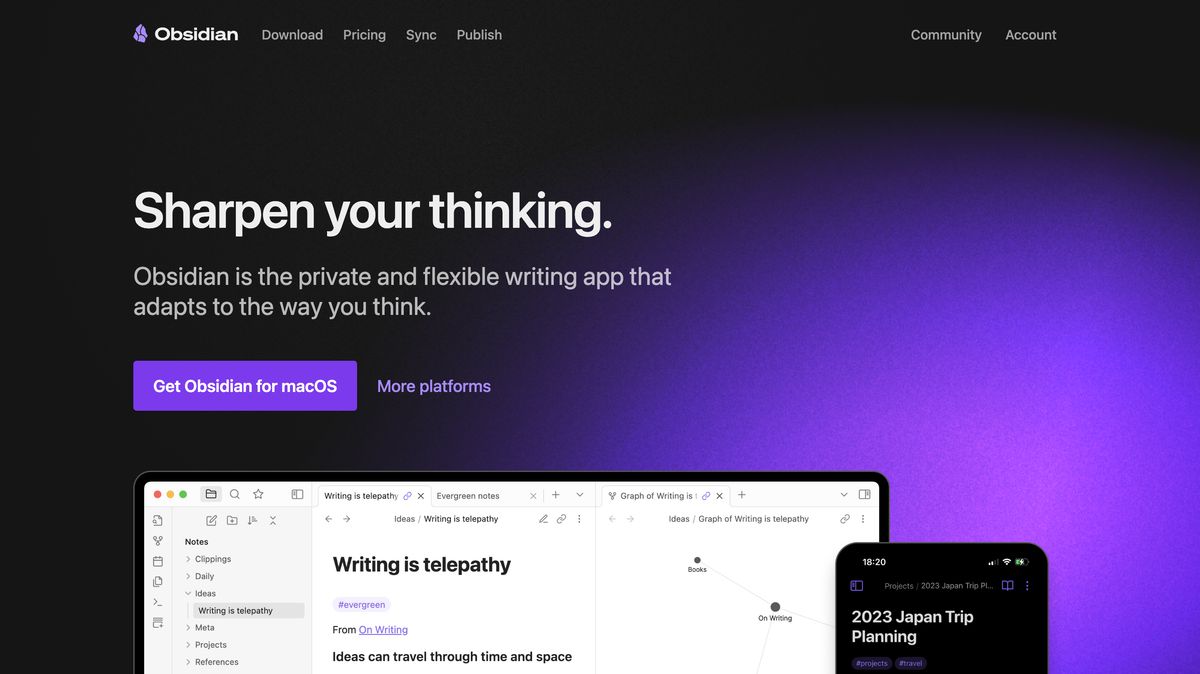
Obsidian's Background and Core Features
Obsidian is a note-taking and knowledge management tool that has gained a strong following among writers, researchers, and productivity enthusiasts. Founded by Shida Li and Erica Xu in March 2020, Obsidian is headquartered in Canada and offers local-first storage, markdown support, and extensive customization.
What Can You Do with Obsidian?
Obsidian is a writing app for distraction-free writing with markdown-based formatting. It lets users publish notes directly to a personal website. Obsidian syncs notes across devices with end-to-end encryption. It provides a visual workspace called Canvas for mapping thoughts. An audio recorder lets you record and embed voice notes for better documentation.

What the Heck is Notion, Anyway?
Notion is a cloud-based application that combines the features of several productivity apps into one customizable workspace. I’ve been a paying Notion user for years and rely on it for several business functions and household management. While Notion does offer a free version, the application's power and flexibility are so vast that my wife and I both have paid accounts to help manage our lives.
Notion is complex to describe because it’s so unique. While its characteristics resemble wikis, traditional note-taking apps, and databases, it’s really its own thing. It’s a fully customizable platform for organizing information that can be configured to meet your specific needs.
Once you learn how to use it, Notion is easy to set up and run. The tricky part is getting started. The interface can feel messy until you organize it to suit your preferences. However, for those willing to learn, Notion offers incredible flexibility and power.
Related Reading

User Experience: Intuitive Design vs. Markdown Learning Curve
Notion boasts a clean, attractive interface that is easy to navigate. Its friendly, drag-and-drop design makes organizing files and creating custom templates a breeze. Beginners will appreciate the platform’s WYSIWYG editor, which allows users to format content without knowing any markup language.
On the other hand, Obsidian utilizes Markdown for note-taking, which may have a steeper learning curve for those unfamiliar with markup languages. However, it provides a clean and distraction-free environment, which many writers and researchers appreciate.
Data Privacy: Cloud Storage vs. Local Storage
Notion stores data on the cloud, facilitating easy access across devices and smooth collaboration. However, this means users rely on Notion's servers for data storage.
Obsidian, by contrast, emphasizes local storage, giving users complete control over their data. This approach enhances privacy and security, as notes are stored directly on the user's device.
Collaboration: Team Player vs. Lone Wolf
Notion is designed for collaboration. It allows multiple users to edit documents in real time, leave comments, and mention team members, making it ideal for team projects and shared workspaces.
Obsidian, on the other hand, is primarily a personal note-taking tool. It lacks native collaboration features. While users can share notes by exporting them or using third-party plugins, real-time collaboration is not its strength.
Customization: Templates and Integrations vs. Plugins and Themes
Notion provides a range of templates and integrates with over 100 tools, including Figma, Trello, GitHub, Slack, and Zoom. While it offers some customization, it may not match the depth provided by Obsidian’s plugin ecosystem.
Obsidian, by contrast, is highly customizable through a vast array of community plugins and themes. Users can tailor the interface and functionality to their needs, making it ideal for those who prefer a personalized setup.
Organization: Hierarchical Structure vs. Folder-Based System
Notion organizes content using a workspace structure with pages and sub-pages. This hierarchical system is straightforward and visually accessible via a sidebar.
Obsidian employs a folder-based system within "Vaults." Users can create sub-folders and utilize features like graph view and Canvas to visualize connections between notes, offering flexibility in organizing information.
Academic and Technical Writing: Ease of Use vs. Markdown Support
Notion is suitable for general note-taking, but has limitations for academic writing. It lacks full Markdown support, making LaTeX integration cumbersome. Additionally, handling of references and citations is less efficient.
Obsidian excels in academic and technical writing. It supports full Markdown, integrates smoothly with LaTeX, and efficiently manages references and citations, making it a preferred choice for researchers and academics.
Knowledge Management: Linking Capabilities and Visualization Tools
Notion offers relational databases and simple page linking, which are effective for project management and collaborative knowledge sharing. However, it lacks advanced connection visualization tools.
Obsidian features advanced linking capabilities, including bidirectional linking and a graph view to visualize connections. It supports wiki-style internal linking and is excellent for building a personal knowledge base, effectively implementing the “Zettelkasten” method.
Cross-Platform Availability: Desktop and Mobile Apps vs. Web-Based Functionality
Notion is web-based and offers native applications for various platforms, including iOS and Android, ensuring smooth synchronization and a consistent experience across devices.
Obsidian provides desktop applications for Windows, macOS, and Linux, as well as mobile apps for iOS and Android. However, synchronization across devices requires a paid subscription.
AI Integration: Built-In vs. Third-Party Plugins
Notion includes Notion AI, an integrated assistant that helps generate content, summarize notes, translate text, and more, directly within your workspace.
Obsidian doesn't include native AI capabilities. However, users can integrate third-party plugins, such as Obsidian AI Assistant, to add functionalities like ChatGPT or Claude AI, though this requires additional setup.
Pricing: Free vs. Paid Plans
Notion offers a free plan with essential features. Paid plans, starting at $8 per user per month, provide additional functionalities suitable for teams and businesses.
Obsidian is free for personal use, with optional paid services like Obsidian Sync ($4/month) for synchronization and Obsidian Publish ($8/site/month) for publishing notes online.
1. Constella
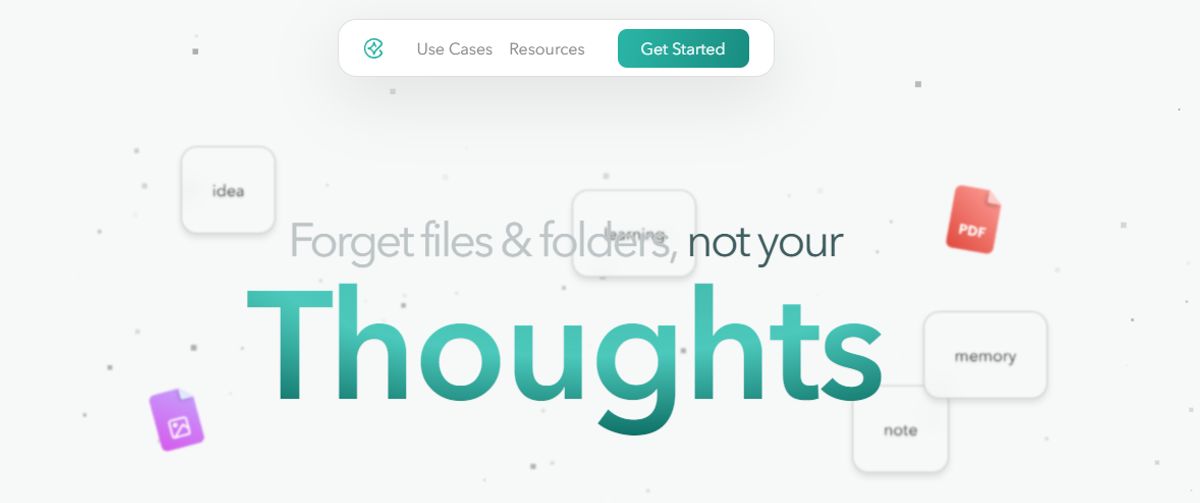
Constella reinvents the approach to note-taking by offering an endless canvas for capturing and connecting ideas with ease. An AI search function enables users to find information almost instantly. Constella helps researchers draw connections across many papers and provides a more intuitive way to organize thoughts and files.
Whether you’re a busy knowledge worker or just looking to revamp your personal knowledge base, Constella’s AI assistant helps you build and navigate your repository without the limitations of traditional folder structures. For those who find conventional note-taking tools constrictive, Constella transforms how you capture, find, and connect your ideas. Research ten times faster with Constella’s AI notes manager.
2. Microsoft OneNote
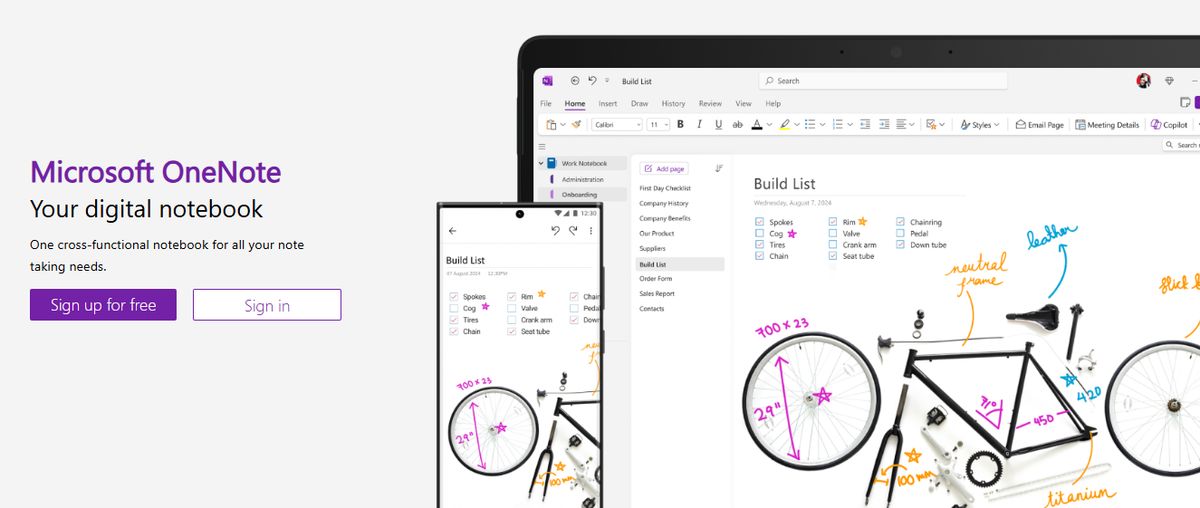
I used to rely on Microsoft OneNote to keep track of lectures, class notes, and study materials in one place. Even now, as a professional, I can use it for meeting notes or brainstorming sessions. One of my favorite features is voice transcription. I can record meetings or speak my thoughts, and OneNote converts them into text almost instantly. This lets me focus better on the conversation during meetings without worrying about writing everything down.
Best Features:
- Prompt Copilot (Microsoft’s AI) to draft plans, generate ideas, or create lists based on what you’re working on.
- Use the tool as your digital drawing board.
- Share your notes and collaborate on them with teammates.
Limitations
- Takes time to sync notes across multiple devices.
3. Nuclino
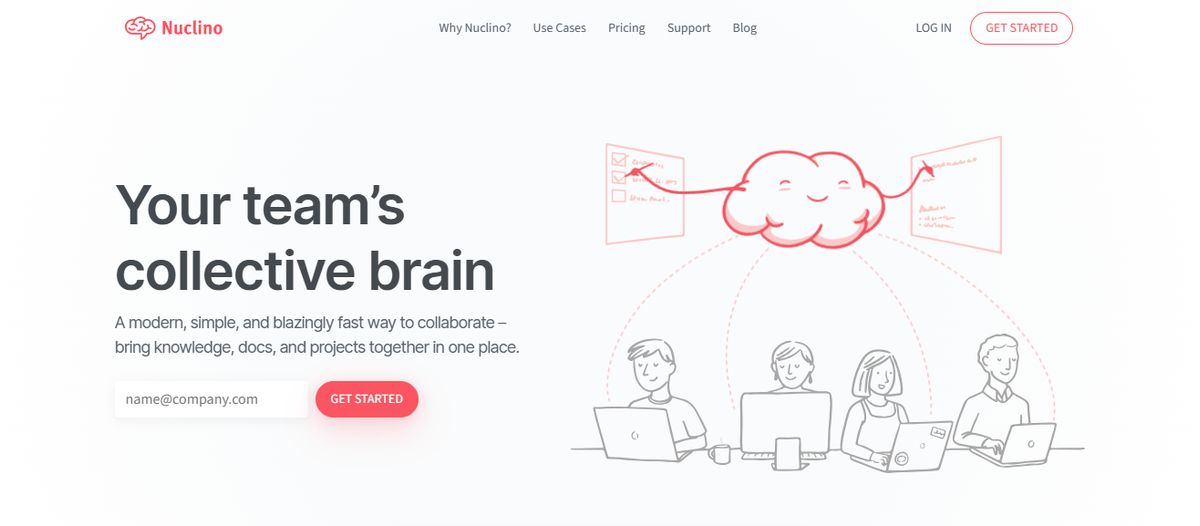
Nuclino is a relatively new all-purpose productivity suite with features to create documents, brainstorm ideas, and manage tasks. It is one of the many apps that work on building a digital brain/neural network. In my experience, Nuclino is too focused on being a knowledge base or a repository of information. It aims to simplify complex processes instead of making space for them. This can be restrictive, especially when you have sprawling ideas/projects.
Best Features:
- Collaborative with documents where you can make notes, tag people, create tasks, embed files, etc.
- Simple features and minimal UI ensure speed.
- Suitable for developers who are used to keyboard shortcuts and hotkeys.
Limitations
- Optimized for simplicity, which can be unsuitable for big databases and complex use cases.
- Lack of custom branding, themes, and styles.
- It can be difficult for fast-growing startups to scale Nuclino as the organization grows.
4. Apple Notes
Apple Notes is perfect for iOS users who want to take notes on the go. My notes were smoothly synced across all my Apple devices, ensuring I could always access them no matter which device I used. One feature I found especially useful is the document scanning tool, which allowed me to quickly convert physical documents into PDFs without needing third-party apps. I also love the Scan Text feature of this notes app. Whether it’s text from a newspaper, a digital screen, or any other surface, it effortlessly detects and copies the text into my notes.
Best Features
- Categorize similar notes into folders.
- Search notes by tags.
- Attach files, recorded audio, photos, and videos to notes.
Limitations
- Lacks basic features for team collaboration.
5. Evernote
Evernote is one of the earliest independent note-taking apps. Before using Notion or looking for alternatives, Evernote was on my list. It is a simple, clean productivity tool that allows you to add text, images, web pages, PDFs, and audio notes.
Best Features
- Easy to use with just the right kind of formatting features.
- Ability to capture notes in several formats.
- Integrations with Google Calendar, Slack, Microsoft Teams, etc., to streamline workflows.
- Secure storage for essential documents like ID cards, invoices, insurance files, etc.
- AI-powered search to find what you need instantly!
Limitations
- Project management features are limited to creating tasks and to-dos.
- Limited live collaboration features.
6. Google Keep
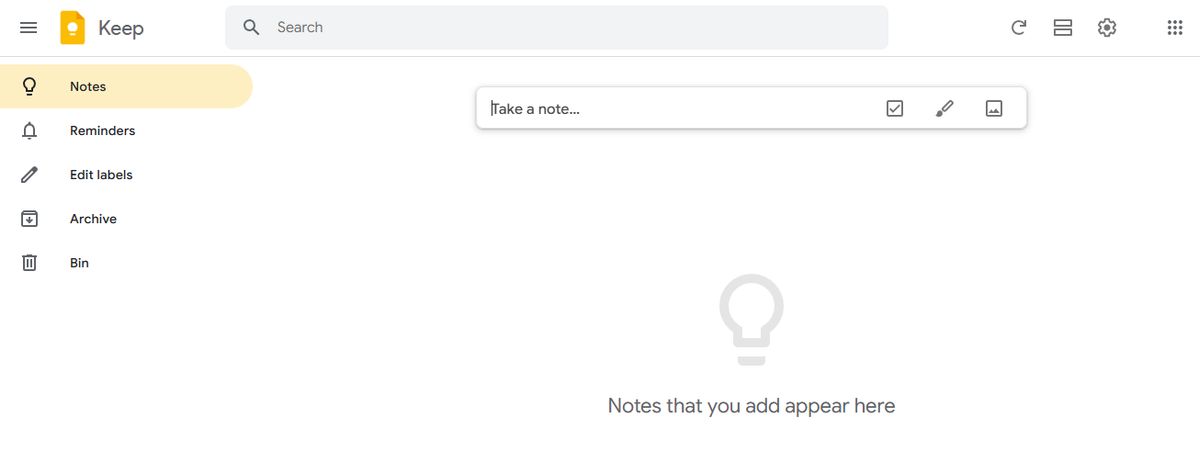
Google Keep allows users to effortlessly capture content, including notes, lists, photos, and audio, and organize it on a digital bulletin board. Sharing notes among family and friends is simple. For example, you can share a shopping list and see updates in real time as items are checked off—there is no need for back-and-forth communication.
I like Google Keep’s voice note feature. When I’m in a rush and need to jot down something important, I can simply record a voice memo instead and transcribe it into text later—fast and efficient! Like Apple Notes, anything more complex or advanced you want from the tool is a struggle.
You might think Google would make more effort to combine the Keep experience with Google Tasks and Calendar, but it hasn’t happened. They continue to be disparate experiences, which can be frustrating if you want an all-in-one software or expertise.
Best Features
- With time-based and location-based reminders, you can remember your to-dos at the right place and time.
- Organize notes using labels and colors.
- Integrate your notes smoothly with Google Docs, Calendar, and other apps within the Google ecosystem.
- Pin notes to your device's home screen and stay on top of priority tasks.
Limitations
- More suitable for quick notes rather than detailed, lengthy note-taking.
- The features are too basic for complex note organization.
7. Confluence

Atlassian’s Confluence is documentation and collaboration software designed for development teams. It allows users to take notes, organize them, add keyword labels, and archive them for organizational use. Like many of Atlassian’s products, Confluence is designed for large enterprise teams that create comprehensive knowledge bases. While you can undoubtedly take meeting notes on Confluence, that is not the best use.
Best Features
- Page tree organization to quickly find documents.
- Live collaborative editing with in-line comments, likes, GIFs, and emojis.
- Features to tag people, comment, and assign to tasks.
- Great for company-wide announcements.
- Thorough permission settings for secure sharing.
Limitations
- Designed for techies, it can have a steep learning curve for the rest of us.
- Complex access control dashboards.
- Limited compatibility with other apps.
8. Document360
Another all-in-one workspace software for building customizable knowledge bases is Document360. This software helps you personalize your knowledge base with branded colors. It helps create dynamic, searchable, multilingual user manuals, SOPs, how-to guides, and other documents. Ideal for professionals seeking to streamline documentation processes, Document360 offers a user-friendly interface that caters to technical and non-technical users. Plus, it gives AI functionalities to simplify tackling all documentation needs.
Best Features
- Improve the context and relevance of documentation with real-time AI feedback.
- Get insights into user behavior and content effectiveness to optimize knowledge management strategies.
- Connect with popular tools like Slack, Microsoft Teams, Zendesk, and Intercom to build a cohesive workflow across platforms.
Limitations
- A few features are only available through costly add-ons.
- New users might require time to fully leverage the platform’s extensive capabilities.
9. Slite

Slite is a new AI-powered collaborative knowledge base platform that enables organizations to create a single source of truth for all their information. After trying various tools, I mainly chose Slite because of its collections feature, which keeps related documents organized, filtered, and sorted as needed.
With pre-existing note-taking templates for various use cases and the ability to create your own, Slite is great for streamlining knowledge management. However, Slite is a knowledge base, and that’s that. To go from information to action, you need a different tool.
Best Features
- Designed to adapt to all note-taking, including company wiki, meeting notes, process documentation, etc.
- Each note can include text, images, tables, and embeds of files like Google Docs or Miro boards.
- Automation to create recurring docs and reminders.
- AI features for spell checks, summarizing, simplifying language, changing tone, and more.
Limitations
- Lacks advanced project management features.
- No in-built visual collaboration features, such as Whiteboard or Mind Maps.
10. UpBase
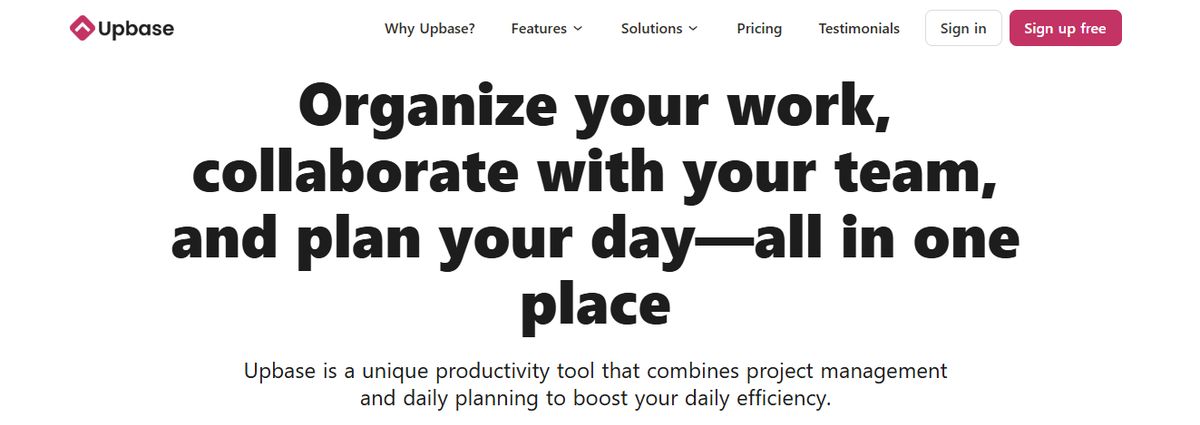
At its core, Upbase is a project management tool with note-taking capabilities. It includes planners, time-blocking, pomodoro, and other productivity features to keep you focused. However, it is highly concentrated on individual productivity rather than team collaboration.
Best Features
- Personal productivity tools are included in the app.
- Simple and easy to use by design.
- List and board views for project tracking.
- Collaborative features on documents, like comments, @mentions, custom meeting notes templates, and sharing.
Limitations
- Limited integrations with popular productivity tools.
- No offline mode available.
- It may be too simple for enterprise needs.
Related Reading
- Benefits of Note Taking
- Outline Method Notes Example
- Microsoft Loop vs Notion
- Notion vs Notability
- Notion vs Google Docs
Research 10 Times Faster with Constella
Constella reimagines note-taking with an infinite canvas that lets you capture and connect ideas effortlessly, powered by AI search that makes finding information instantaneous. Whether you're a researcher trying to draw connections across numerous papers or someone who wants a more intuitive way to organize your thoughts and files, Constella's AI assistant helps you build and navigate your knowledge base without the constraints of traditional folder structures.
Perfect for busy knowledge workers and researchers limited by conventional note-taking tools, Constella transforms how you capture, find, and connect your ideas. Research 10 times faster with Constella's AI notes manager.
Related Reading
- Obsidian vs Notion
- Notion vs Apple Notes
- Evernote vs Apple Notes
- Apple Notes vs Google Keep
Want more insights like this?
Subscribe to get short productivity tips and useful summaries of new tools every week.
Want more insights like this?
Subscribe to get short productivity tips and useful summaries of new tools every week.


