

We’ve all been there before: You hear an interesting podcast, read an engaging article, or attend an insightful webinar. Tell yourself you will write down the notes from this content and organize them to make them useful. Then you forget. Or, you open a new document, take some notes, and promptly forget about them forever.
Your best bet for organizing knowledge so that you can retrieve it later is to avoid personalizing the process. Instead, think about how you can utilize existing personal knowledge management templates in Notion to organize the notes in a way that makes sense. This article explores how Notion can help you manage your knowledge while making it easy to retrieve the information later.
Once you’ve got a handle on Notion knowledge management, you can boost your efficiency even further with Constella’s AI notes manager. This tool helps you automatically organize your notes so you can retrieve them easily when you need them.
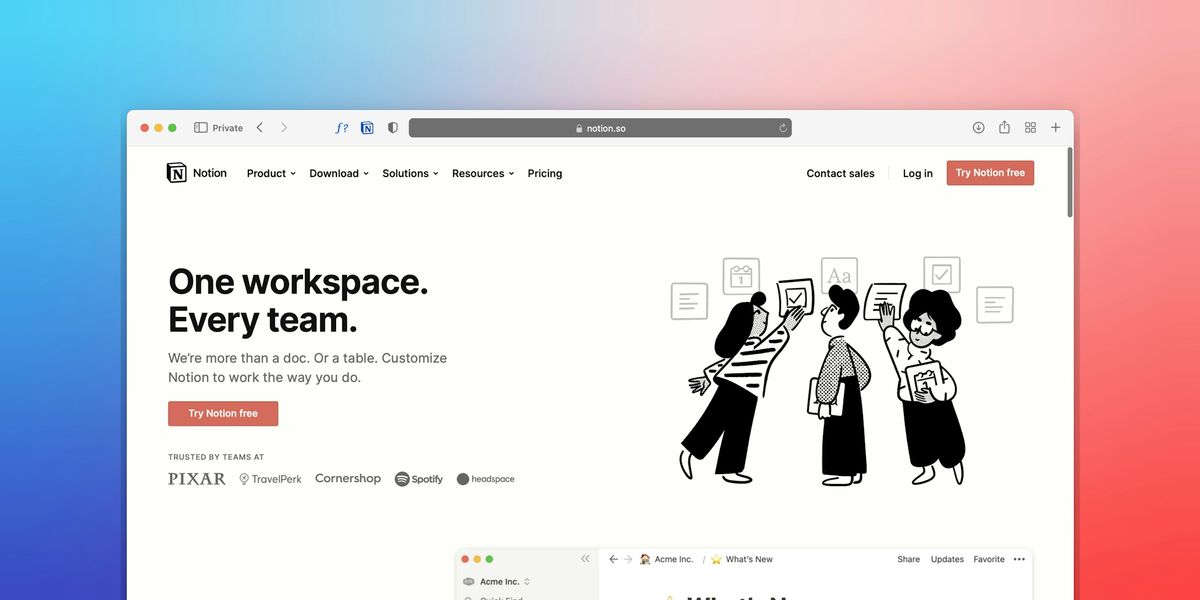
Build Your Knowledge Base with Notion
The notion is a powerful tool for personal knowledge management. I recommend starting by creating a library of your collected knowledge. You can build a comprehensive database to store resources like books, articles, courses, podcasts, and videos. This centralized library ensures all your materials are accessible in one place. For each entry, you can define properties like Type (e.g., book, article, video), Status (e.g., to-read, in-progress, completed), and Source to categorize and track your resources effectively.
Create Connections with Relational Databases
Relational databases are another powerful way to get organized in Notion. You can use these to connect your library to other databases, like a People database for authors and creators or a Tags database for topics and themes. This interconnectedness allows for easy retrieval and association of related information.
Make Notes and Resources Easy to Capture
One of the biggest challenges in knowledge management is figuring out how to get information into your system. Notion's button feature helps you get around this. You can set up a button to swiftly add a new book or note, applying predefined templates to maintain consistency. This makes it easy to capture information as you come across it so you can organize and explore it later.
Don't Forget to Review Your Knowledge Regularly
Once you've built a solid knowledge management system in Notion, you can use it to help you. Set up a review process to review your collected notes and resources regularly. Assess their relevance, organize them into appropriate projects or categories, and decide on actionable steps.
Notion Knowledge Management Features
Flexibility and Customization: Build Your Own Personal Knowledge Management System
Notion’s flexibility makes it one of the best tools for personal knowledge management. With Notion, you can create a highly customized workspace that suits your unique preferences and style. The app allows you to create and organize various content types, including documents, databases, task lists, etc. You can structure information in a way that makes sense and change it whenever possible.
All-in-One Platform: Reduce App Fatigue with Notion
Notion serves as a comprehensive all-in-one platform for personal knowledge management. It offers features for note-taking, project management, knowledge sharing, and more, eliminating the need for multiple tools to complete your work.
Visual Appeal: Create Engaging Knowledge Management Systems
Notion’s interface is visually appealing and allows you to create attractive and engaging documents. Notion supports rich media like videos, images, and audio files and lets you customize the layout of your pages for easy navigation.
Community Templates: Get Started with Notion’s Personal Knowledge Management Templates
Notion has an extensive library of community-created templates that you can use to get started with the app. These pre-designed layouts are made for all kinds of use cases, so you can find one that fits your needs and personalize it to create your own PKM system.
Related Reading
- PKM Tools
- Personal Knowledge Management Tools
- Second Brain Apps
- Second Brain Method
- Heptabase Alternative
- Zettelkasten Note Taking
Pros and Cons of Notion Knowledge Management

The Bright Side of Notion for Personal Knowledge Management
Notion offers distinct advantages for personal knowledge management, especially for users who like to customize their workflow. Here are all the pros of Notion for PKM:
1. Unmatched Flexibility
Notion isn't just a note-taking app; it's a blank canvas for creating anything you can imagine. Databases, kanban boards, calendars, wikis—the list goes on. This flexibility allows users to tailor the platform to their needs, creating a personalized workspace that fits their unique workflow.
2. Deep Customization
Notion offers extensive customization options, from custom layouts and colors to embedded content and integrations. You can personalize your workspace to match your preferences and boost productivity by creating a visually appealing and intuitive environment.
3. Powerful Collaboration
Notion shines in collaborative settings. Real-time editing, shared workspaces, and granular permission controls make it ideal for teams to collaborate on projects, brainstorm ideas, and track progress seamlessly.
4. Offline Access
Work on the go without worrying about internet connectivity. Notion syncs your data across devices, allowing you to access your notes and projects offline.
5. Continuous Improvement
The Notion team is constantly releasing new features, updates, and improvements. This dedication to development ensures the platform remains relevant and adapts to evolving user needs.
The Not-So-Shiny Cons of Notion
While Notion has its strengths, it's not without its drawbacks. Here are some potential downsides to consider:
1. Learning Curve
The sheer flexibility of Notion can be overwhelming for new users. The learning curve can be steep, especially for unfamiliar with its unique interface and features.
2. Potential for Distraction
While empowering, endless customization options can also be a double-edged sword. Tweaking and tinkering can become a time-consuming distraction, detracting from actual productivity.
3. Pricing Concerns
The free plan has limitations, and paid plans can become expensive for individual users. This can be a barrier for those seeking a more affordable productivity solution.
4. Desktop App Dependence
While Notion offers a web app, the desktop app provides a more robust and feature-rich experience. This can be inconvenient for users who primarily work on laptops or tablets.
5. Bugs and Glitches
Like any software, Notion can experience bugs and glitches, which can be frustrating for users relying on it for critical tasks.
8 Best Notion Alternatives for Personal Knowledge Management
1. Constella: A New Approach to Note-Taking
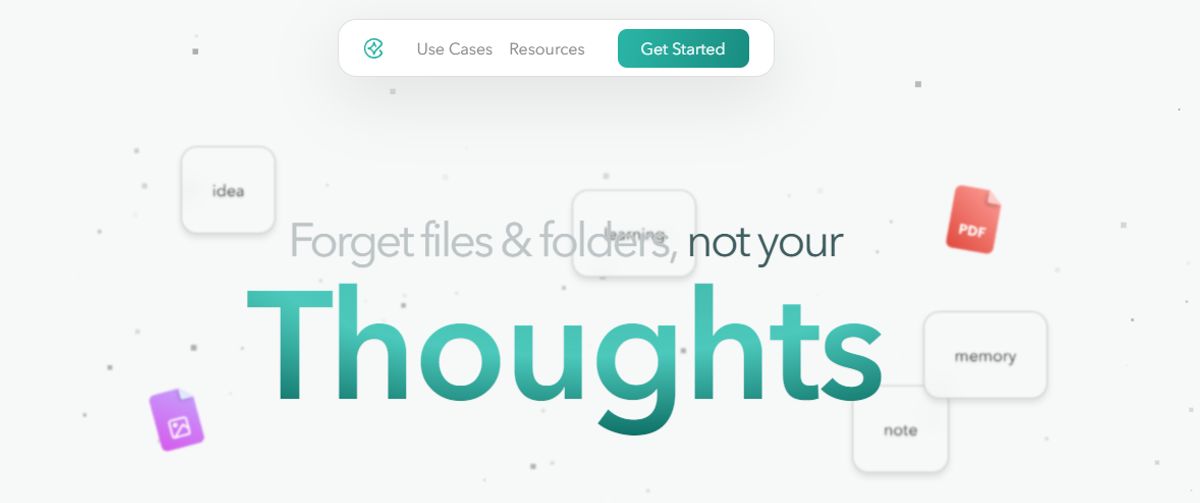
Constella transforms traditional note-taking with an infinite canvas that helps you capture and connect ideas easily. You can jot down thoughts, files, and notes without worrying about folder structures, while an AI assistant enables you to build and navigate your knowledge base. Constella is especially suitable for researchers who need to find and connect information across various sources quickly. The intuitive interface and AI search allow you to research ten times faster.
2. Tettra: Build a Knowledge Base with Ease
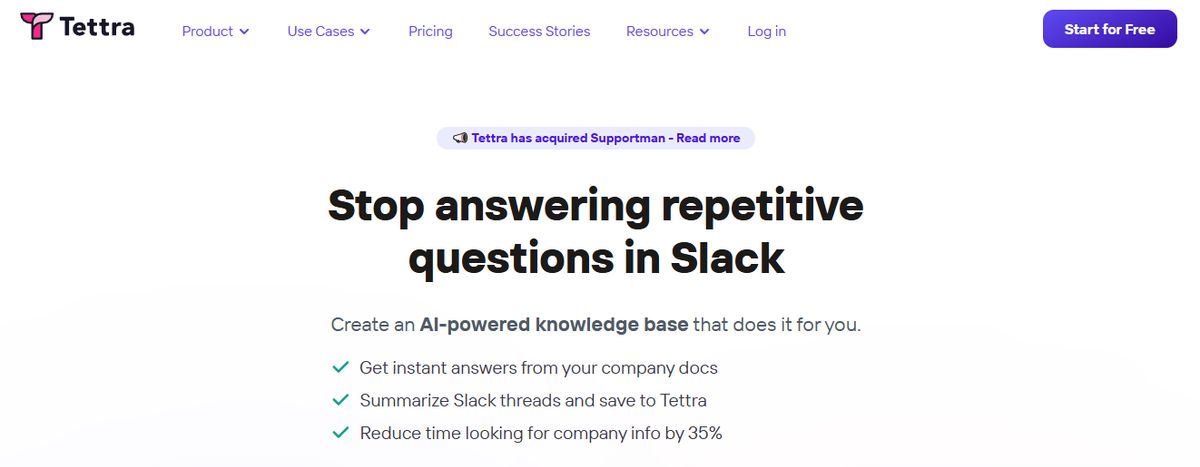
Tettra is effective for creating a centralized knowledge base and managing company information. The simple editor allows users to create new documentation or export existing content from other tools like Google Docs and Notion.
Tettra includes features such as AI-driven content suggestions to help you build your knowledge base faster and verification workflows to maintain accuracy. The software is ideal for growing organizations looking to improve productivity and streamline operations.
Pros
- Get answers to team questions from Tettra’s AI assistant, Kai.
- Verify content on a set schedule with the help of subject matter experts through knowledge automation.
- Add media and cross-link files within the knowledge base.
Cons
- Provides limited formatting features compared to other personal knowledge management tools.
- Users may find the Professional subscription too expensive.
3. Evernote: Capture Information with a Comprehensive Tool
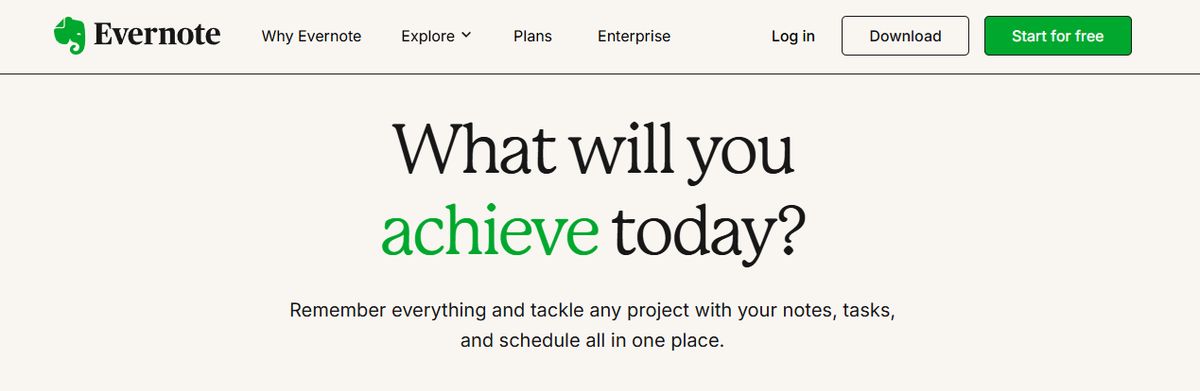
Evernote is a complete personal knowledge management and note-taking tool designed to help professionals capture, organize, and access information seamlessly across devices. As the name suggests, it lets you jot down random thoughts and store important files and documents to develop a knowledge base.
What I like about Evernote is its functionality to record audio notes for personal and professional purposes.
Pros
- Digitize physical documents directly into Evernote to easily access relevant documents, papers, and lists.
- Quickly locate information within your notes using natural language queries.
- Easily sync information across devices to access it anytime from anywhere.
Cons
- Some users find the mobile app less user-friendly than the desktop version.
- The free version offers a limited storage capacity.
4. Bear: A Minimalistic Note-Taking App for Apple Users

Bear is a flexible note-taking app for macOS and iOS that features rich text editing, organization tools, and markdown support. Users can create notes in various formats, including text, images, links, and files, and organize them using tags, folders, and search functionality.
Bear also offers themes, focus mode, and encryption for secure note-taking.
Pros
- Excellent Markdown Support: Seamless integration with Markdown formatting allows for quick and efficient note-taking with minimal distractions.
- Smooth Apple Ecosystem Integration: As an Apple-centric app, Bear syncs flawlessly across Mac, iPad, and iPhone devices using iCloud.
- Intuitive Tagging System: An easy-to-use hashtag system for effective note organization and retrieval.
- Good Export Options: Ability to export notes in various formats like plain text, HTML, and PDF.
Cons
- Limited Platform Availability: Bear is only available on Apple devices, making it inaccessible for users on Windows or Android.
- No Web Interface: Users cannot access Bear Notes through a web browser.
5. Obsidian: A PKM Tool That Organizes Your Notes Visually
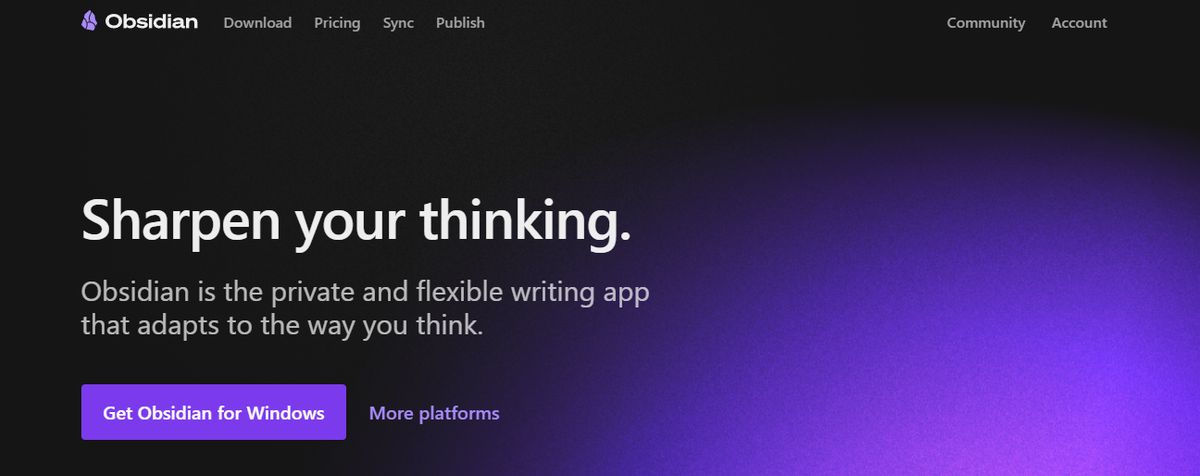
Obsidian is a powerful, markdown-based personal knowledge management tool designed to help you effectively organize and connect ideas. The app lets you jot down notes and graphically visualize their relationships.
Whether building a personal wiki, creating mind maps, or developing a second brain, Obsidian offers unparalleled flexibility and control, making it a standout choice for students seeking to better their productivity and learning.
Apart from building a personal knowledge base and wiki, I also like how Obsidian doubles as knowledge-sharing software, letting you publish personal wikis securely on the web.
Pros
- Brainstorm, research, and map out your ideas with the Canvas feature.
- Extend functionality with community-created plugins or personalize the interface to match your workflow and preferences.
- Keep your data secure on your device and access it anytime, even without an internet connection.
Cons
- Extensive customization options and markdown syntax may feel overwhelming for beginners.
- Obsidian focuses on individual workflows with no built-in team collaboration features.
6. Roam Research: Capture Notes Like Your Brain Works

Another great note-taking PKM tool is Roam Research. Popular among researchers, writers, and lifelong learners, this tool is designed for non-linear thinking and idea organization. Roam helps students create a ‘networked thought’ system, connecting concepts and notes to mirror how the brain naturally works.
Bidirectional linking on Roam enables you to create a web of interconnected notes and quickly identify relationships between disparate pieces of information.
Pros
- Generate a daily note to help you keep track of your thoughts and ideas on a day-to-day basis.
- Refer to and reuse pieces of text across different notes.
- Store your notes as plain text files, making reading and sharing them easy.
Cons
- Roam Research’s design is not aesthetically pleasing.
- Some users may find its pricing costlier than other tools due to the lack of free options.
7. Guru: AI for Knowledge Management

Guru is an AI-powered knowledge management platform that converts your company’s collective knowledge into a single, centralized, and up-to-date Wiki for your employees.
The AI search feature provides instant, personalized responses to your employees’ questions, enabling them to get back to their assigned tasks with clarity.
Guru empowers teams to maintain a single source of truth, ensuring that information is accurate, up-to-date, and easily retrievable—integral to improving operations and making informed decisions.
Pros
- Team collaboration: Facilitates seamless knowledge sharing across teams by allowing users to create, edit, and access information collectively.
- Integrations with other tools: Can integrate with platforms like Slack and Microsoft Teams, providing direct access to information within the workflow.
- Relevant suggestions: AI-powered suggestions help users discover related information quickly and efficiently.
Cons
- Guru provides limited customization options compared to other software.
- There is a chance of outdated or duplicate content with the growth of the knowledge base.
8. Document360: Create Knowledge Bases with an All-in-One Tool
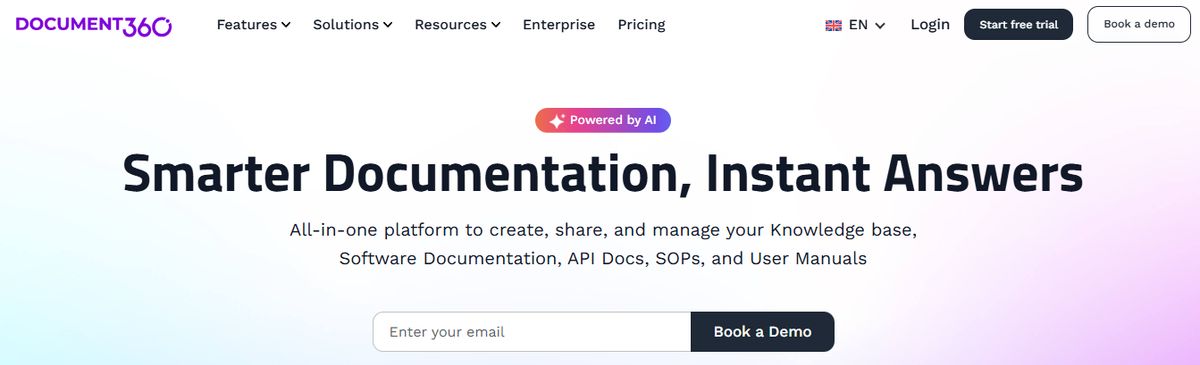
Another all-in-one workspace software for building customizable knowledge bases is Document360.
This software helps you personalize your knowledge base with branded colors. It helps create dynamic, searchable, multilingual user manuals, SOPs, how-to guides, and other documents.
Ideal for professionals seeking to streamline documentation processes, Document360 offers a user-friendly interface that caters to technical and non-technical users. Plus, it gives AI functionalities to simplify tackling all documentation needs.
Pros
- Improve the context and relevance of documentation with real-time AI feedback.
- Get insights into user behavior and content effectiveness to optimize knowledge management strategies.
- Connect with popular tools like Slack, Microsoft Teams, Zendesk, and Intercom to build a cohesive workflow across platforms.
Cons
- A few features are only available through costly add-ons.
- New users might require time to fully leverage the platform’s extensive capabilities.
9. Logseq: Open-Source Note-Taking Software

Logseq is an open-source note-taking and knowledge management app that uses a graph database to help users organize and connect their notes. Users create and link notes using markdown and visualize their connections using graph view. Logseq also offers features like backlinks, search functionality, and synchronization across devices for easy access to information.
Pros
- Visualize notes with whiteboard.
- Custom themes developed by the community.
- Privacy-focused note-taking.
- Great for building backlinks between notes.
Cons
- Can be difficult to learn and embrace.
- Not best for basic note-takers.
10. Heptabase: A Visual Approach to Note-Taking
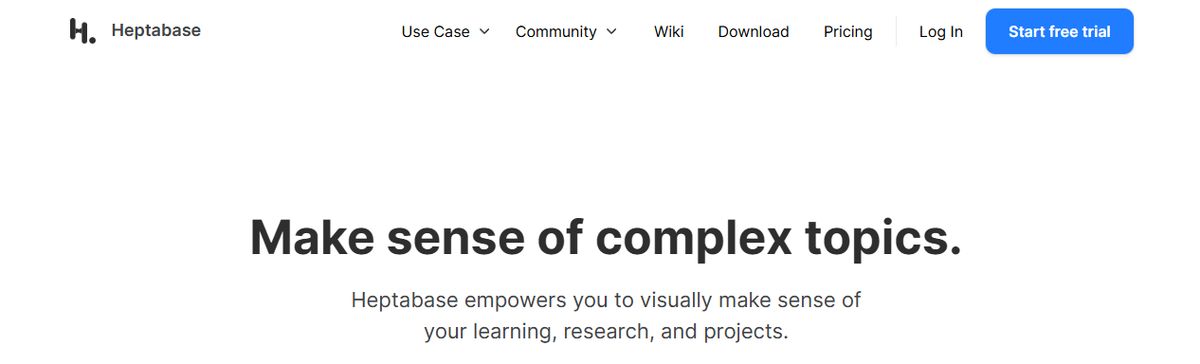
Heptabase is a visual note-taking app designed to help you bring ideas together in a canvas view. It allows you to add and link notes, which is popular with researchers and students. Heptabase is perfect for visual thinkers & those who want to get into PKM.
It balances both worlds well with a canvas mode that allows you to add ideas by dragging them together, much like apps like Miro and Milanote. Hetpabase even has project management abilities like Kanban views, which people will like if they want more structured ways to manage their knowledge base. It creates a different yet great PKM for visual thinkers and those who like open-plan ways of bringing ideas together.
If you're a researcher, student, or visual thinker, Heptabase is a must-try. The application perfectly bridges the gap between handling notes in a PKM style whilst still being able to express them in a whiteboard fashion.
Pros
- Focus on knowledge management: Heptabase is explicitly designed for deep thinking and knowledge building, not just essential note-taking.
- Offline functionality: You can access your notes without an internet connection, as the data is stored locally on your device.
- Data privacy: Since data is primarily stored locally, users have high control over their information.
Cons
- Steep learning curve: The complex linking system and unique interface can take time to master, especially for new users.
Related Reading
- Slite Alternatives
- Roam Research Alternatives
- Joplin Alternatives
- Coda Alternatives
- SiYuan Alternatives
Research 10 Times Faster with Constella
Note-taking isn't just for students. Knowledge workers and researchers at any level use note-taking to help them organize their thoughts as they tackle complex problems. Constella reimagines note-taking with an infinite canvas that lets you capture and connect ideas effortlessly.
Whether you're a researcher trying to draw connections across numerous papers or someone who wants a more intuitive way to organize your thoughts and files, Constella's AI assistant helps you build and navigate your knowledge base without the constraints of traditional folder structures.
Constella transforms how you capture, find, and connect your ideas, perfect for busy knowledge workers and researchers limited by conventional note-taking tools. Research 10 times faster with Constella's AI notes manager.
Related Reading
Want more insights like this?
Subscribe to get short productivity tips and useful summaries of new tools every week.
Want more insights like this?
Subscribe to get short productivity tips and useful summaries of new tools every week.


