

The struggle is all too real regarding keeping track of notes and tasks. From school to work, life is full of endless lists, and staying organized can feel overwhelming. If you're like me, you probably have a few apps, notebooks, and sticky notes to help you understand it all.
But what happens when these tools start to get disorganized, too? Finding what you need becomes a chore, and instead of making life easier, these apps can become a frustrating distraction. Is it nice to have one place to keep all your notes, and even better, for that place to be innovative and help you get more organized? That's where the second brain code comes into play.
This system helps you sort, manage, and make sense of your notes so you can return to your life. This guide explores a great NotePlan alternative to help you get started. AI notes manager by Constella is a powerful tool that enables you to achieve your organization's goals. This app stores your notes and uses artificial intelligence to help you take control of them and make them work for you.
What is NotePlan?
 NotePlan is a comprehensive note-taking software that incorporates tasks and a calendar. This productivity application connects with Apple Calendar and Reminders to help organize tasks, notes, and calendar events all in one place.
Who is NotePlan best for?
NotePlan resembles Evernote in its ambition to combine everything into one application. However, it goes beyond simple note-taking by including a calendar and task management. This approach improves the organization and boosts productivity. NotePlan will appeal to those who like Getting Things Done or GTD.
If you’re Apple-focused, with Apple Calendar and an iOS and macOS device, this application is an exciting option to give you a home for everything. NotePlan has grown in popularity as people look for more offline productivity tools. You will also like NotePlan for the markdown and networked thought features. Although it isn’t as powerful as other tools like Constella and some second-brain apps, it will serve the job well.
NotePlan Pricing Plans

Pricing Breakdown of NotePlan: What You Need to Know
NotePlan has a simple pricing structure with two main subscription options:
1. Personal Plan
- Monthly Subscription: $12 per month; cancel anytime.
- Annual Subscription: $99.99 per year (equivalent to approximately $8.33 per month); cancel anytime.
Both options provide access to all Mac, iPad, and iPhone features.
2. Business Plan:
- Pricing: $8.33 per month.
- Features: Includes all functionalities of the Personal Plan, with added benefits such as priority support and direct communication with the developer.
NotePlan offers a free trial, allowing users to explore its features before subscribing.
While NotePlan excels at combining notes and tasks, its interface can be overwhelming and may not suit everyone's tastes. If you're looking for a more visual alternative to NotePlan that helps you bring structure to your chaotic ideas, check out Constella. This AI notes manager reimagines note-taking with an infinite canvas that lets you capture and connect ideas effortlessly, powered by AI search that instantaneously finds information.
Related Reading
- Second Brain Examples
- How to Build a Second Brain
- Tiago Forte Code
- Second Brain Notion Template
- Roam Research vs Obsidian
- Notion vs GoodNotes
12 Best NotePlan Alternative Tools for Note-Taking
1. Constella: Rethinking Note-Taking with AI-Powered Search
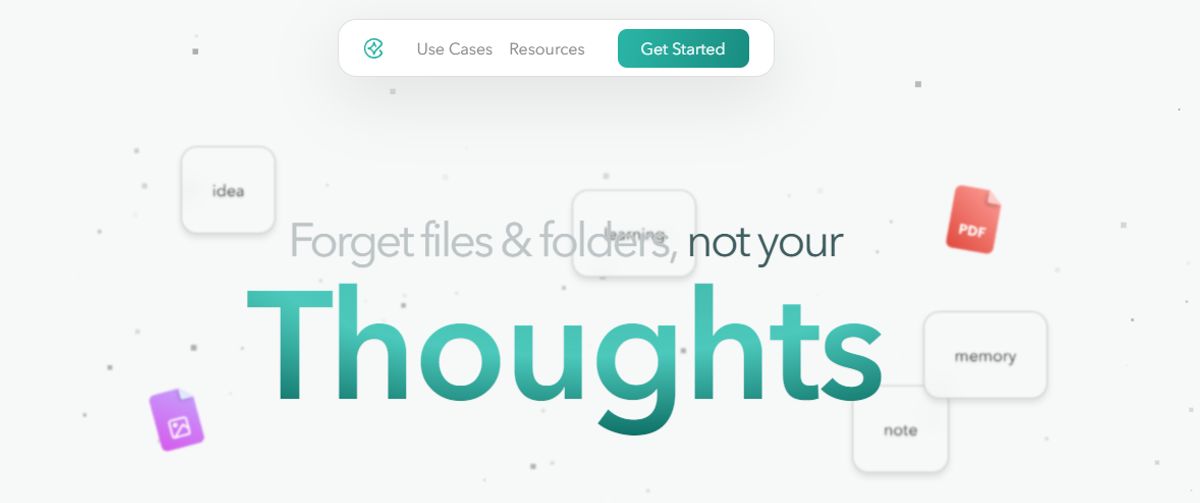
Constella transforms note-taking with an unlimited canvas that allows users to capture and connect ideas smoothly. An AI assistant aids in building and navigating your knowledge base so that you can find information in seconds. For instance, researchers can use Constella to draw connections quickly across numerous papers. There are no limitations of traditional folder structures. This is ideal for busy knowledge workers and researchers constrained by conventional note-taking tools. Constella transforms how you capture, find, and connect your ideas. Research 10 times faster with Constella’s AI notes manager.
2. Evernote: The Note-Taking Classic
With Evernote, it’s a case of never forgetting your first love. I spent years tinkering with Evernote to build my ideal experience and workflow, but it never came together. From notes, tasks, and schedules to your favorite resources from the web, Evernote makes it easy to save anything you want on your chosen device. I could quickly integrate Evernote with ClickUp, Google Calendar, Slack, and Microsoft Teams, so all my standups, client meetings, and reminders automatically synced with Evernote.
The tool is also available offline, so it’s comforting to know I’ll still be able to access my notes if I’m camping or traveling without internet access. Evernote’s AI-powered search functionality is quick and intuitive. It works across PDFs, documents, and images, so searching through many notes and content is never an issue. The Tasks feature lets you outline project steps and assign responsibilities to others—a great way to collaborate with your team on the go.
Evernote Pros
- Save snippets from the web directly into their notes with Web Clipper
- Scan, digitize, and organize paper documents with your phone’s camera
- Edit notes and tasks in real-time and keep all contributors on the same page
Evernote Cons
- A limited free version that pushes users towards a premium subscription.
3. Document360: A Robust Knowledge Base Tool
Another all-in-one workspace software for building customizable knowledge bases is Document360. This software helps you personalize your knowledge base with branded colors. It helps create dynamic, searchable, multilingual user manuals, SOPs, how-to guides, and other documents. Ideal for professionals seeking to streamline documentation processes, Document360 offers a user-friendly interface that caters to technical and non-technical users. Plus, it provides AI functionalities to simplify tackling all documentation needs.
Document360 Pros
- Improve the context and relevance of documentation with real-time AI feedback
- Get insights into user behavior and content effectiveness to optimize knowledge management strategies
- Connect with popular tools like Slack, Microsoft Teams, Zendesk, and Intercom to build a cohesive workflow across platforms
Document360 Cons
- A few features are only available through costly add-ons
- New users might require time to leverage the platform’s extensive capabilities fully
4. Google Keep: The Easy Note-Taking Tool
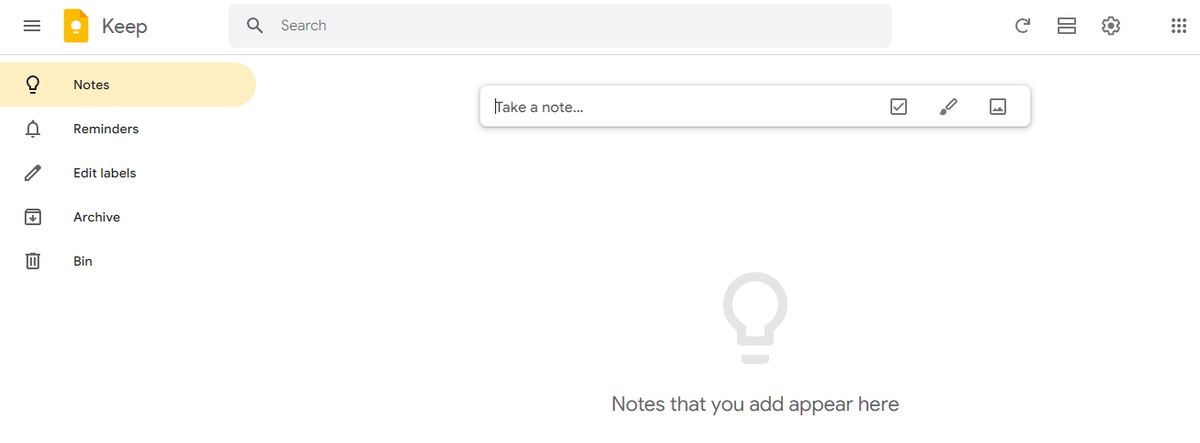
Google Keep allows users to effortlessly capture content, including notes, lists, photos, and audio, and organize it on a digital bulletin board. Sharing notes among family and friends is simple. For example, you can share a shopping list and see updates in real time as items are checked off—there is no need for back-and-forth communication. I like Google Keep’s voice note feature.
When I’m in a rush and need to jot down something important, I can simply record a voice memo instead and transcribe it into text later—fast and efficient! Like Apple Notes, anything more complex or advanced you want from the tool is a struggle. You might think Google would make more effort to combine the Keep experience with Google Tasks and Calendar, but it’s not happened. They continue to be disparate experiences, which can be frustrating if you want an all-in-one software or expertise.
Google Keep Pros
- Get reminded of your to-dos at the right place and at the right time with time-based and location-based reminders
- Organize notes using labels and colors
- Integrate your notes smoothly with Google Docs, Calendar, and other apps within the Google ecosystem
Google Keep Cons
- More suitable for quick notes rather than detailed, lengthy note-taking
- The features are too essential for complex note organization
5. Obsidian: Powerful Note-Taking for Complex Information
Obsidian is a helpful note-taking app for people like me that has hundreds or thousands of notes on their devices. What I love the most about this tool is the interlinking and bidirectional linking—you can connect notes, ideas, people, places, and more. For example, I saved multiple notes on different marketing campaigns, all for the same product. Linking helped me keep everything integrated and access relevant notes quickly. An interactive graph also identifies hidden patterns within notes and visualizes their relationship.
On that note, I’ve been a big fan of Obsidian and Notion. But if I have to assess Notion vs Obsidian head-to-head, I’ll pick Notion any day, as its note-sharing and collaboration features are way smoother. Obsidian is excellent if you want to spend much time using the tool. If you’re looking for collaboration or integration features where you can push out information or tasks to support your productivity workflow—it’s not built for that.
Obsidian Pros
- Brainstorm, research, and ideate on Canvas—your personal space
- Track version history of notes for up to one year
- Curate a personalized experience with plugins and themes
- Control which files you want to sync with which devices
Obsidian Cons
- Collaborating with others on notes is a complex process
- Primarily a desktop app; the mobile version is not as robust or user-friendly
6. Simplenote: The No-Fuss Note-Taking App
Simplenote is a no-fuss note-taking app that syncs across multiple devices and platforms, including Android, iOS, Mac, Windows, Linux, and web browsers. Notes update automatically in real-time across all devices—there’s no need to look for a ‘sync’ button! I found the version history feature to be the most useful.
Sometimes, I create a detailed note on a topic, and once the job is done, I edit the note with new content. Later, if I want to retrieve that note, it’s not possible anymore. Simplenote is a savior in such cases—it backs up notes with every change, so I can look up what I had written down days, weeks, or even months ago. The interface is quite similar to Apple Notes, but there’s no option to add images or sketches.
Simplenote Pros
- Organize notes using tags and retrieve them quickly with the instant search functionality of this Android note-taking app
- Collaborate with friends and team members by sharing lists, posting instructions, or publishing notes online
- Write, preview, and publish notes in Markdown format
Simplenote Cons
- No option to insert tables
- Lacks any aesthetic appeal
7. Microsoft OneNote: The Feature-Rich Note-Taking App
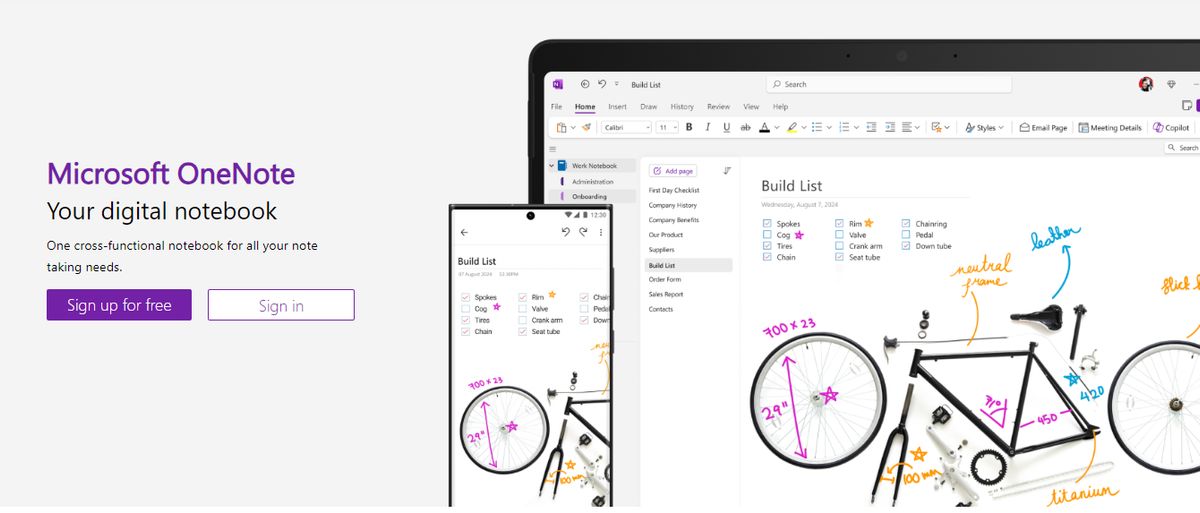
Microsoft OneNote provides note-taking tools for different inputs, including typing, handwriting, and drawing. You can incorporate content from the web directly into your notes, refining the research and documentation process. I’ve always found OneNote’s organization to be great. It’s so simple to get to what you’re looking for with the fewest clicks. The other thing I love is that the app is less rigid and more fluid across text, numbers, and images. You can quickly add a formula, a table, or an image to the same note.
I appreciate the fluidity of this approach—it feels like a natural note-taking and journaling experience. OneNote templates provide a convenient starting point for organizing your notes, whether planning a project, keeping track of tasks, or journaling. Our team tested its relatively smooth collaboration features. You can work in tandem (on grocery lists, party shopping, or work to-dos) with family members or your team, and your notes get updated in real time. The interconnectedness of the Microsft suite always makes it its USP and its limitation—it depends on who you ask.
Microsoft OneNote Pros
- Recreate the feel of a physical binder with separate sections and pages in the Digital Notebook Layout
- Convert handwritten notes to typed text
- Sync your notes across devices and platforms, keeping the continuity of thought intact
- Access your notes even when you’re offline
Microsoft OneNote Cons
- Users need to have a Microsoft 365 subscription to access the tool.
- Provides integration mainly with Microsoft products, which is limiting for users of other ecosystems
8. Joplin: An Open-Source Note-Taking App

Joplin is an open-source note-taking application that helps you put your thoughts into words and securely access them across Windows, MacOS, Windows, Linux, and iOS. The tool supports multimedia notes, including images, videos, PDFs, and audio files. Its sharing and collaboration features are smooth. It allowed me to share my notes with friends, family, and colleagues and work alongside them on the notes without hassle.
There was also an option to save a note (on the internet) and share the link with others—an easy way to share task lists, company wikis, or meeting notes with a large group of people. Joplin offers extensive customization options through plugins, custom themes, and text editors (such as Rich Text and Markdown), ensuring you can tweak the tool to your liking. While it’s an open-source app, it maintains data privacy with End-To-End Encryption (E2EE). Your notes will be accessible only to you unless you choose to share them.
Joplin Pros
- Format your notes with Rich Text or Markdown
- Save web pages or take screenshots directly with the Web Clipper extension (available for Chrome and Firefox)
- Work offline and take down notes on the go
Joplin Cons
- The interface is not as user-friendly as some commercial options, limiting its appeal to less tech-savvy users
- Syncing requires a bit more setup compared to other mainstream note apps
9. DokuWiki: A Simple Yet Effective Open-Source Tool
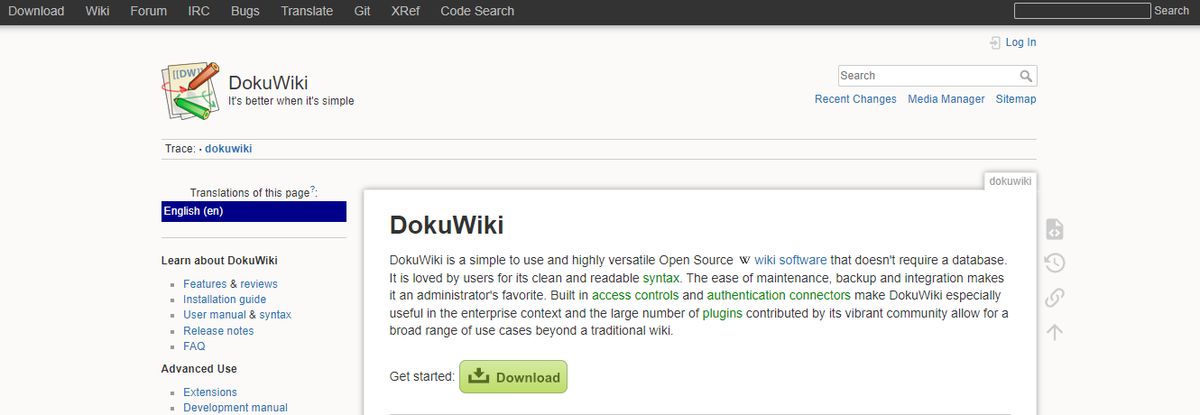
If you’re looking for open-source alternatives to Roam Research, DokuWiki is a great tool that doesn’t need a database. You’ll love the many plugins that extend DocuWiki’s feature set, chipped in by its buzzing community. However, it’s hard to get past its appearance. Visually, you’re stuck with something that looks like it was made when Mac was called Macintosh.
DokuWiki Pros
- Markdown supports
- Tons of plugin options for syntax, admin, etc.
- Templates for layout customization
DokuWiki Cons
- It can be challenging for non-technical users to onboard.
- The software looks dated, and there are no task management abilities.
10. Bear: A Markdown Note-Taking App for Apple Users
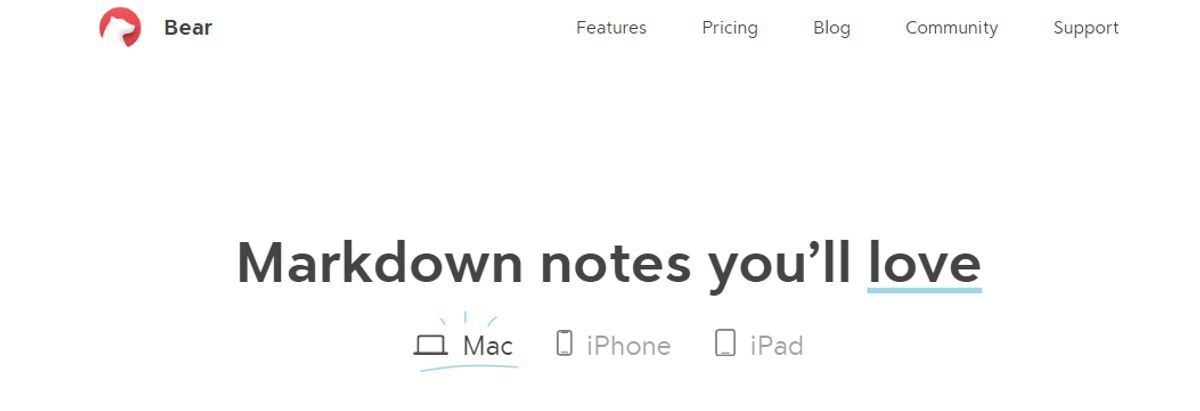
Bear is a Markdown-based note-taking app that allows you to format and organize different types of content (including text, photos, tables, and to-do lists) within a single note. I loved its aesthetics, especially the minimal user interface—it made me feel less anxious when I was toying with the app, even though I had a massive task list to tick off! Bear is available on Mac, iPhone, and iPad.
It’s a great choice if you’re more inclined toward the Apple ecosystem and looking for something more visually pleasing than Apple Notes. Opting for the paid version, Bear PRO unlocks advanced features, such as OCR search capabilities and exporting notes into multiple formats (PDF, HTML, DOCX, and JPG). It’s worth the money if you’re into designing.
Bear Pros
- Format your notes with a simple Markdown.
- Organize notes with flexible tagging systems.
- Use folding to focus on one section at a time section and hide the rest.
- Customize the app with beautiful themes.
Bear Cons
- Available only on iOS and macOS, which limits its use to the Apple ecosystem.
- Some basic features, like iCloud sync and exporting options, require a subscription.
11. Logseq: An Outline-Based Note-Taking App
Like most note-taking apps, Logseq is designed to help you organize and manage your knowledge effectively. What sets this AI tool apart is its outline-based structure and linked references that allow you to create dynamic internal links between notes. For instance, you can link meeting notes to project tasks for smooth tracking. This Logseq feature is excellent for building a personal knowledge graph, visualizing connections between ideas, and structuring tasks or projects.
Logseq Pros
- Summarize notes, organize knowledge bases, and optimize workflows with AI tools.
- Organize notes visually with a graph view for better context.
- Manage tasks directly within notes using this markdown note-taking app.
Logseq Cons
- It’s not ideal for real-time collaborative editing and teamwork.
- Some users have reported that its built-in sync feature is unreliable, hindering productivity.
12. TiddlyWiki: A Unique Open-Source Tool for Personal Knowledge Management
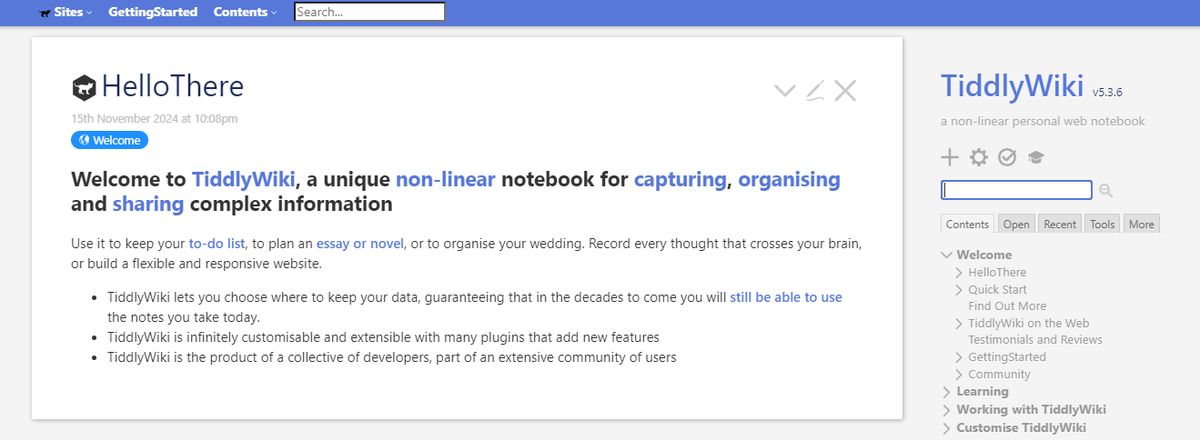
TiddlyWiki is a unique, open-source personal knowledge management (PKM) tool that allows professionals to capture, organize, and share information within a non-linear framework. It helps you plan and manage to-do lists, essays, novels, projects, etc. Functioning as a self-contained HTML file, it operates efficiently across various platforms without complex installations.
TiddlyWiki Pros
- Use the tool in different languages, with TiddlyWiki offering 20+ languages as plugins
- Extensively customize and modify the interface and functionality to align with your needs
- Get help from the community of users and developers
TiddlyWiki Cons
- Team collaboration in real-time is an issue due to the tool being primarily designed for individual use
- Task management through big files may create performance issues
Related Reading
- Roam Research Alternatives
- Amplenote vs Notion
- Amplenote vs Obsidian
- Heptabase vs Obsidian
- Notion vs Evernote
Pros and Cons of NotePlan

Pros of NotePlan
Unified Platform
NotePlan merges notes, tasks, and calendar events, providing a smooth interface that lessens the need to toggle between various apps.
Markdown Support
The app supports Markdown, enabling easy formatting and ensuring compatibility with other Markdown-based tools.
Bi-Directional Linking
NotePlan's bi-directional linking allows users to cross-reference notes, creating an interconnected system that enhances organization and retrieval.
Time Blocking
Users can drag tasks directly onto the calendar to create time blocks, aiding in effective time management.
Cross-Device Synchronization
NotePlan offers smooth synchronization across Mac, iPad, and iPhone devices, ensuring accessibility and consistency.
Active Development and Support
The development team is responsive to user feedback, continually improving the app and addressing concerns promptly.
Cons of NotePlan
Limited Project Management Features
While NotePlan excels in daily task management, it lacks robust project management capabilities, making it less suitable for tracking complex projects.
Recurring Tasks
The app does not natively support custom intervals for recurring tasks, which may require reliance on external tools like Apple Reminders.
Subscription Cost
The premium subscription is priced at $12 per month or $99.99 annually, which some users may find steep compared to alternative apps offering similar functionalities.
Learning Curve
Due to its extensive features and customization options, new users might experience an initial learning curve when adopting NotePlan.
Platform Limitations
NotePlan is primarily designed for Apple devices, limiting accessibility for users on other platforms.
Research 10 Times Faster with Constella
Constella reimagines note-taking with an infinite canvas that lets you capture and connect ideas effortlessly, powered by AI search that makes finding information instantaneous. Whether you're a researcher trying to draw connections across numerous papers or someone who wants a more intuitive way to organize your thoughts and files, Constella's AI assistant helps you build and navigate your knowledge base without the constraints of traditional folder structures. Constella transforms how you capture, find, and connect your ideas, perfect for busy knowledge workers and researchers limited by conventional note-taking tools. Research 10 times faster with Constella's AI notes manager.
Related Reading
Want more insights like this?
Subscribe to get short productivity tips and useful summaries of new tools every week.
Want more insights like this?
Subscribe to get short productivity tips and useful summaries of new tools every week.


