

Whenever you open your notes app, you find yourself over your head. “Where do I even start?” you wonder. You have so many notes to sort through and organize, it's hard to tell what’s helpful and what’s not. If only you could pinpoint the notes relevant to your current project and get to work—better yet, if you could make that happen automatically.
If this scenario sounds familiar, you're not alone. Many struggle with note management, especially when tackling more significant creative projects. Finding a tool that allows you to make notes and manage them with AI can help ease the burden and make the process less daunting.
This article explores the benefits of using a Milanote alternative to improve your note-taking process and why Constella's AI notes manager is an excellent choice.
What is Milanote?
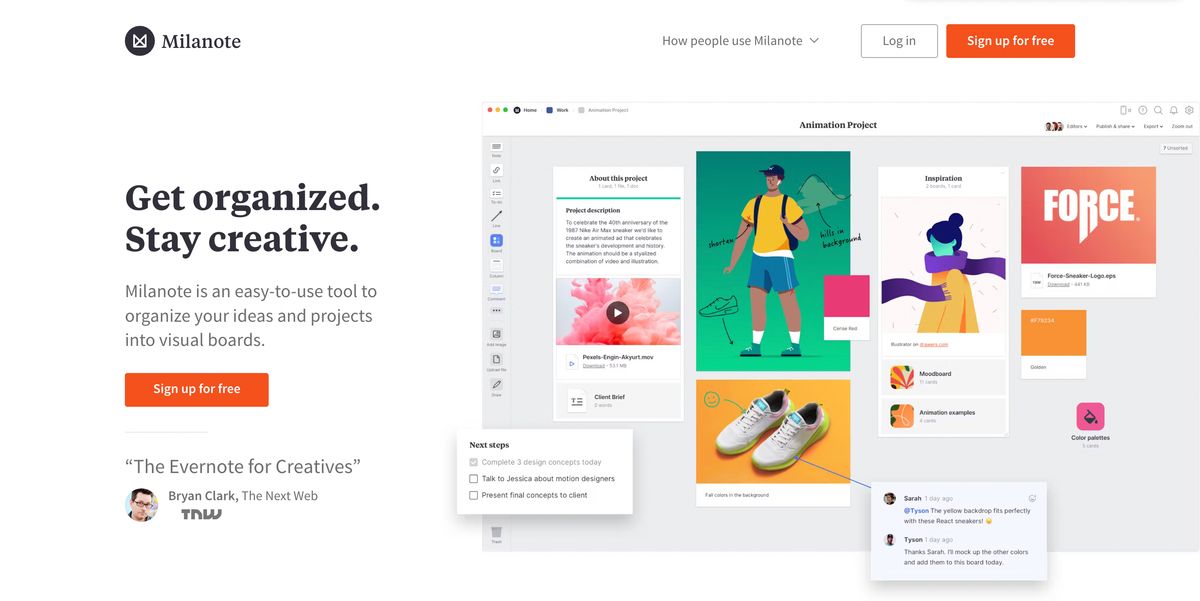
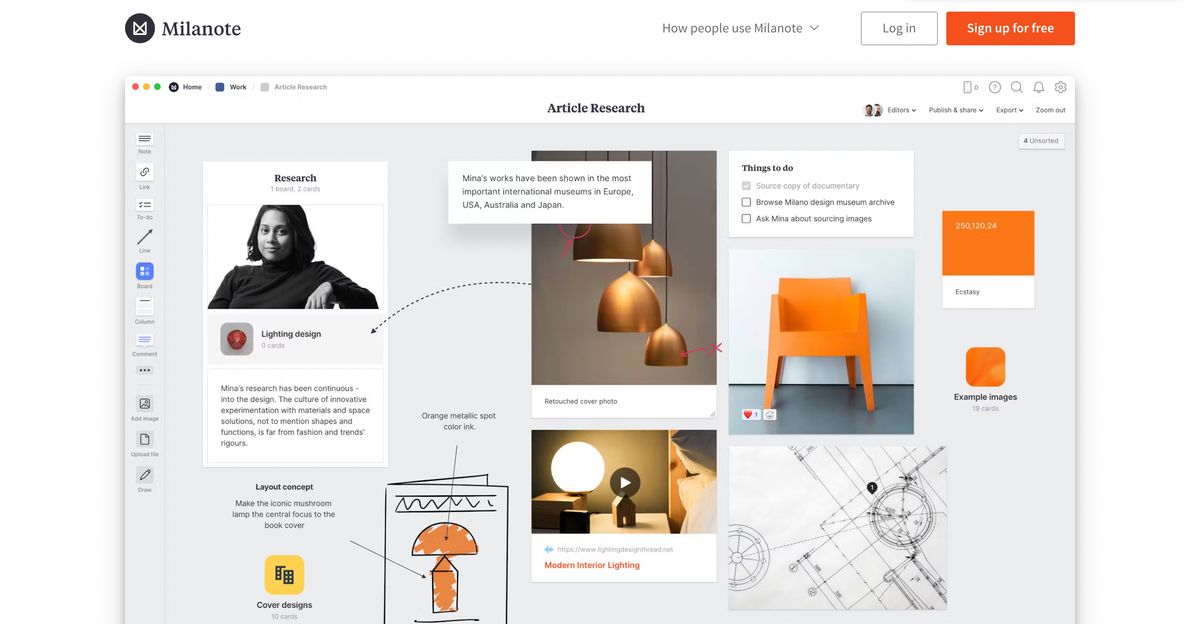
Milanote is a workspace that helps you organize your ideas visually. And if you’re the kind of creative who gets overwhelmed by lists or text-heavy documents, Milanote is a great way to make project planning feel more like brainstorming rather than a chore. You can create mood boards, outline projects, take visual notes, and brainstorm in a way that suits your unique thinking style.
If you want to collaborate with others, you can invite them to your boards to leave comments or edit in real time. This makes it easy to share creative projects with your clients and team members without the hassle of email. You can also create beautiful visual presentations to showcase your work instead of boring old text documents. Milanote is simple to use and fun — there’s no complicated tech or steep learning curve to worry about. It’s like a creative BFF that’s always ready to help.
Key Features of Milanote
Milanote has tons of features to help you organize your creative projects. Here are some of the best ones:
Flexible Boards
The backbone of Milanote is the flexible board. Think of these as giant blank canvases on which you can throw all your ideas, notes, and visuals and arrange them exactly how you like. Planning your next campaign? Brainstorming a new project? This is where it happens.
Visual Brainstorming
Bullet points are great, but Milanote lets you think outside the (literal) box. Link ideas with arrows, color-code your notes, or slap on an image to bring it all together. It’s perfect for when plain text just doesn’t cut it.
Team Collaboration
Got a team? Milanote has your back. Invite your crew to your boards, leave comments, and track real-time edits—no more hunting through endless emails or dealing with version chaos.
Inspiration Boards
Milanote is the ultimate catch-all for your creative sparks. From that stunning design you spotted online to the article that ignited a brilliant idea, it’s your visual treasure chest to keep everything in one inspiring place.
Ready-to-Use Templates
Staring at a blank page? Don’t worry. Milanote’s library of templates will give you a head start, whether you’re outlining a project or creating a mood board.
Bonus Features
Share Files Instantly
Keep all your project-related files in one place and share them with a click.
####Save Ideas from the Web
Milanote’s Web Clipper extension lets you save online inspiration directly to your boards.
Embed Songs to Lists
A surprisingly cool touch — add music to lists to inspire specific moods or projects. It’s giving slay.
Related Reading
- Second Brain Examples
- How to Build a Second Brain
- Tiago Forte Code
- Second Brain Notion Template
- Roam Research vs Obsidian
- Notion vs GoodNotes
Milanote Pricing Plans
What Are the Plans Milanote Offers?
Milanote has three different pricing plans to accommodate numerous user preferences and requirements.
What Does the Free Plan Include?
Milanote's free plan is completely free and gives users access to basic features with no time limit. It allows up to 100 notes, images, or links, and 10 file uploads. Users can also create unlimited shared boards. This plan is best suited for individuals or small projects.
What Does the Pay Per Person Plan Include?
The pay-per-person plan is designed for professionals needing more extensive capabilities. This plan provides users unlimited notes, images, links, file uploads, and shared boards. Users can also create unlimited shared boards. Pricing options include $9.99 per month when billed annually and $12.50 per month when billed monthly.
What Does the Team Plan Include?
The Team Plan is tailored for teams seeking collaborative features. This plan includes unlimited notes, images, links, file uploads, and shared boards. Pricing is $49 monthly, billed annually, covering up to 10 users. For larger teams, Milanote offers scalable options. You can adjust the number of users to 50 directly on their website. For teams larger than 50, contacting Milanote's sales team for a customized plan is recommended.
15 Best Milanote Alternative Tools for Note-Taking
1. Constella
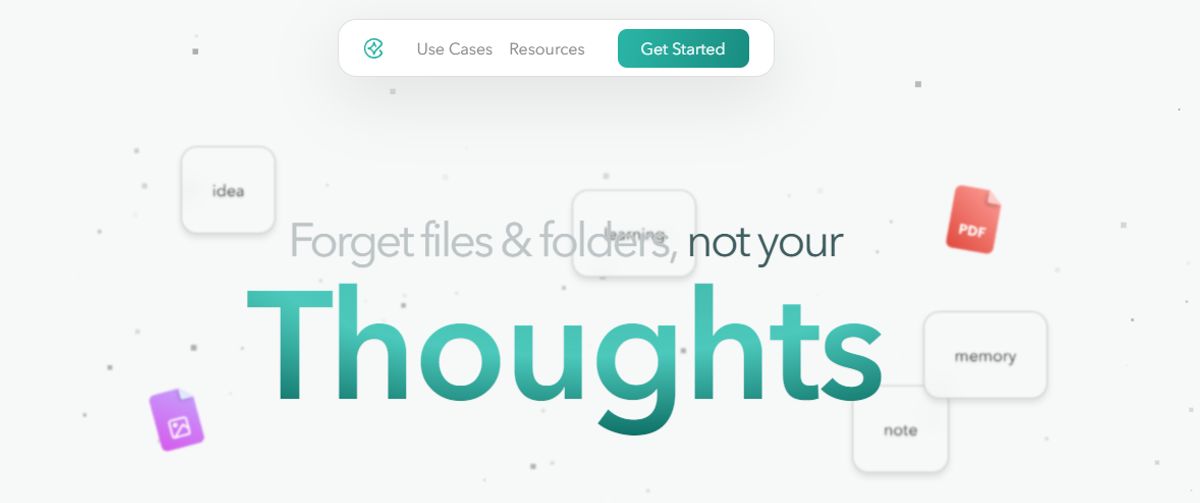
Constella completely redefines how you take notes. It offers an infinite canvas to capture and connect ideas effortlessly, powered by AI search that makes finding information instantaneous. Whether you’re a researcher trying to draw connections across numerous papers or someone who wants a more intuitive way to organize your thoughts and files, Constella’s AI assistant helps you build and navigate your knowledge base without the constraints of traditional folder structures.
Constella transforms how you capture, find, and connect your ideas, perfect for busy knowledge workers and researchers limited by conventional note-taking tools. Research 10 times faster with Constella’s AI notes manager.
2. Evernote
Evernote is a leading note-taking software that’s been around since 2008. This straightforward app set the standard for the industry alongside Microsoft OneNote. It’s popular with small teams who want to manage to-do lists, organize tasks, and (you guessed it) take notes.
Instead of a visual board like Milanote, Evernote uses notebooks and tags to organize your ideas and information. It’s been around for a while but has updated features like offline file access, dark mode, and handwritten note support.
Best Features
- Use specialized note-taking features like document scanning, web clipper, calendar integrations, and handwritten notes.
- Organize your ideas and notes using tags that make searching for the info you need easy.
- Access basic features for individuals and small teams using the free version.
- Work cross-platform with desktop and mobile apps compatible with Windows, iOS, and Android.
Limitations
- Document organization and formatting don’t offer as many features as some other note-taking tools.
- Users report poor compatibility with other project management tools.
3. Notion
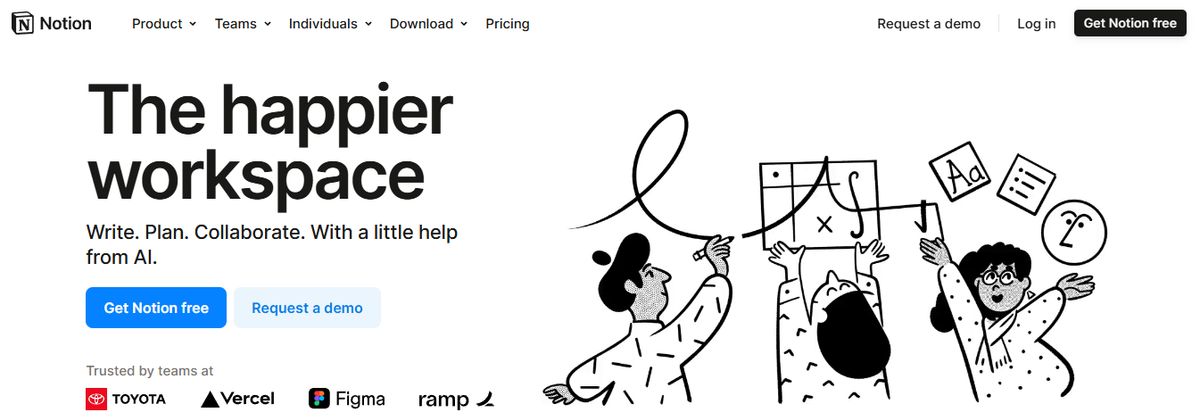
Notion’s note-taking experience supports various content types, including images, text notes, bookmarks, videos, and code. You can add these to your notes with intuitive controls such as drag-and-drop and slash commands.
We loved its customization options. They allowed us to tailor our workspace for different personal and team needs, such as changing privacy settings to keep confidential meeting notes private or sharing them with team members when needed.
One pet peeve the team had with Notion is the maze of organization; you’re sometimes lost in the app, and the bread crumbs aren’t always helpful. On the other hand, it is pretty popular with people who want to create databases and wikis.
The UX is sometimes hit or miss; the windows you’d want to open as separate pages often open as popups, and vice versa. Of course, it depends on your personal preference.
While testing the app, I tinkered with Notion AI to discover how it can simplify note-taking and organization. I listed a few tasks, mainly related to a new product launch, and Notion AI quickly auto-filled the steps I had to follow to accomplish those tasks. While they were not entirely accurate, the tool did a fair job.
The platform works well for cross-functional teams where collaboration is a must. Comments and real-time editing offer a seamless way to ideate with remote teams, collect and provide feedback quickly, and keep everyone on the same page.
Best Features
- Create custom templates and integrate your database into notes.
- Access important information quickly via the sidebar.
- Write and format notes using Markdown.
- Focus on what you’re writing with an immersive experience that temporarily erases everything else.
Limitations
- The complex feature sets and UI can be daunting for new users.
- Does not offer any screen recording or transcription feature.
4. Microsoft OneNote
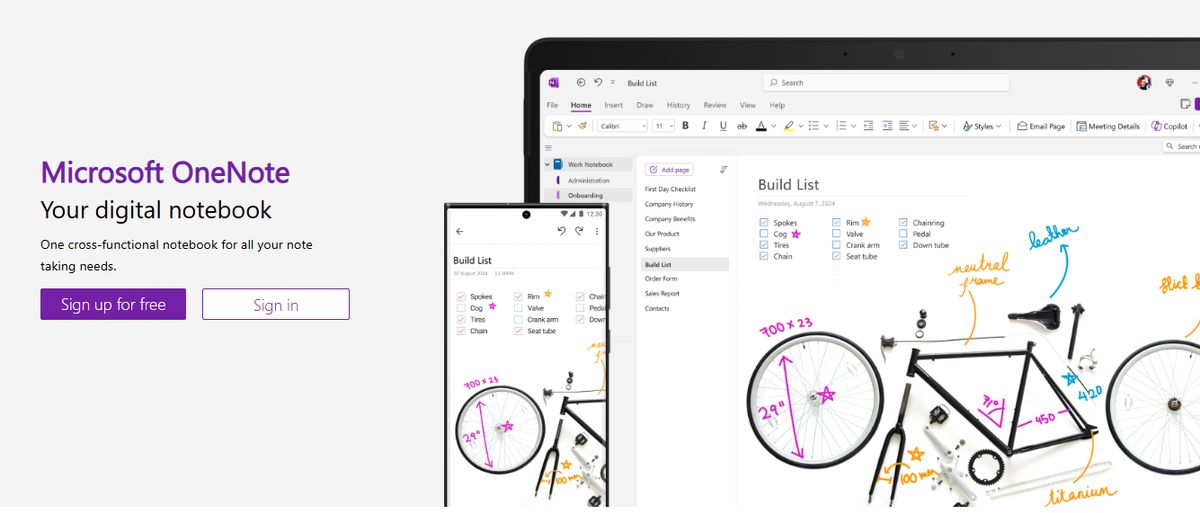
Even as a free app, OneNote is the best note-taking app we've tested. It has every feature you could want, from organizational structure to cross-platform syncing to voice notes and optical character recognition (OCR). It also comes with the best web clipping tool we've seen.
Pros
- Free version includes all features.
- Excellent organizational tools.
- Free-form placement of text, drawings, and attachments.
- Excellent web clipper.
Cons
- Local storage is only offered under Windows.
- Limited OCR.
5. Rodeo Drive

Rodeo Drive is a project management tool with multiple features that support creative teams. End fragmented workflows and guide your projects from beginning to end using one data-driven interface.
In contrast to Milanote’s free-form visual board, Rodeo Drive emphasizes organization and financial management. You can take notes on your projects, manage your team’s workload with accurate task scheduling, and use calendar-based project management to keep everyone on the same page.
Best Features
- Streamline team collaboration and project management with straightforward task assignment features, project timelines, and a simple note-taking app.
- Get insights on your projects using the reporting function to oversee tracked time and team performance.
- Integrate with QuickBooks and Xero to streamline your bookkeeping process.
- Take advantage of the budgeting and financial reporting features to monitor the financial health of your projects throughout their lifecycles.
Limitations
- The free plan is limited to 10 users and lacks access to some advanced features.
- Some users report a lack of features compared to other note-keeping apps.
6. Apple Notes
Apple Notes is a simple but efficient note app that works across all devices. This could become your go-to tool if you’re deep into the Apple ecosystem.
It’s still the most straightforward app if you work within the Apple realm—summon it anytime on your Mac from the bottom right corner, and it pops up earnestly. Syncing is mostly great; copying something on the phone and pasting it on your desktop is magic. It's the little things that elevate the experience.
Ask more of the app, and you’ll be disappointed. Just moving the text around, formatting, and indenting are not easy. Any more advanced use cases are not supported.
You can save multiple types of content, including images, web links, handwritten notes, maps, PDFs, and sketches.
Best Features
- Create notes, edit lists, organize notes into folders, and manage attachments.
- Pin priority notes on top for quick access.
- Add tags to sort and find notes easily.
Limitations
- Limited to users within the Apple ecosystem.
7. Miro

Miro is a mind-mapping tool for teams who want to capture, structure, and organize their ideas. Facilitate smooth collaboration using chat and commenting, auto-organize mind maps with a single click, and add content to an infinite canvas to illustrate your ideas.
As a super-flexible Milanote alternative, Miro shines with features like screen sharing, presentation mode, and team conferencing. It boasts a library of user-friendly templates to help smooth out the learning curve regardless of what project you’re working on.
Best Features
- Use the whiteboard for creative brainstorming, the mind map to capture ideas, and the planning board to visually represent each project.
- Import Microsoft Excel and Google Sheets spreadsheets with the click of a button, thanks to Miro’s integrations.
- Use the social media calendar template to track your campaign ideas, make project notes, and keep your team on track across all your social profiles.
- Create custom tools and plugins using HTML, JavaScript, and CSS.
Limitations
- The free plan is limited to a single workspace, which some teams with multiple users find too limiting.
- Some users report bugs with the text editor and drag-and-drop functions, and the notes app needs Markdown support.
8. Google Keep
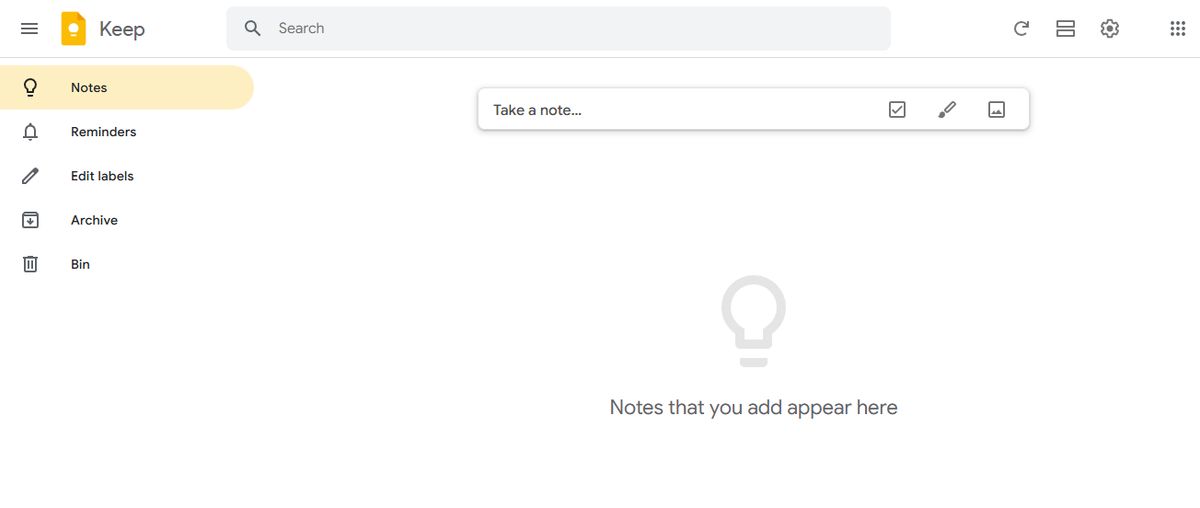
Google Keep allows users to effortlessly capture content, including notes, lists, photos, and audio, and organize it on a digital bulletin board.
Sharing notes among family and friends is simple. For example, you can share a shopping list and see real-time updates as items are checked off—there is no need for back-and-forth communication.
Google Keep’s voice note feature is excellent. When you are in a rush and need to jot down something important, you can record a voice memo instead and transcribe it into text later—fast and efficient!
Like Apple Notes, anything more complex or advanced you want from the tool is a struggle. You might think Google would make more effort to combine the Keep experience with Google Tasks and Calendar, but it hasn’t happened. They continue to be disparate experiences, which can be frustrating if you want an all-in-one software or expertise.
Best Features
- With time-based and location-based reminders, you can remember your to-dos at the right place and time.
- Organize notes using labels and colors.
- Integrate your notes seamlessly with Google Docs, Calendar, and other apps within the Google ecosystem.
- Pin notes to your device home screen and stay on top of priority tasks.
Limitations
- More suitable for quick notes rather than detailed, lengthy note-taking.
- The features are too essential for complex note organization.
9. Asana

Asana is a leading work and project management tool that helps teams of all sizes execute their ideas and stay on deadline. It excels in to-do list management and tracks task progress fantastically. The user-friendly interface lets users change views, prioritize tasks, and take project-specific notes.
Asana might be the way to go if you’re looking for a more organized Milanote alternative and are okay with losing the free-form brainstorming feature. Use its project milestones, custom fields, and task dependencies to make life easier for your whole team.
Best Features
- Track project progress, notify all team members when tasks are updated, and leave comments with @ mentions for real-time communication.
- Get to work faster thanks to the clean interface that minimizes the learning curve for team members.
- Choose between Board, List, or Timeline views to organize your project visually in a way that works for you.
- Use automation to handle small things and save your team members' time.
Limitations
- Some teams report a lack of customization features for the dashboard and project tracking features.
- Some reviews mention a lack of advanced features and flexibility using the free plan (across multiple devices).
10. Obsidian
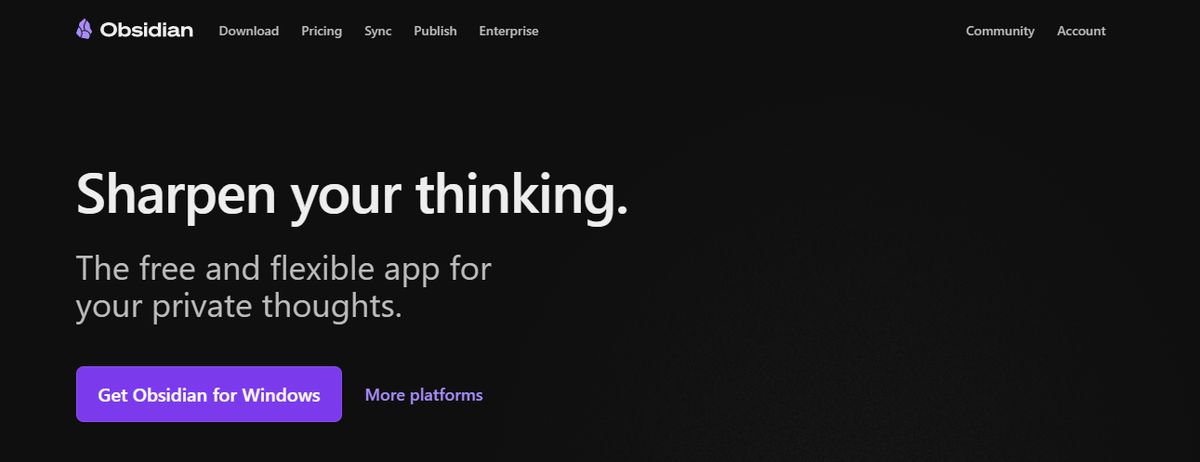
Obsidian is a powerful note-taking app that’s especially useful if you have hundreds or even thousands of notes on your device. What you’ll likely appreciate most is the inter-linking and bi-directional linking—it lets you create meaningful connections between your notes, ideas, people, places, and more.
For instance, if you’ve saved multiple notes on different marketing campaigns for the same product, linking them helps keep everything organized and easy to access. The interactive graph uncovers hidden patterns and visualizes how your notes relate.
Best Features
- Brainstorm, research, and ideate on Canvas—your personal space.
- Track version history of notes for up to one year.
- Curate a personalized experience with plugins and themes.
- Control which files you want to sync with which devices.
Limitations
- Collaborating with others on notes is a complex process.
- Primarily a desktop app; the mobile version is not as robust or user-friendly.
11. Nuclino
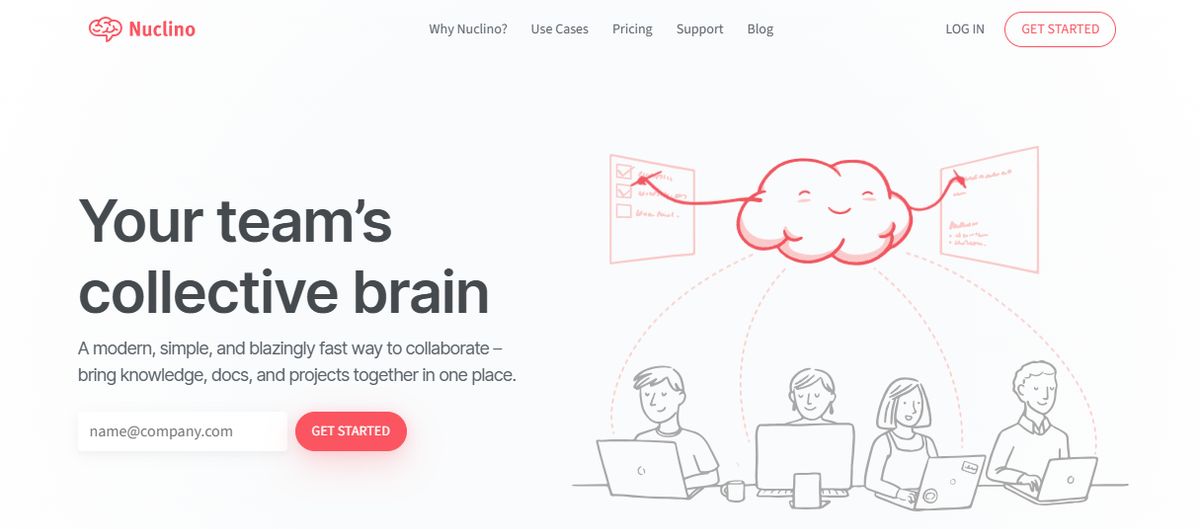
Nuclino is a collaborative workspace with a lightweight user interface that helps your team stay focused. It provides a fast search feature and allows users to unify all their projects, knowledge, and documents on one platform.
Nuclino emphasizes the essentials with a view to every workflow. It might lack some advanced functionality compared to other Milanote alternatives on this list, but it executes the features it does include beautifully.
Best Features
- Switch between list, board, table, and graph views to change how you visually explore your team’s ideas and knowledge.
- Collaborate with team members worldwide in real time using a fast, reliable platform.
- Minimize context switching and say goodbye to the chaos of managing folders and files by keeping everything in a collaborative workspace shared by your team.
- Work with cross-platform team members on Windows, macOS, Linux, iOS, and Android devices.
Limitations
- Some reviews mention a lack of integration with existing project management tools.
- It may not be helpful for large databases and teams based on customer reviews.
12. Joplin

Joplin is an open-source note-taking application that helps you put your thoughts into words and securely access them across Windows, macOS, Linux, and iOS. You can create multimedia notes with images, videos, PDFs, and audio files. Sharing and collaborating with others is seamless. You can easily share your notes with friends, family, or colleagues and work on them without hassle.
You also have the option to save a note online and share the link with others—perfect for distributing task lists, company wikis, or meeting notes to a larger group.
With Joplin, you get plenty of customization options through plugins, custom themes, and text editors like Rich Text and Markdown, so you can tweak the tool to match your style and workflow. While it’s an open-source app, it maintains data privacy with End-To-End Encryption (E2EE). Your notes will be accessible only to you unless you choose to share them.
Best Features
- Format your notes with Rich Text or Markdown.
- Save web pages or take screenshots directly with the Web Clipper extension (available for Chrome and Firefox).
- Work offline and take down notes on the go.
Limitations
- The interface is not as user-friendly as some commercial options, limiting its appeal to less tech-savvy users.
- Syncing requires more setup than other mainstream note apps.
13. Roam Research
Roam Research is a cloud-based note-taking tool that organizes research and documents. It allows you to create bullet notes, link them, auto-save your work, and keep them in a side tab for quick reference while researching on the web.
Roam is a wiki with auto-backlinks, so users can connect their notes and ideas using overlapping hierarchies. Use it for collaborative knowledge management within remote teams so everyone can share their ideas, organize their thoughts, and be more productive.
Best Features
- Switch between functionalities like project management, progressive summarization, and bullet journaling for the perfect format every time.
- Keep track of your research with bi-directional links, backlinked tags, and individual pages.
- Create an interconnected network of knowledge your team can contribute to and rely on across all your projects.
- Work with cross-platform teams using an online workspace that anyone can access.
Limitations
- The simple interface might hinder functionality for some teams based on user reviews.
- There’s no free version, and some reviews mention frustration with a lack of pricing transparency.
14. Simple Note
Simplenote is a no-fuss note-taking app that you can use across all your devices and platforms, including Android, iOS, Mac, Windows, Linux, and web browsers. Your notes update automatically in real time, so you’ll never have to hunt for a ‘sync’ button.
You’ll probably find the version history feature especially helpful. Say you create a detailed note on a topic and then overwrite it with new content. If you ever need the original note again, you might think it’s gone for good. But with Simplenote, you’re covered. It backs up your notes with every change, so you can go back and see exactly what you wrote days, weeks, or even months ago.
The interface is quite similar to Apple Notes, but there’s no option to add images or sketches.
Best Features
- Organize notes using tags and retrieve them quickly with the instant search functionality of this Android note-taking app.
- Collaborate with friends and team members by sharing lists, posting instructions, or publishing notes online.
- Write, preview, and publish notes in Markdown format.
Limitations
- No option to insert tables.
- Lacks any aesthetic appeal.
15. Bear
Bear is a Markdown-based note-taking app that lets you format and organize different types of content—including text, photos, tables, and to-do lists—all within a single note.
You’ll probably appreciate its aesthetics, especially the minimal user interface. It creates a calming space to work in, even when your task list feels overwhelming.
Bear is available on Mac, iPhone, and iPad, making it a solid pick if you’re part of the Apple ecosystem and want something more visually appealing than Apple Notes.
If you decide to go with the paid version, Bear PRO, you’ll unlock advanced features like OCR search and the ability to export notes in various formats (PDF, HTML, DOCX, and JPG). It’s a worthwhile upgrade if you’re into design.
Best Features
- Format your notes with simple Markdown.
- Organize notes with flexible tagging systems.
- Use folding to focus on one section at a time and hide the rest.
- Customize the app with beautiful themes.
Limitations
- Available only on iOS and macOS, which limits its use to the Apple ecosystem.
- Some basic features, like iCloud sync and exporting options, require a subscription.
Related Reading
- Roam Research Alternatives
- Amplenote vs Notion
- NotePlan Alternative
- Amplenote vs Obsidian
- Heptabase vs Obsidian
- Notion vs Evernote
Pros and Cons of Milanote

Pros of Milanote: What Makes It Stand Out
Milanote operates like an interactive scrapbook. You create notes and cards containing images, links, checklists, etc. In addition to being customizable, these cards can be organized in a way that makes sense to you. You can lay them out on a free-floating canvas that resembles a visual board, or manage them within columns like a spreadsheet. This organizational style is handy for visual thinkers and creative projects that involve many moving parts.
Unlike some other note-taking apps, Milanote excels in storing and organizing visual information. For example, you can create a mood board for a design project, and not only will your notes be aesthetically pleasing, but you can also comment on specific images and sections of your board. In addition, Milanote supports real-time collaboration so that multiple users can work on the same board simultaneously. This makes it an excellent choice for team projects, especially in creative fields like design and the arts.
Cons of Milanote: What You Should Know
Milanote has a few downsides, though. First, it’s not the most affordable option out there. Users can get started for free, but the free version has severe limitations, allowing only 10 cards. After that, you’ll need to upgrade to the Plus plan for $9.99 per month, which allows unlimited cards but lacks features in the more advanced Pro version. To unlock the full potential of Milanote, you’ll need to pay $19.99 per month.
Second, while Milanote’s scrapbook style is visually appealing and highly customizable, it lacks traditional folder and tree structures for organizing notes. So while you can create a visual board of notes for your design project, you won’t have a way to manage them hierarchically.
Research 10 Times Faster with Constella
Constella offers a fresh approach to note-taking. Its endless canvas allows you to capture and connect ideas effortlessly. The AI assistant helps you build and navigate your knowledge base without the constraints of traditional folder structures. Constella is perfect for busy knowledge workers and researchers limited by conventional note-taking tools.
Related Reading
Want more insights like this?
Subscribe to get short productivity tips and useful summaries of new tools every week.
Want more insights like this?
Subscribe to get short productivity tips and useful summaries of new tools every week.


