

Consider sitting at your desk, ready to tackle an important project. You have great ideas, but when you try to organize them, you realize your notes are a mess. You can’t find what you need. Even worse, you’ve forgotten where I stored some of my notes, and it’s been so long I can’t even remember what they were about.
If only I had a more innovative way to take and manage my notes instead of using my brain and basic folders. This is where the Second Brain Code comes in. It offers a structure for organizing my notes for easy retrieval, and the more I practice, the faster I get. The goal is to build a ‘second brain’ that helps me complete my projects and reach my goals with little effort, allowing me to focus on what matters.
This guide will explore the role of the code in comparing Logseq vs Obsidian to help you understand which tool best suits your needs.
What is Logseq?
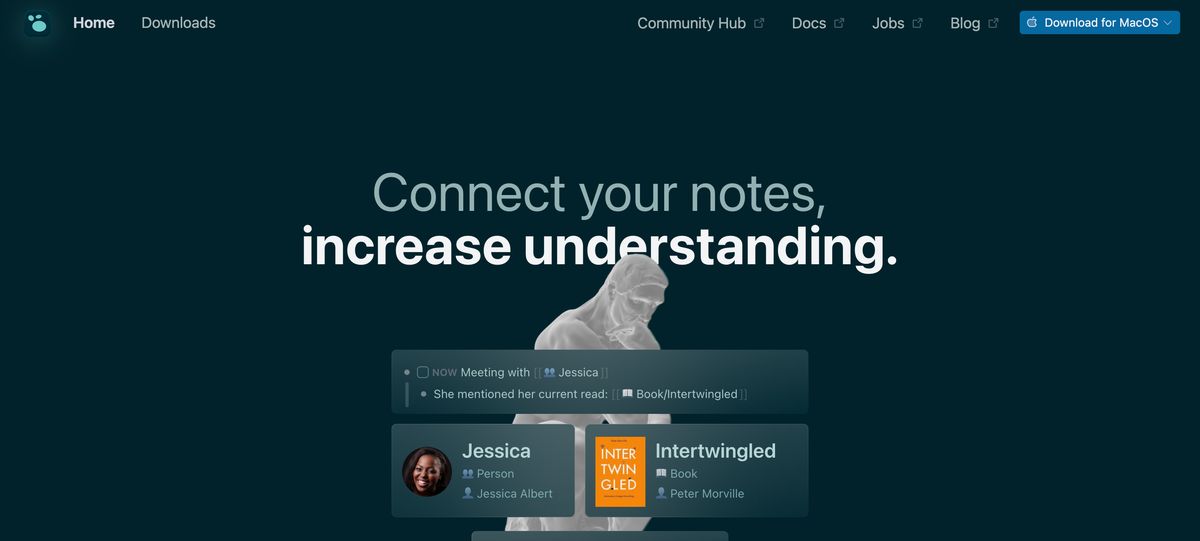
Logseq is a privacy-first, open-source knowledge management tool and note-taking software designed to enhance productivity and facilitate the organization of thoughts, tasks, and projects. Its unique approach to capturing and connecting ideas makes it a standout tool for those seeking to streamline their workflow and boost their creative output.
How Does Logseq Work?
At its core, Logseq operates on a simple yet effective principle. It allows you to create tasks and notes using Markdown language, which are automatically linked based on their content and tags. Logseq has all the features, including daily journaling, to-do lists, and advanced search capabilities. The app supports desktop and mobile platforms, ensuring your notes are always within reach, regardless of where you are.
Related Reading
- Second Brain Examples
- How to Build a Second Brain
- Tiago Forte Code
- Second Brain Notion Template
- Roam Research vs Obsidian
- Notion vs GoodNotes
What is Obsidian?
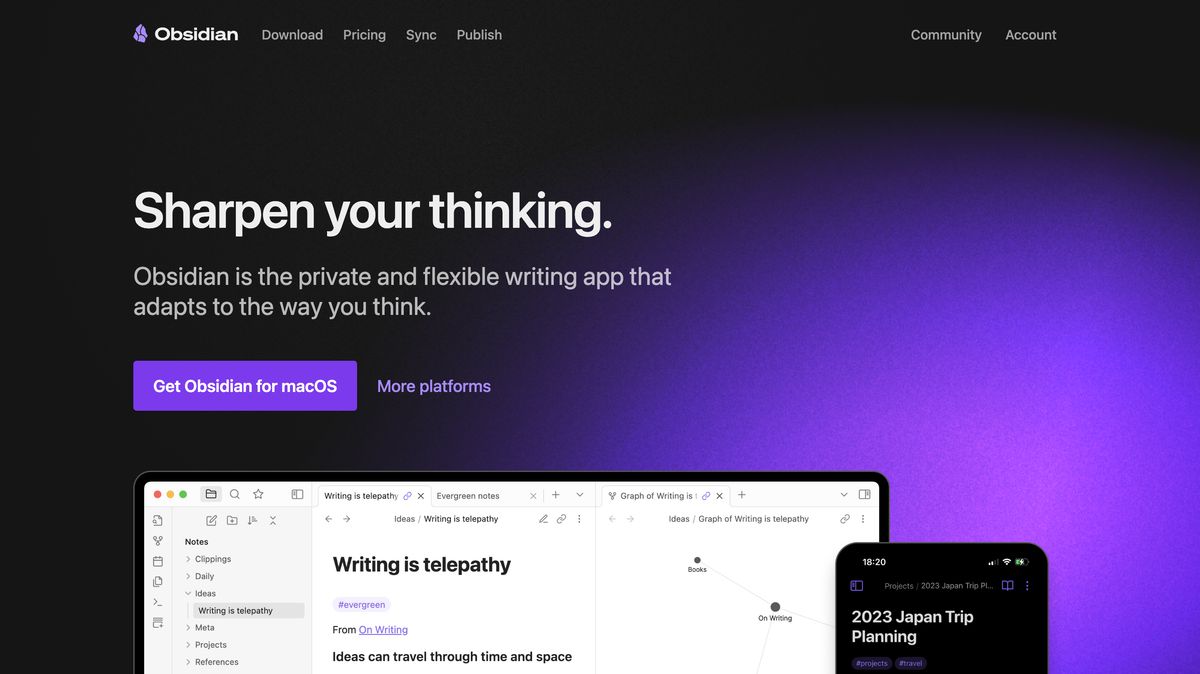
The Backbone of Obsidian: A Markdown-Based Note-Taking Application
Obsidian is a flexible note-taking app built on Markdown. This means notes are stored as individual Markdown files organized in your device's folders. This approach makes your notes super easy to access, even outside of Obsidian, and it also helps you build a connected, organized knowledge base that you can customize to your liking.
For example, you can create a folder for every project you’re working on, and within each folder, create markdown files (notes) for different aspects of your project, such as characters, plot development, themes, and settings, if you’re writing a novel. Within each of these files, you can create links to other notes (files) to help with organization and connectivity.
This way, when you open a story or project in Obsidian, you’ll have all the information you need at your fingertips.
Building A Web of Knowledge With Links and Graphs
Obsidian’s true potential lies in its ability to help you build a web of interconnected knowledge. As you create notes (files) for different topics, you can easily create links to other notes, which helps you categorize information and understand how different concepts relate.
Obsidian also features a graph view that visually illustrates how your notes are connected. This gives you a bird’s eye view of your knowledge base and lets you quickly retrieve information you’re looking for by understanding how it relates to other notes in your database.
Customizing Your Note-Taking Experience
Obsidian is highly customizable. You can change the appearance of your notes with community-made themes and modify your workflow by installing plugins to suit your personal preferences. There are dozens of useful plugins for writers that enhance your organization, help you manage distractions, and even generate content using AI. Obsidian also has a simple interface to help you get started. It can feel overwhelming as you begin to explore and customize your notes, but the more you use it, the easier it becomes.
Multitasking Made Easy
Obsidian allows you to open multiple notes simultaneously for easy organization and output. You can view notes side by side or in separate tabs to help with your writing process. This is especially helpful if you’re trying to organize information on a particular topic, and it allows you to write your notes while referencing another file to help with your story.
A Community for Support and Inspiration
Because Obsidian is open source, a large community of users contributes to improving the app and creating resources to help new users. You can find forums, Discord servers, and even a subreddit dedicated to sharing tips and workflows for writing and organizing notes in Obsidian.
Research 10 times faster with Constella's AI notes manager.
Logseq vs Obsidian Detailed Comparison

Core Differences Logseq and Obsidian
Logseq and Obsidian are popular applications that help people organize information and boost productivity. Both tools have a lot of features in common, but they also have some vital differences. Understanding these differences will help you choose the best tool for your needs.
Editing Paradigm
Logseq and Obsidian approach note-taking from different angles. Logseq embraces a structured, outliner-based approach that organizes information hierarchically. This structure benefits users who prefer bullet-point note-taking and linear organization. In contrast, Obsidian utilizes a traditional long-form editor, akin to word processors, allowing free-form text entry. This suits users favoring narrative-style note-taking.
Open-Source vs. Proprietary
Another key difference between Logseq and Obsidian is that Logseq is open-source software. This appeals to users who prioritize transparency and community-driven development. Obsidian is proprietary software, which may attract users seeking dedicated support and a structured development roadmap.
Customization and Extensibility
Logseq offers a range of plugins and themes, though its ecosystem is still growing. Obsidian boasts an extensive plugin system and a vast array of themes, enabling users to tailor the application to their needs.
Data Storage and Synchronization
Logseq provides flexibility in data storage, allowing users to choose between local storage and cloud synchronization. Obsidian primarily focuses on local storage, with optional paid synchronization services.
Learning Tools
Logseq includes built-in flashcard features, benefiting users engaged in active recall and spaced repetition learning techniques. Obsidian supports similar functionalities through third-party plugins.
User Community Insights
Discussions among users highlight these distinctions. For instance, a Hacker News user noted that while both applications are commendable, Obsidian offers a more prosperous, more community-supported environment. Logseq's daily journaling workflow and built-in flashcards are advantageous, but its formatting options are somewhat limited compared to Obsidian's extensive plugin ecosystem and formatting capabilities.
10 Best Logseq and Obsidian Alternatives
1. Constella: Your Infinite Canvas for Capturing Ideas
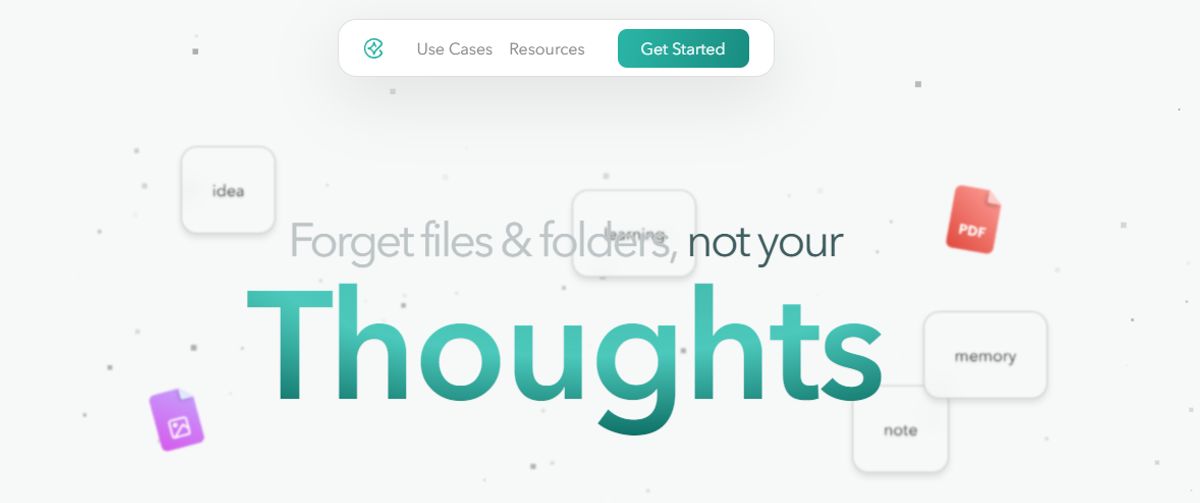
Constella transforms the note-taking experience with its endless canvas approach. You can easily capture and connect ideas on a blank slate, creating a visual structure to help you organize your thoughts. The app uses AI-powered search to help you find information instantly, and its assistant enables you to build and navigate your knowledge base without traditional folder structures. Constella is perfect for busy knowledge workers and researchers limited by conventional note-taking tools. Research 10 times faster with Constella's AI notes manager.
2. Notion: A Popular Second Brain for Good Reason
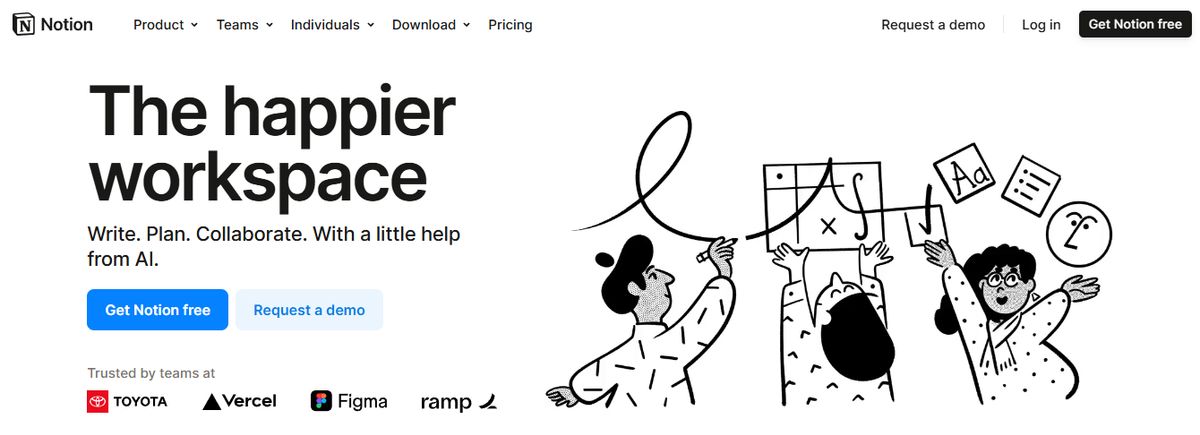
Notion's versatile and free-form design makes it a popular second brain app. The app’s organizational schema comprises databases or nested fields and blocks of information. Users can change database views, use them in different contexts, and link any field or detail bi-directionally. Notion offers thousands of templates for various use cases and ways of thinking, and can house multiple types of media, including text, videos, and to-dos.
Pros
- A simple but powerful UI
- Bi-directional backlinking for easy building and searching
- Notion AI, a powerful writing assistant
Cons
- No-code construction creates a very steep learning curve
- The app can be overwhelming for beginners
3. Capacities: An Object-Based Note-Taking App

Capacities is an object-based note-taking application that focuses on building relationships between notes. It is popular for journaling, making notes, and managing personal ideas. It comes with markdown notes, local-first optionality & PKM features. It can manage daily and personal notes and organize work meetings. Many people find Capabilities to be a good balance between Notion and Obsidian.
Pros
- Beautiful Notion-like design
- It comes with a calendar mode for daily notes
- Works well offline with near-offline functionality
- Comes with AI features for chatting with notes
- Easy to use once you get started
Cons
- Lacks powerful databases
- It can be complicated for the average note-taker
4. Standard Notes: Privacy-Focused Open Source

Standard Notes is an open-source note-taking application. Like Logseq, the app prioritizes privacy and uses comprehensive encryption and two-factor authentication. Users can create feature-rich notes and plaintext markdown files, access their notes offline, and export their data. Different plans offer more robust note-taking formats and capabilities.
Pros
- XChaCha20-Poly1305 encryption to protect sensitive notes
- Real-time syncing across multiple devices to manage projects
- The option to back up notes in plain text files
- Tagging, starring, and pinning features in the free plan
Cons
- Some note-taking features are only available in the paid plans
- Navigating around the interface takes many clicks
5. Anytype: Secure Local-First Note-Taking

Anytype is an open-source, local-first note-taking application for macOS, Windows, iOS, and Android. It also has a Chrome extension for clipping notes. Anytype creates notes as objects to save notes with a structure—e.g., meeting, person, book. It also has E2E security on notes and a growing community. It is a popular Notion alternative in the local-first note-taking community with an ethos and focus on secure note-taking. Anytype uses object-based note-taking to help organize your notes with more structure.
Pros
- Open-source note-taking
- Local-first and peer-to-peer networking
- Works with markdown and native on desktop
- It comes with sets and collections for setups
Cons
- It can be overwhelming to use
- Limited database abilities
6. Roam Research: A Focus on Bi-Directional Linking

Roam Research is a second-brain application that bidirectionally links information for easy searching and organizing. Like many Logseq alternatives, the app includes Markdown support, and Markdown notes have similar tools and functions. Roam operates primarily as a personal knowledge base rather than a tool for teams or organizations. Users can customize their themes and add tasks to their notes; the information is stored in the cloud.
Pros
- Easy bi-directional links for interconnected thoughts and ideas
- Hierarchy-based note organization for easy reorganizing and remixing
- A straightforward interface
Cons
- The collaboration capabilities are minimal
- The integration options are limited
7. Evernote: A Classic Note-Taking Tool
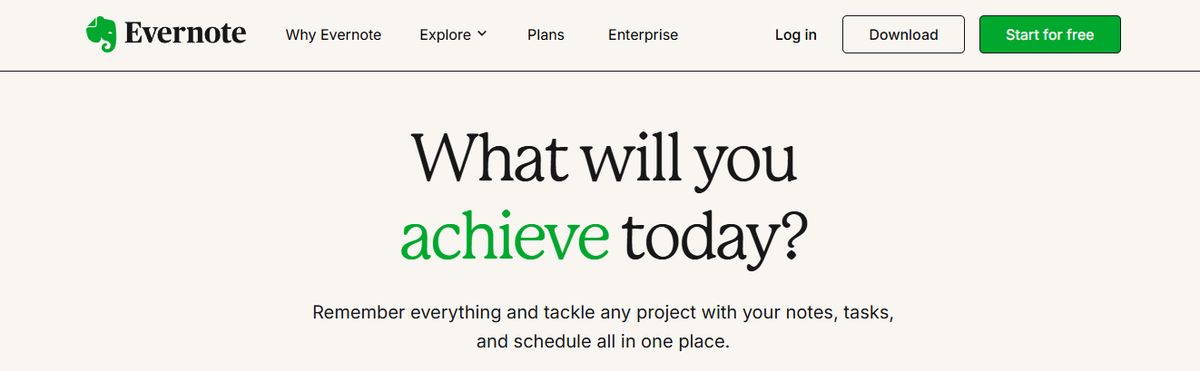
Evernote is a note-taking application that was first built in 2000. It is available on iOS, Android, macOS, web, and Windows. Professionals and individuals use it to take notes, add tasks & manage calendar notes in one. It is famous for note-taking and has a traditional format for collecting and organizing notes. Bending Spoons acquired Evernote and is the developer and owner.
Pros
- Bring all your tasks, notes & calendar in one
- Comes on iOS, Android & all desktops
- Comes with the famous Web Clipper on the browser
- Bending Spoons has been actively developing
Cons
- Much pricier than before
8. Workflowy: A List-Making Powerhouse
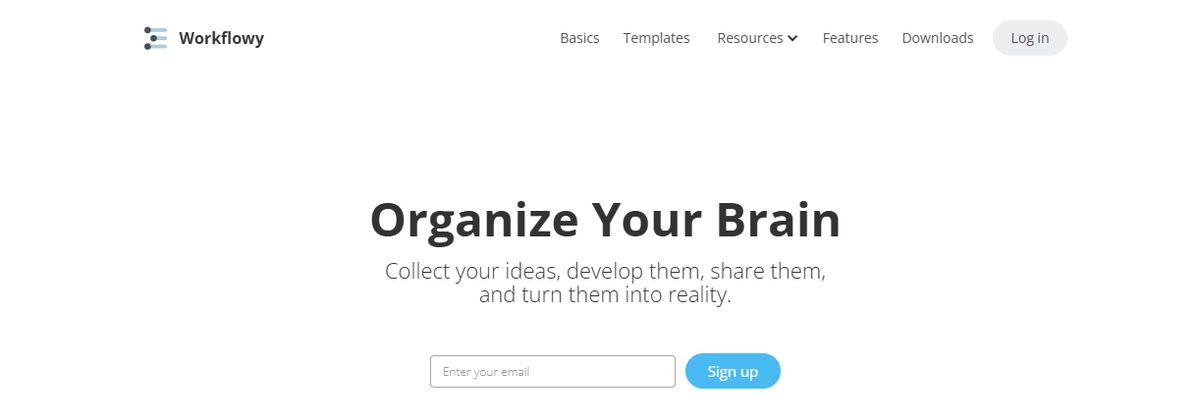
Workflowy is a popular project management tool for teams and businesses that must share and act on ideas. It stores information in outlines and tree-shaped structures, and its paid plans include unlimited nested lists. It also has easy-to-use highlighting, filtering, and searching functions. Users can export backups to Dropbox and access Workflowy across Windows, Mac, and Linux systems.
Pros
- Easy outline building and nesting tools for efficient note-taking
- The option to use Workflowy as a no-frills task management tool
- Collaboration tools that are part of the software
- A minimalist interface for distraction-free work
Cons
- Moving notes to a new position can be difficult
- The formatting and design options are limited
9. Joplin: A Beginner-Friendly Open-Source Option
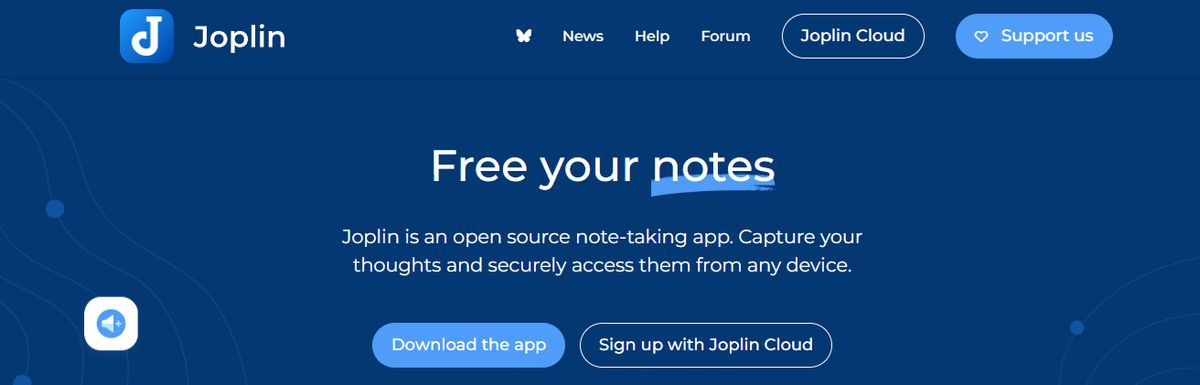
Joplin is a simple note-taking app that’s easy for beginners and offers more complex features for experienced digital note-takers. The open-source program is compatible with dozens of plugins for easy note-sharing and integration across different tools, has an active community, and offers end-to-end encryption for very secure notes.
Pros
- Robust note security
- Easy Microsoft OneNote and Evernote importation into Joplin
- Collaborative note-sharing tools
- Web-clipping tools for easy note-taking
- A distraction-free writing environment
Cons
- The free plan’s size limits are restrictive
- The app has fewer features than other note-taking tools
10. Foam: A Developer-Friendly Second Brain

Foam is a free, open-source personal knowledge management application that uses Visual Studio and GitHub to publish notes. Users can create a Foam workspace and develop a series of Markdown documents covering a single topic. The platform includes graph visualizations for backlinking and connecting issues. Roam Research inspired Foam, so expect to see some similarities. You can share content, access it on different devices, and post it on GitHub Pages.
Pros
- Notes that connect to create a second-brain-style organization schema
- The ability to auto-complete notes with Wikilinks
- Collaboration tools
Cons
- Foam requires a GitHub account and familiarity with the platform
- The app is not user-friendly for personal and professional users seeking a simple interface
Related Reading
- Roam Research Alternatives
- Amplenote vs Notion
- NotePlan Alternative
- Amplenote vs Obsidian
- Heptabase vs Obsidian
- Notion vs Evernote
Research 10 Times Faster with Constella
Constella transforms note-taking with an infinite canvas that effortlessly captures and connects ideas. Whether you're a researcher trying to draw connections across numerous papers or someone who wants a more intuitive way to organize your thoughts and files, Constella's AI assistant helps you build and navigate your knowledge base without the constraints of traditional folder structures.
Constella transforms how you capture, find, and connect your ideas. It is perfect for busy knowledge workers and researchers limited by conventional note-taking tools. Research 10 times faster with Constella's AI notes manager.
Related Reading
Want more insights like this?
Subscribe to get short productivity tips and useful summaries of new tools every week.
Want more insights like this?
Subscribe to get short productivity tips and useful summaries of new tools every week.


