

Organizing your notes and ideas is essential for personal knowledge management. Scenarios like this often help you find what you need when you need it. Joplin is a free, open-source note-taking app with a clean interface and powerful organization features that can help with personal knowledge management.
However, it’s not the only app of its kind. This blog post will explore Joplin alternatives to help you efficiently manage your notes, files, and research.
One of these personal knowledge management alternatives is Constella's AI notes manager. This free tool helps users organize their notes smoothly with the help of artificial intelligence. The AI can summarize, recall, and even respond to questions about your notes.
What is Joplin
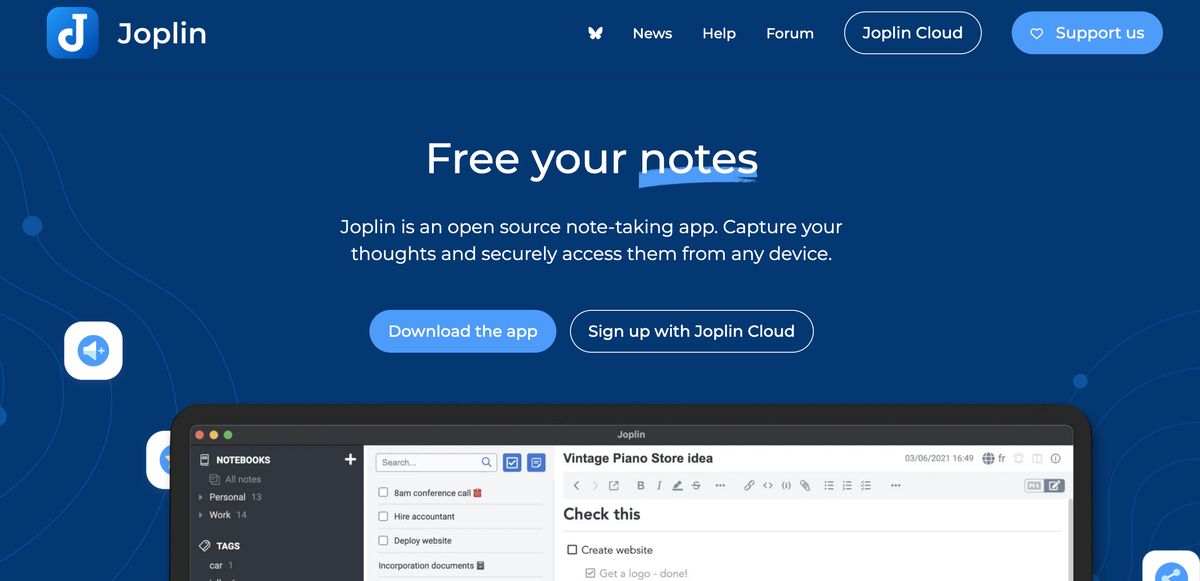
Joplin is a free and open-source note-taking application. It makes it easy for users to organize and synchronize their notes across multiple platforms. Joplin works on Windows, macOS, Linux, Android, and iOS. This means you can easily access your notes, no matter your device. You can write your notes in Markdown or Rich Text Format in Joplin. That is not all of it, though. Joplin provides many features and is simple to design, making it a viable note-taking app for users.
Key Features of Joplin
External editor support
This is a feature that is oftentimes missing from other similar note-taking applications. In Joplin, you can use any editor you choose if you do not like their default text editor.
Synchronization
Sync is one of the most essential requirements for any user. Joplin has a cloud service plan starting from 1.99 euros a month (1.49 euros monthly for annual plans). However, they also allow you to sync with your preferred cloud providers.
End-to-end encrypted
Some of you may wonder if Joplin can sync using cloud services, as the data may be compromised. That is not true at all. You can enable end-to-end encryption and ensure your data is always safe.
Supports Nextcloud, Onedrive & Dropbox
Joplin supports some of the major cloud providers, such as Nextcloud, Onedrive, and Dropbox. Similar note-taking apps lack such features, but Joplin developers have seemingly figured out what users want.
Image support
While I was looking for a note-taking app, the option to add images was a must-have for me. Fortunately, Joplin supports straightforwardly adding images. The user can simply use the attachment icon to add a photo to their note.
Web clipper (browser extension)
There are times when you come across an article and need to save or integrate it into your notes. In those scenarios, the Web Clipper extension comes in handy. It is available on all popular browsers.
Customizations through plugins
I have tried many note-taking apps before settling for Joplin. The large number of plugins available on Joplin is only second to Obsidian when it comes to quantity. However, only a few plugins (if any) are needed in Joplin to get things done.
Related Reading
- PKM Tools
- Personal Knowledge Management Tools
- Second Brain Apps
- Second Brain Method
- Heptabase Alternative
- Zettelkasten Note Taking
Price Plan of Joplin
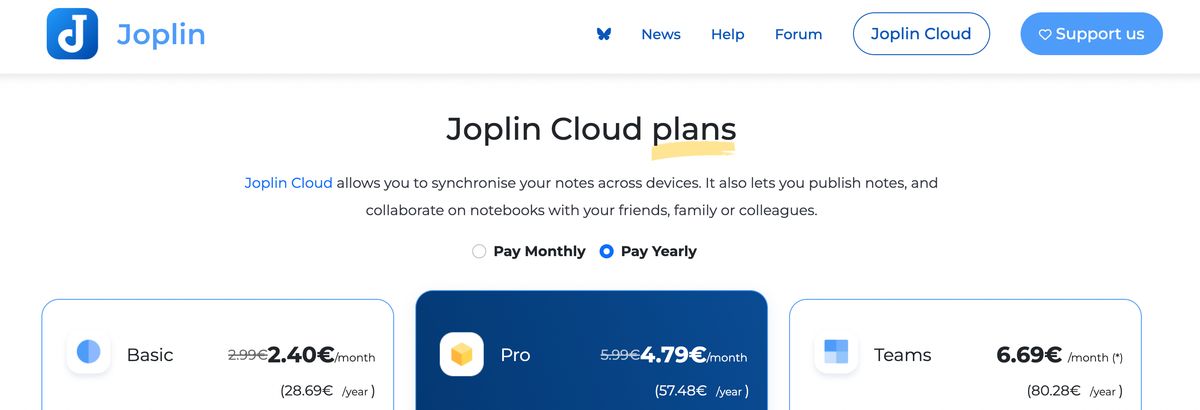
Joplin is entirely free to download and use. Files are stored on your local device, though you can optionally sync between devices using a cloud platform, including Dropbox and OneDrive. The free tier is very generous. Joplin recently started offering a paid sync service called Joplin Cloud, with plans starting at 17.88 euros per year (roughly $19 as of this writing) for the Basic plan.
That subscription allows you to collaborate on notes with other Joplin users. It also lets you upload up to 10MB of data per note with 1GB of storage space. The most expensive plan, Teams, costs 80.28 euros per year (roughly $86) and offers 200MB per note with up to 10GB of storage space. Joplin offers a 50% discount for students and teachers, which you can request by emailing the company from a .edu email address.
12 Best Joplin Alternatives for Note-Taking
1. Constella
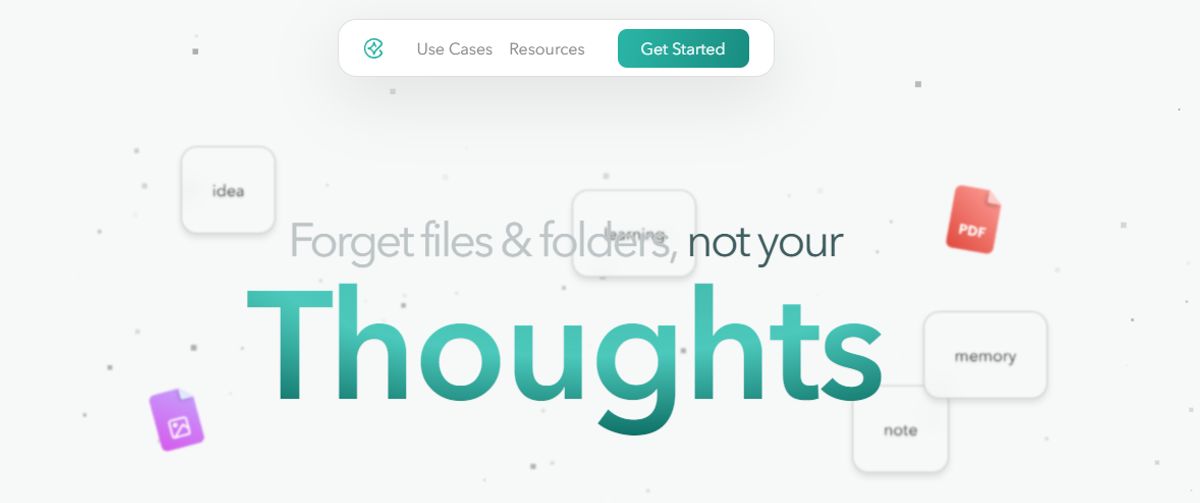
Constella reimagines note-taking with an infinite canvas that lets you capture and connect ideas effortlessly, powered by AI search that makes finding information instantaneous. Whether you're a researcher trying to draw connections across numerous papers or someone who wants a more intuitive way to organize their thoughts and files, Constella's AI assistant helps you build and navigate your knowledge base without the constraints of traditional folder structures.
Constella transforms how you capture, find, and connect your ideas, perfect for busy knowledge workers and researchers limited by conventional note-taking tools. Research 10 times faster with Constella's AI notes manager.
2. Notion
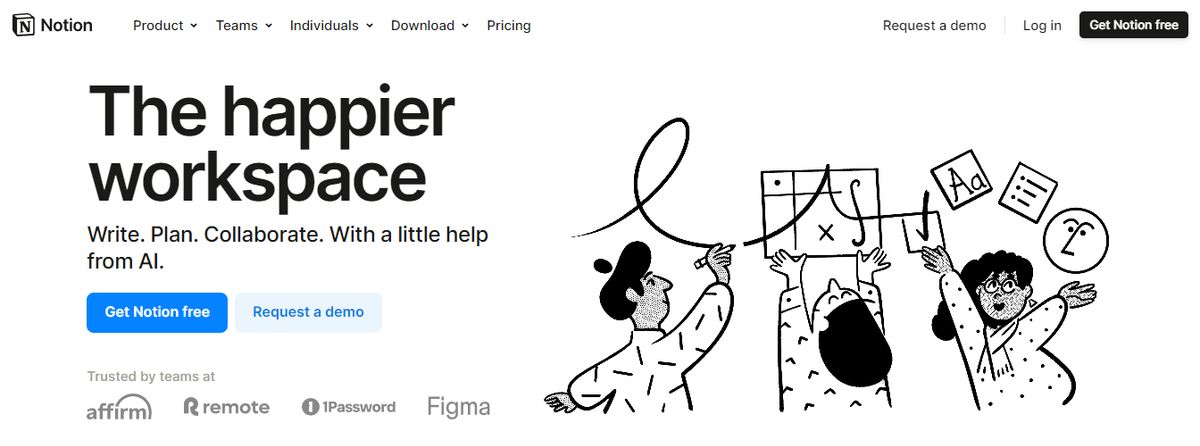
Notion’s note-taking experience supports various content types, including images, text notes, bookmarks, videos, and code. You can add these to your notes with intuitive controls such as drag-and-drop and slash commands.
Pros
- Fully customizable to fit your needs.
- Good for team use with collaboration features.
- Create databases and wiki-style pages.
Cons
- Can feel complex and overwhelming.
- UI could be more user-friendly.
3. Evernote

Evernote, the note-taking app with the green elephant logo, lets you take notes, organize them, manage your projects, and enhance productivity. Whether you need it for personal knowledge management or work, Evernote can be a suitable platform.
Pros
- Scan documents on the go with their iOS (iPhone & iPad) and Android apps.
- Get offline access to your notes.
- Easily integrate with popular apps, including Gmail, Salesforce, Slack, etc.
Cons
- Free plan supports only 60MB monthly upload.
- You can’t do simple calculations in a table.
- It doesn’t work on Linux.
4. Google Keep
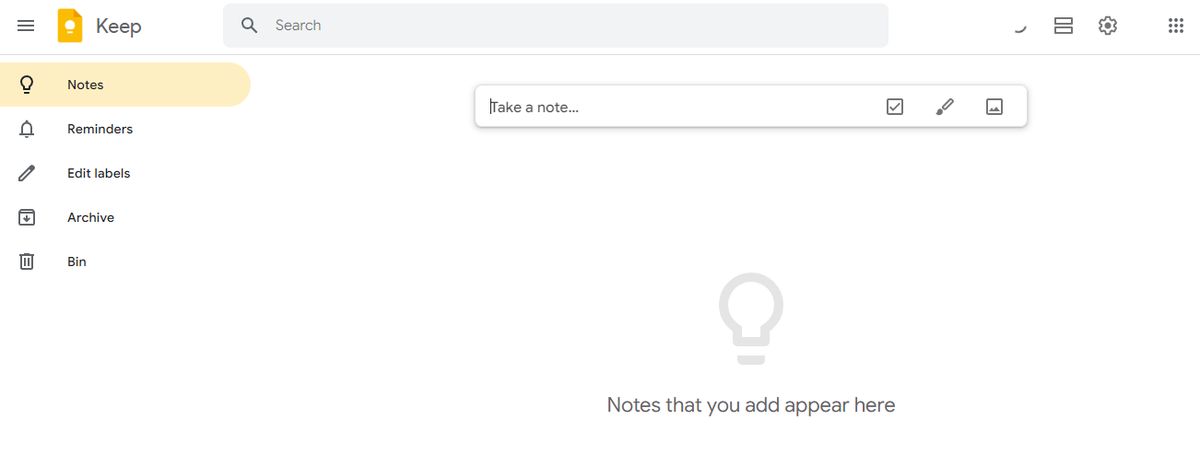
Google Keep allows users to effortlessly capture content, including notes, lists, photos, and audio, and organize it on a digital bulletin board. Sharing notes among family and friends is simple. For example, you can share a shopping list and see updates in real-time as items are checked off—there is no need for back-and-forth communication.
Pros
- Get reminded of your to-dos at the right place and time with time-based and location-based reminders.
- Organize notes using labels and colors.
- Integrate your notes smoothly with Google Docs, Calendar, and other apps within the Google ecosystem.
Cons
- More suitable for quick notes rather than detailed, lengthy note-taking.
- The features are too essential for complex note organization.
5. Microsoft OneNote
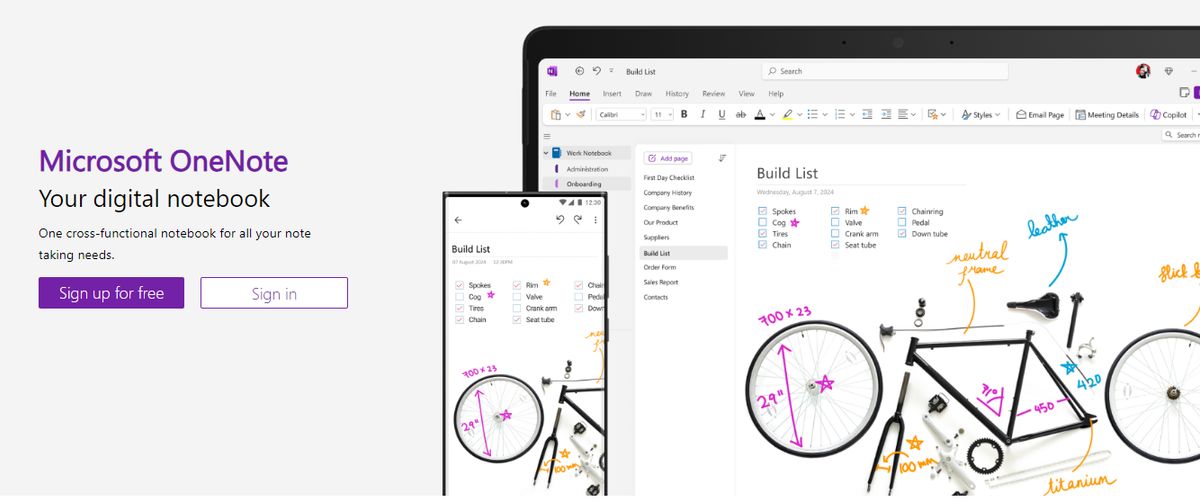
Microsoft OneNote provides note-taking tools for different inputs, including typing, handwriting, and drawing. You can incorporate content from the web directly into your notes, refining the research and documentation process.
Pros
- Features a user-friendly layout for easy note organization.
- Lets you collaborate with others in real time.
- Offers flexible integration options for Microsoft and non-Microsoft products.
Cons
- Users need to have a Microsoft 365 subscription to access the tool.
- It provides integration mainly with Microsoft products, which is limited for users of other ecosystems.
6. DokuWiki
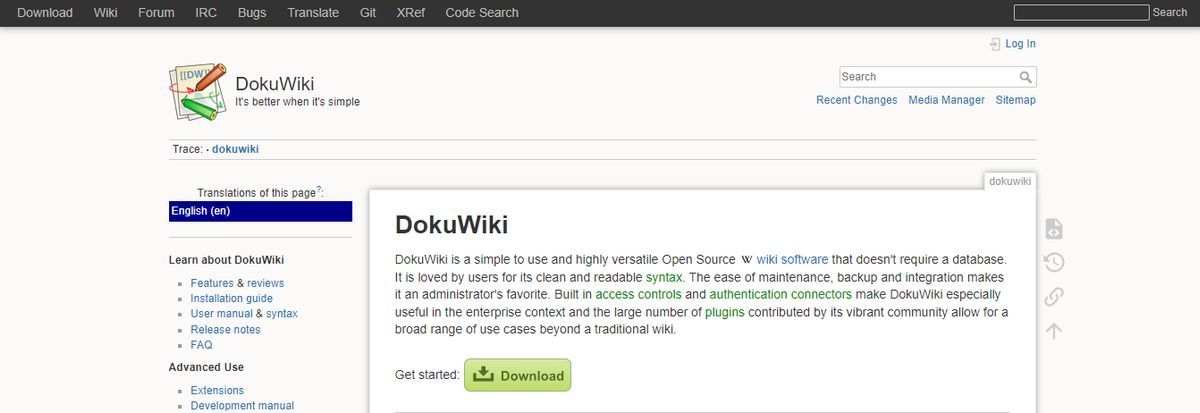
If you’re looking for open-source alternatives to Roam Research, DokuWiki is a great tool that doesn’t need a database. You’ll love the many plugins that extend DocuWiki’s feature set, chipped in by its buzzing community.
Pros
- Markdown support.
- Tons of plugin options for syntax, admin, etc.
- Templates for layout customization.
Cons
- It can be challenging for non-technical users to get on board.
- The software looks dated.
- No task management abilities.
7. Nuclino
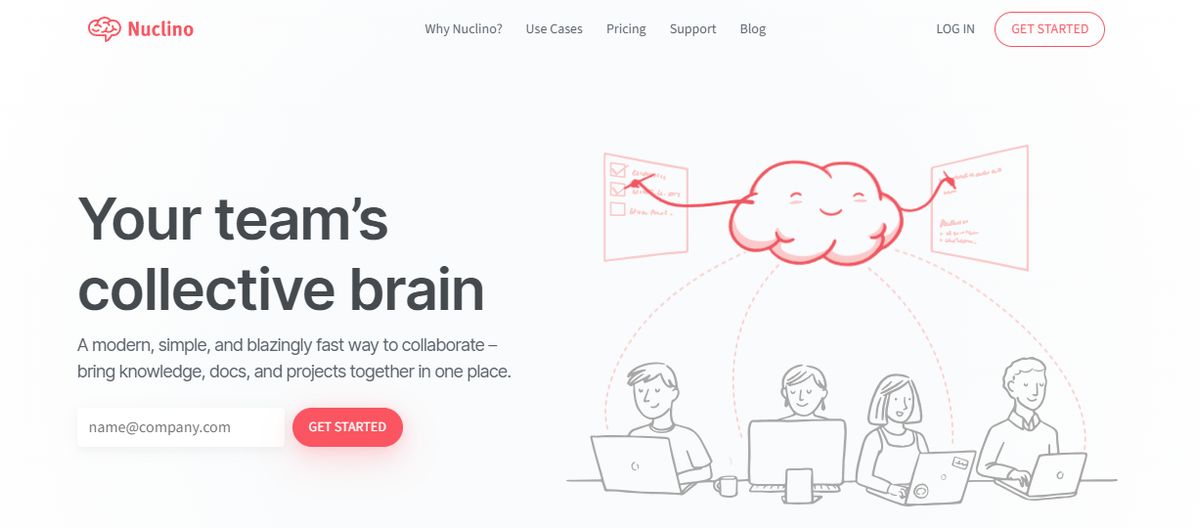
Nuclino is another Joplin alternative offering a blend of internal knowledge base and wiki capabilities. Its hallmark is its clean interface, intuitive navigation, and real-time editing feature, which allows multiple users to collaborate smoothly on the same document.
Pros
- Task management tools, including Kanban boards.
- Automatic version history for tracking document changes.
- Internal linking for connecting related items.
Cons
- Limited integration options.
- Could use more formatting options to promote brand-based styling.
8. Simplenote
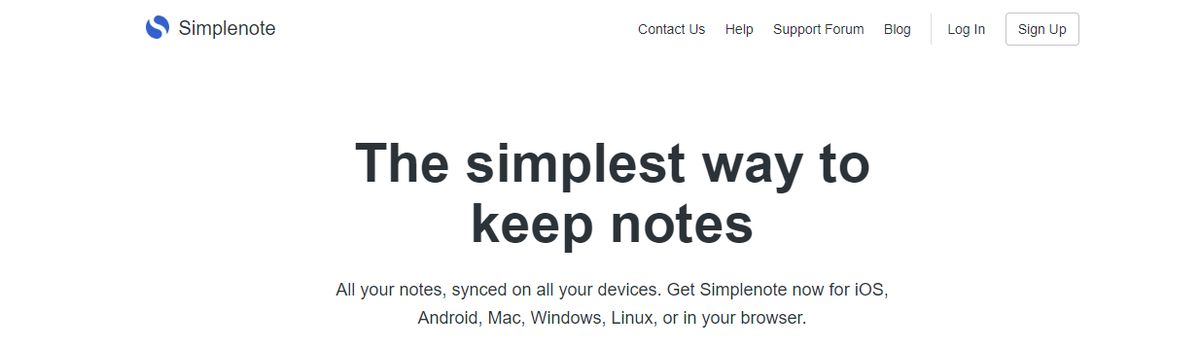
Simplenote is a no-fuss note-taking app that syncs across multiple devices and platforms, including Android, iOS, Mac, Windows, Linux, and web browsers. Notes update automatically in real-time across all devices—there’s no need to look for a ‘sync’ button!
Pros
- Organize notes using tags and retrieve them quickly with the instant search functionality of this Android note-taking app.
- Collaborate with friends and team members by sharing lists, posting instructions, or publishing notes online.
- Write, preview, and publish notes in Markdown format.
Cons
- No option to insert tables.
- Lacks any aesthetic appeal.
9. Document360
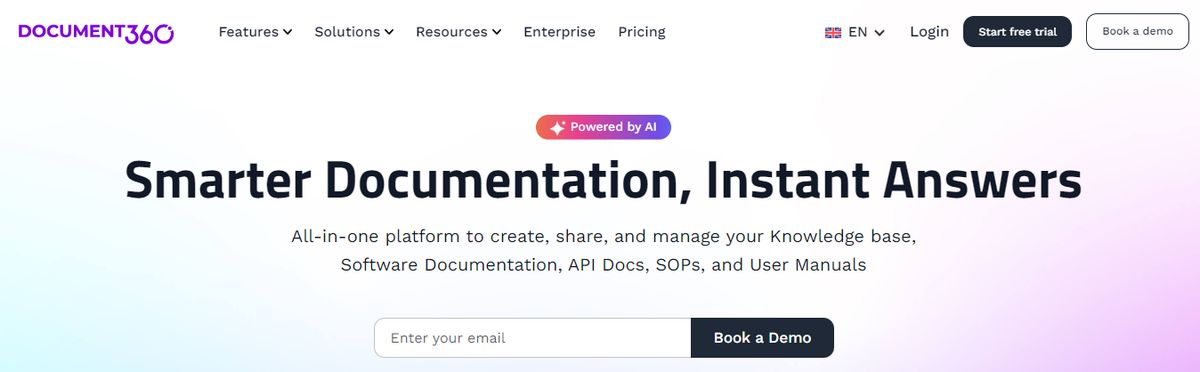
Document360 is a versatile platform offering both internal and external knowledge bases. Thanks to its support for popular editing tools like WYSIWYG (What You See Is What You Get) and Markdown, it allows non-technical users to create high-quality documentation.
Pros
- WYSIWYG and Markdown support.
- Advanced search filters and AI recommendations.
- Built-in content review reminders.
Cons
- The interface can be slow occasionally.
- Analytics only support a 30-day timeframe.
10. Bear
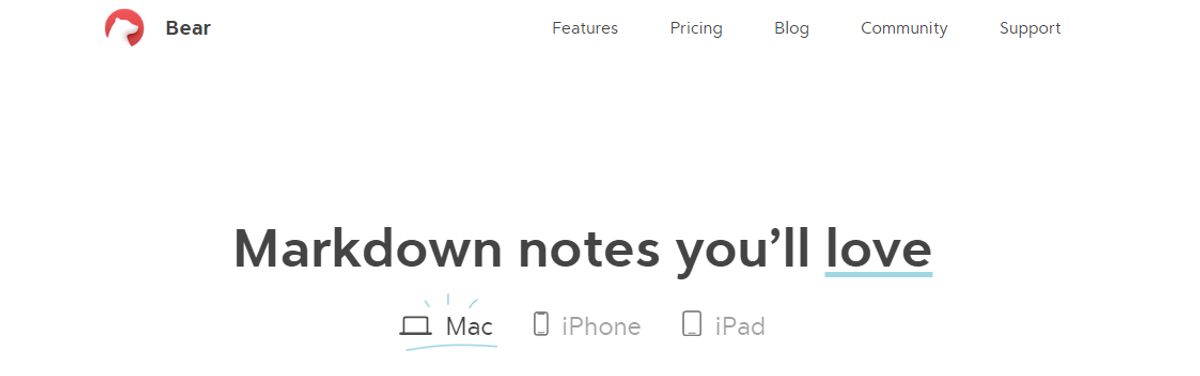
Bear is a Markdown-based note-taking app that allows you to format and organize different types of content (including text, photos, tables, and to-do lists) within a single note.
Pros
- Format your notes with a simple Markdown.
- Organize notes with flexible tagging systems.
- Use folding to focus on one section at a time section and hide the rest.
Cons
- Available only on iOS and macOS, which limits its use to the Apple ecosystem.
- Some basic features, like iCloud sync and exporting options, require a subscription.
11. Notion
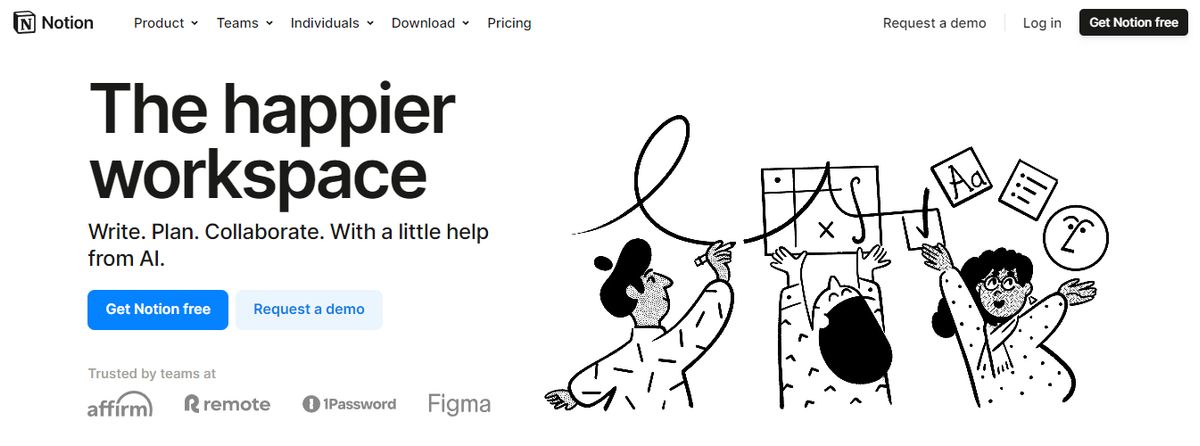
Notion’s note-taking experience supports various content types, including images, text notes, bookmarks, videos, and code. You can add these to your notes with intuitive controls such as drag-and-drop and slash commands.
Pros
- Fully customizable to fit your needs.
- Good for team use with collaboration features.
- Create databases and wiki-style pages.
Cons
- Can feel complex and overwhelming.
- UI could be more user-friendly.
12. Obsidian
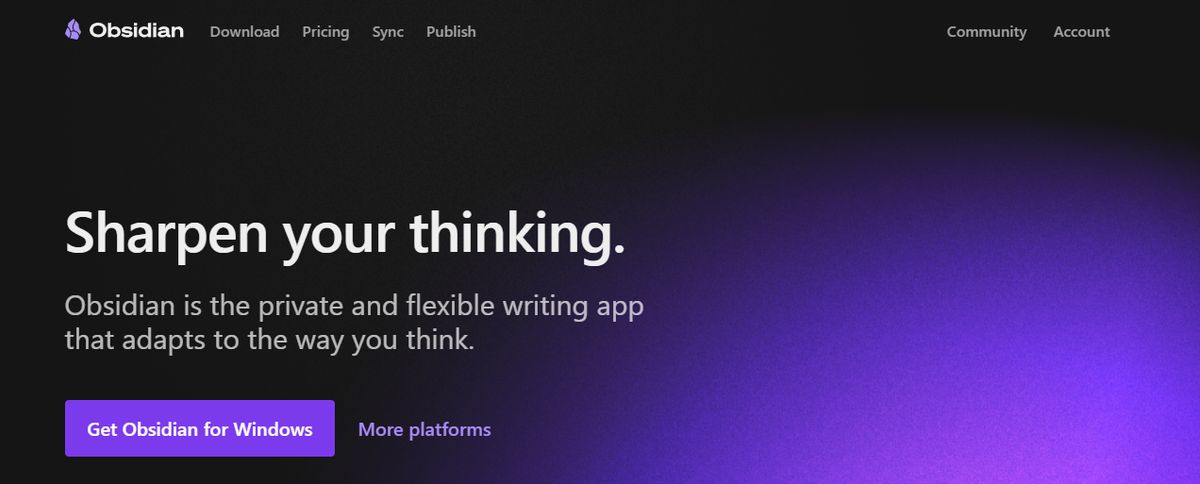
Obsidian is a helpful note-taking app for people like me that has hundreds or thousands of notes on their devices. What I love the most about this tool is the interlinking and bi-directional linking—you can connect notes, ideas, people, places, and more.
Pros
- Brainstorm, research, and ideate on Canvas—your personal space.
- Track version history of notes for up to one year.
- Curate a personalized experience with plugins and themes.
Cons
- Collaborating with others on notes is a complex process.
- Primarily a desktop app; the mobile version is not as robust or user-friendly.
Pros and Cons of Joplin

The Bright Side of Joplin: What Are Its Benefits?
Joplin is open-source software. Unlike many other note-taking apps, Joplin does not operate on a freemium model, so you will not pay for any features. You can also host your own Joplin server to manage your data. Furthermore, Joplin's code is available for anyone to inspect, which adds another layer of trust and transparency.
Integrated Apps for More Functionality
Joplin has several integrated third-party apps that enhance its functionality. For example, Joplin supports a variety of plugins that can be used to customize your experience. These plugins allow you to do everything from improving task management capabilities to enhancing Markdown support.
Markdown Support
Markdown is a lightweight markup language that helps users format plain text files. Markdown is a popular alternative to rich-text formatting in note-taking apps because it is easy to learn, provides more customization options, and allows for cleaner file storage. Joplin's Markdown support is top-notch, allowing users to create notes with complex formatting that look great both in the editor and the preview mode.
Rich-Text Formatting
If you are not a fan of Markdown, you'll be happy to know that Joplin also supports traditional rich-text formatting. This allows you to customize the appearance of your notes using a WYSIWYG (what you see is what you get) editor. The rich-text editor is a great way to make notes more visually appealing, especially if you plan to share them with other users.
Privacy-Focused
Joplin is an excellent choice for privacy-conscious users. The open-source app doesn't collect any user data except optional telemetry to improve the software. This means you can enjoy using Joplin without worrying about invasive ads or other unwanted surprises.
The Downside of Joplin: What Are Its Drawbacks?
While Joplin has some useful features and solid security, it has some noticeable downsides. For one, the app lacks mobile security features like encryption at rest. If someone gains access to your mobile device, they could easily open the Joplin app and view all your notes.
No Encryption at Rest
Joplin does offer end-to-end encryption for notes. However, the app does not encrypt your data while storing it on your device. Instead, the end-to-end encryption only protects your Joplin data if you sync the notes with a cloud service. As a result, if you lost your notes or someone else gained access to your device, they could read your notes without any security measures in place.
Limited Mobile Apps
Joplin has mobile apps for Android and iOS. However, the mobile version lacks features that many users would find helpful. For example, there is no support for third-party plugins, which can enhance your experience on the desktop version. Moreover, the mobile app also has limited options for syncing your notes.
Unavailable on the Web
Joplin is a desktop application first, with mobile apps that can sync your notes on the go. However, there is no web version of Joplin, which means you cannot access your notes from any browser. This can be a genuine inconvenience for users who prefer using a web app or want to access their notes on a public computer.
Related Reading
- Slite Alternatives
- Roam Research Alternatives
- Notion Knowledge Management
- Coda Alternatives
- SiYuan Alternatives
- Logseq Alternatives
Research 10 Times Faster with Constella
Constella reimagines note-taking with an infinite canvas that lets you capture and connect ideas effortlessly, powered by AI search that makes finding information instantaneous. Whether you're a researcher trying to draw connections across numerous papers or someone who wants a more intuitive way to organize their thoughts and files, Constella's AI assistant helps you build and navigate your personal knowledge base without the constraints of traditional folder structures.
Constella transforms how you capture, find, and connect your ideas, perfect for busy knowledge workers and researchers limited by conventional note-taking tools. Research 10 times faster with Constella's AI notes manager.
Related Reading
Want more insights like this?
Subscribe to get short productivity tips and useful summaries of new tools every week.
Want more insights like this?
Subscribe to get short productivity tips and useful summaries of new tools every week.


