

When faced with an urgent deadline or an unexpected change of plans, we can easily overwhelm ourselves with the sudden influx of notes, ideas, and tasks to complete. In these desperate moments, it's easy to lose track of valuable notes and let them disappear or get lost in the shuffle.
Amplenote is a personal knowledge management tool that can help individuals quickly organize and manage their notes in times of stress, but it's not the only option. This article will explore other alternatives to Amplenote that will help you efficiently manage your notes and knowledge over time for long-term success.
One option worth considering is Constella's AI notes manager. This smart tool helps users easily organize, categorize, and retrieve notes, taking the guesswork out of personal knowledge management.
What is Amplenote?
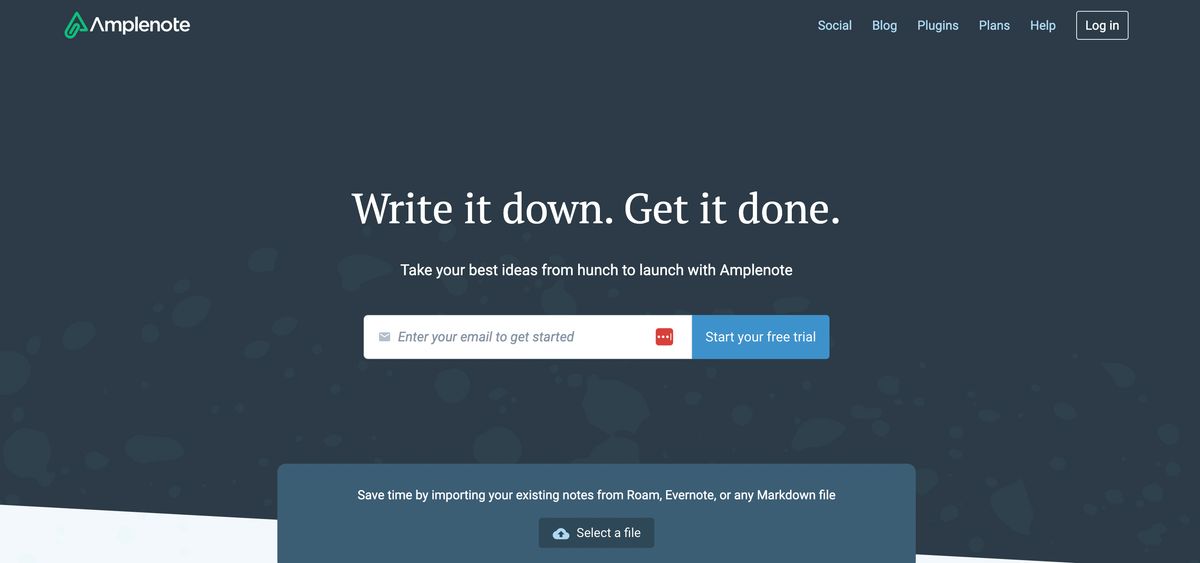
Amplenote is a multifaceted note-taking application that combines notes, tasks, and calendars into one cohesive unit. This tool is available on various platforms, including iOS, Android, macOS, and Windows. With robust features for managing and organizing notes, Amplenote is a fantastic tool for managing personal knowledge and working notes in collaborative settings. The application also has useful functions for managing tasks.
Syncing Apple Calendar with Amplenote
One of the standout features of Amplenote is its ability to sync with existing calendar applications. This includes the built-in Apple Calendar and existing Google and Outlook calendar integrations. Using the Apple Calendar to add events from emails or organize your schedule, you can import this information directly into your Amplenote account. You can still import events from external calendars or push events created inside Amplenote into all connected calendars.
Color Code Calendar Events Inside Amplenote
Amplenote's calendar views have also received a fun new update. You can now use colors to visualize tasks and add a new dimension to time management. Coordinating tasks using colors is excellent for quickly scanning your calendar and seeing the tasks in store for that day. For internal calendar events, the color of the task background is determined by the tag you give to the task. When creating a new tag, you can choose different colors.
For example, if your task is for work, you can make a hashtag #work and color code it in blue. These colors will be automatically imported from your existing calendar for external calendar events. For example, the colors you use for tasks inside Google Calendar will be used in Amplenote. You can change this in the settings to use my colors inside Amplenote.
Using Readwise with Amplenote
Another Amplenote feature is the updated version for adding Readwise Sync. Instead of following a long, tricky setup process to sync your recently read books, you can now use the Readwise sync plugin, which will regularly update inside Amplenote.
Amplenote Pricing
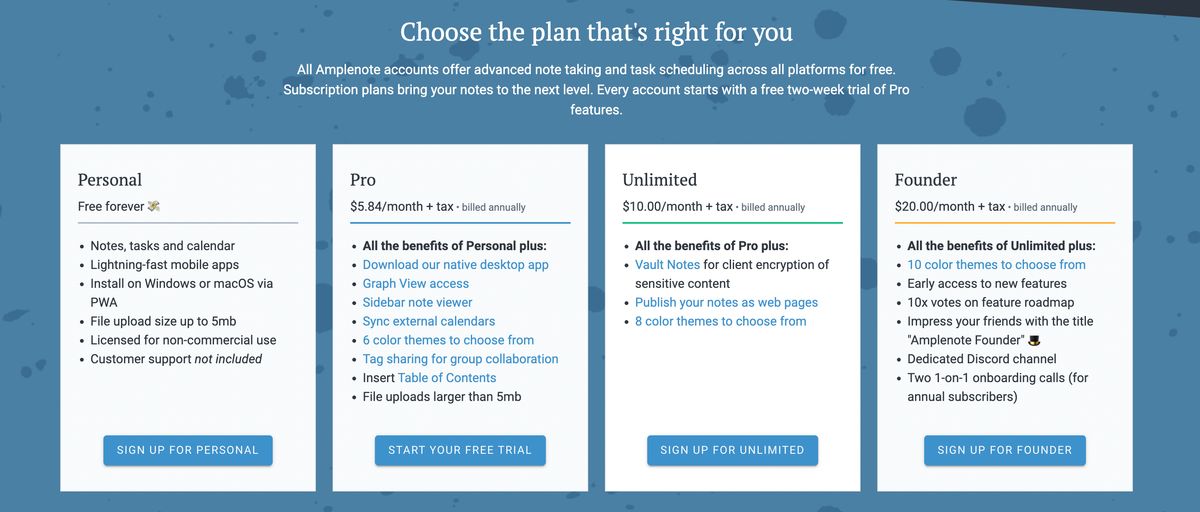
Amplenote offers a free personal-use plan that includes mobile and web apps, essential note-taking, tasks, and calendar features. It has a 5 MB upload limit. Paid subscriptions start at CAD 11.29 per month and can be billed annually. The least expensive plan (Pro) removes the size limit on uploads and adds features like themes, a table of contents, Google and Outlook calendar syncing, and collaboration tools.
The next tier (Unlimited) costs CAD 14.99 per month, allows for publishing notes on the web, and has a 25 GB storage limit. The top plan (Founder) is CAD 38.41 per month, including extra customization options and early access to new features.
Related Reading
- PKM Tools
- Personal Knowledge Management Tools
- Second Brain Apps
- Second Brain Method
- Heptabase Alternative
- Zettelkasten Note Taking
14 Best Amplenote Alternatives for Note-Taking
1. Constella
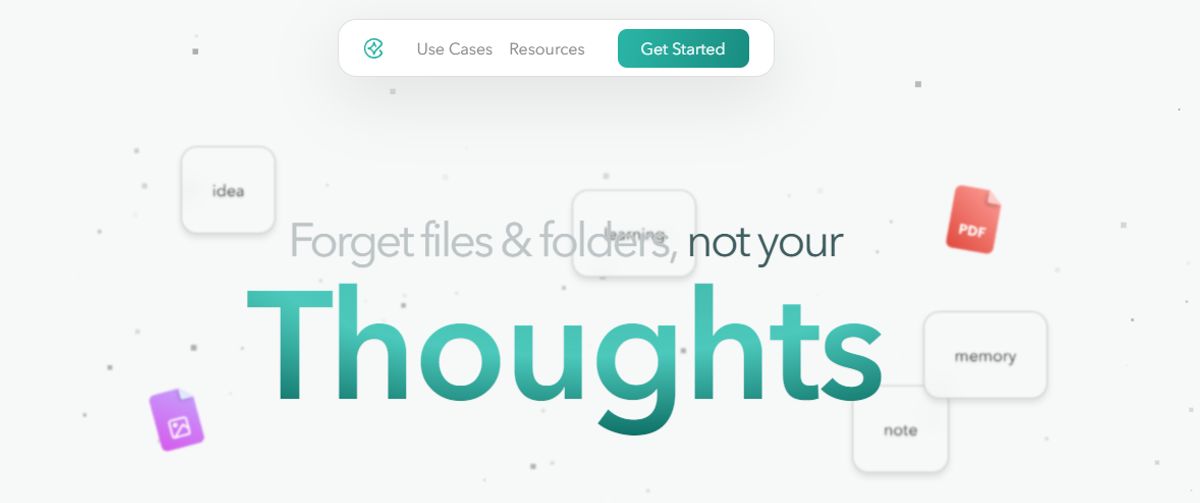
Constella reimagines note-taking with an infinite canvas that lets you capture and connect ideas effortlessly, powered by AI search that makes finding information instantaneous. Whether you're a researcher trying to draw connections across numerous papers or someone who wants a more intuitive way to organize your thoughts and files, Constella's AI assistant helps you build and navigate your knowledge base without the constraints of traditional folder structures.
Constella transforms how you capture, find, and connect your ideas, perfect for busy knowledge workers and researchers limited by conventional note-taking tools. Research 10 times faster with Constella's AI notes manager.
2. Google Keep
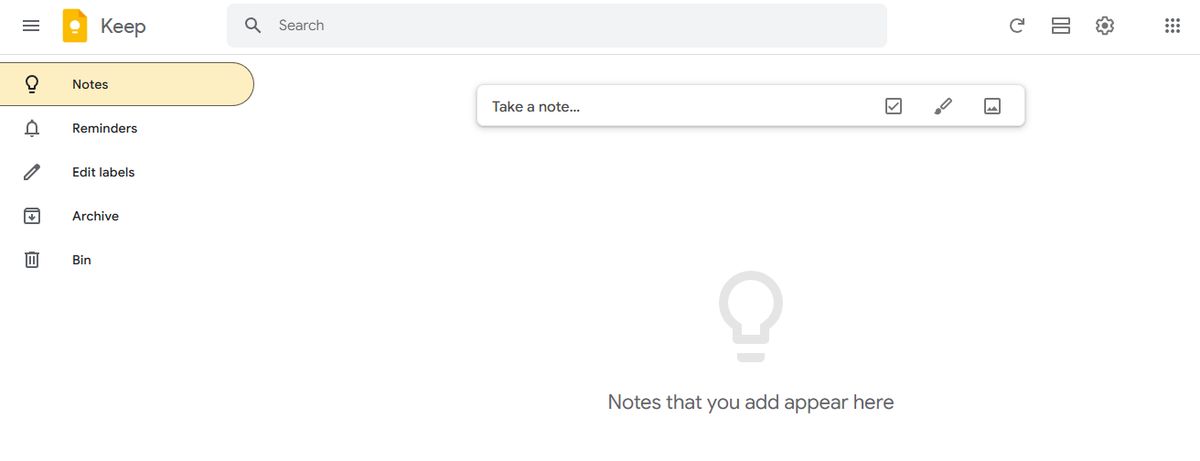
Google Keep is one of the many Google apps. It’s also one of the best Evernote alternatives in the market today. With a simple, easy-to-use interface, it’s no surprise that it was one of the most downloaded note-taking apps in 2019.
Pros
- Supports rich text formatting
- Set reminders and add to-do lists to your notes
- The mobile apps are completely free
- Intuitive drag and drop interface is similar to Post-it notes
Cons
- No alternate themes on this app
- Lacks task management abilities
- No desktop app for Windows, Linux, or macOS platforms
3. Evernote
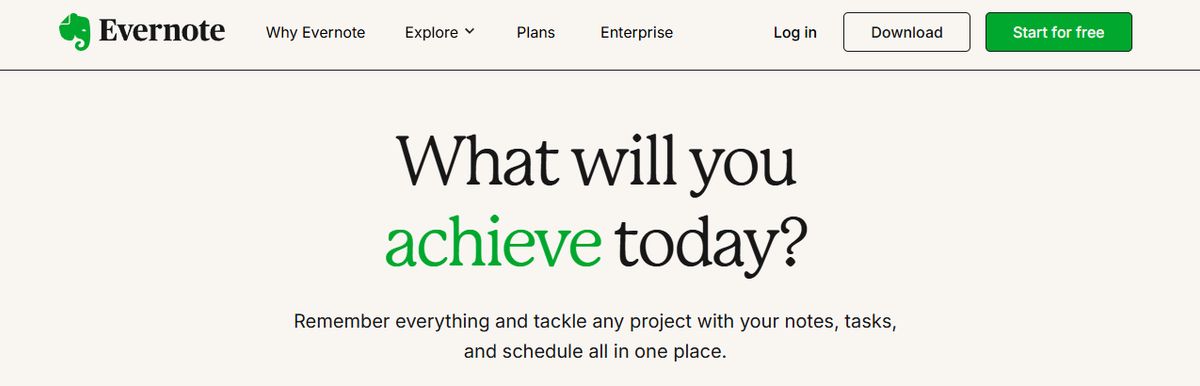
Evernote is a comprehensive personal knowledge management (PKM) and note-taking tool designed to help professionals capture, organize, and access information seamlessly across devices. As the name suggests, it lets you jot down random thoughts and store important files and documents to develop a knowledge base. What I like about Evernote is its functionality to record audio notes for personal and professional purposes.
Pros
- Effortless note-taking and syncing
- Powerful search
- OCR for images
- AI-enabled plain language search
- Excellent and customizable organization options
Cons
- Expensive
- The free version isn't worth using
4. Roam Research

Another great note-taking PKM tool is Roam Research. Popular among researchers, writers, and lifelong learners, this tool is designed for non-linear thinking and idea organization. Roam helps students create a ‘networked thought’ system, connecting concepts and notes to mirror how the brain naturally works. Bidirectional linking on Roam enables you to create a web of interconnected notes and quickly identify relationships between disparate pieces of information.
Pros
- The first thing you need to know about Roam Research is that it focuses on creating interconnected knowledge. This platform uses a Directed Acyclic Graph (DAG) structure for flexible information organization, allowing you to develop a web of knowledge that connects concepts, ideas, and information seamlessly. It's like having a neural network for your thoughts!
- Roam Research offers a daily note-focused approach, reducing cognitive load and organizational overhead. By creating a new daily note every day, you can focus on what matters most to you in the moment without getting bogged down by trying to organize everything all at once.
- Roam supports many file extensions, allowing you to incorporate text, images, audio, and video into your notes. Plus, there's no cap on data usage, so you can store as much information as you want without worrying about running out of space.
Cons
- One downside to Roam Research is its higher price than alternatives like Obsidian. While Roam offers many features and functionality, the cost might be a barrier for some users.
- Another potential con is the perceived slow development of Roam Research. Some users feel that Roam doesn't release as many significant improvements as its competitors, which could be frustrating for those looking for the latest and greatest features.
5. Confluence

Confluence is a powerful tool specializing in knowledge management and team collaboration, making creating, sharing, and collaborating on documents easy. Developed by Atlassian, it integrates seamlessly with Jira, enhancing its utility for software development teams.
Pros
- Great for Documentation: Provides powerful tools for creating and managing documents, ensuring that all information is easily accessible.
- Integrates Well with Jira: Enhances project tracking capabilities, making it a preferred choice for software development teams.
- Strong Collaborative Features: Facilitates teamwork and knowledge sharing.
Cons
- Can Be Complex for New Users: The extensive features may be overwhelming for new users, requiring a learning curve.
- May Become Expensive: Larger teams may find the costs add up quickly, especially if using premium features.
6. Notion
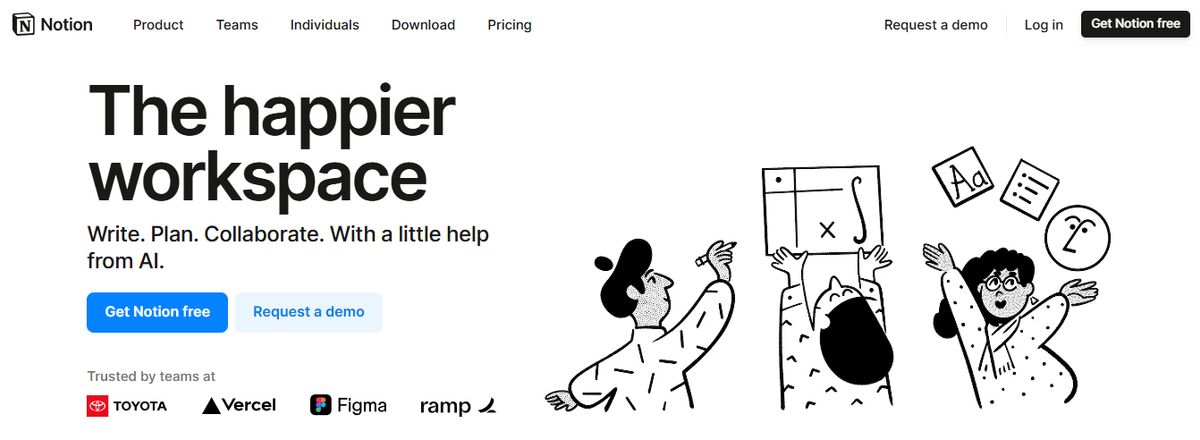
Notion offers a flexible workspace for note-taking, task management, and database creation, making it ideal for various projects. Known for its versatility, Notion allows users to customize their workspaces to fit their needs, whether for personal use, small teams, or larger organizations.
Pros
- Highly Customizable: Users can tailor Notion to meet their needs, from simple to complex workflows.
- Versatile: Suitable for various applications, from project management to note-taking and database creation.
- Great for Creative Projects: Offers flexibility and tools that are particularly useful for creative professionals.
Cons
- Steeper Learning Curve: New users might find Notion overwhelming due to its extensive features.
- Can Be Overwhelming for New Users: The vast array of features may take time to master.
7. Document360
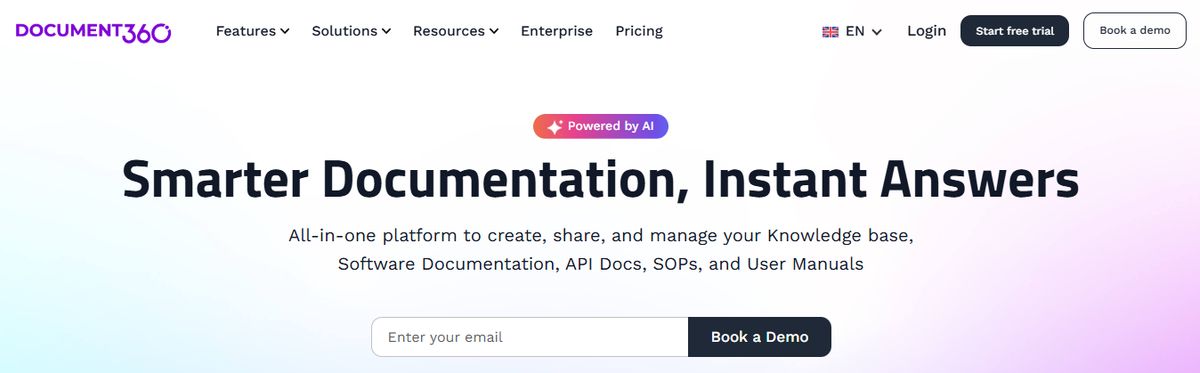
Another all-in-one workspace software for building customizable knowledge bases is Document360. This software helps you personalize your knowledge base with branded colors. It helps create dynamic, searchable, multilingual user manuals, SOPs, how-to guides, and other documents. Ideal for professionals seeking to streamline documentation processes, Document360 offers a user-friendly interface that caters to technical and non-technical users. Plus, it gives AI functionalities to simplify tackling all documentation needs.
Pros
- Improve the context and relevance of documentation with real-time AI feedback
- Get insights into user behavior and content effectiveness to optimize knowledge management strategies
- Connect with popular tools like Slack, Microsoft Teams, Zendesk, and Intercom to build a cohesive workflow across platforms
Cons
- A few features are only available through costly add-ons
- New users might require time to leverage the platform’s extensive capabilities fully
8. OneNote
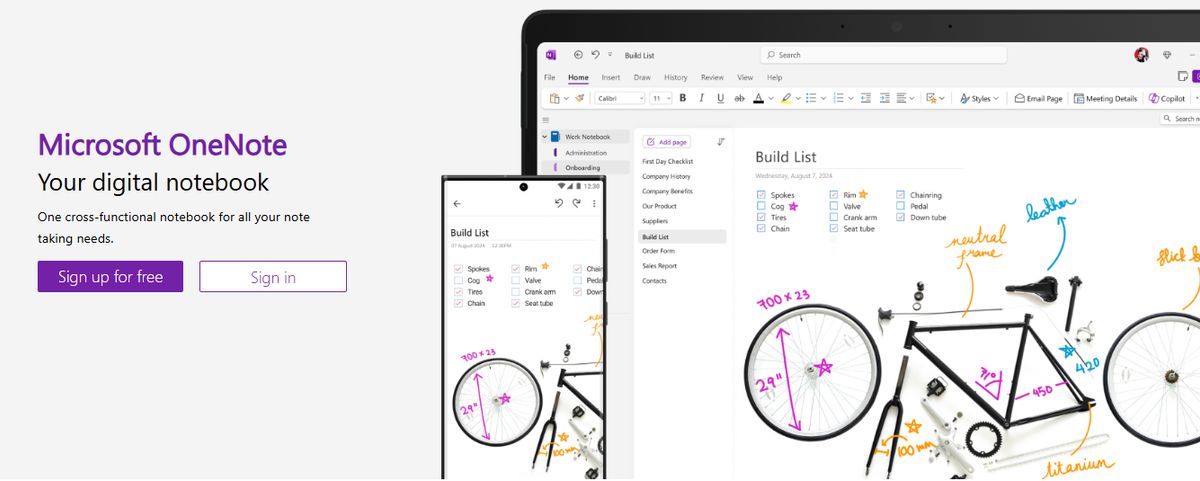
The Microsoft OneNote app is another powerful note-taker. Like Box Notes, Quip, and Zoho Notebook, it has basic collaboration feature options to work on notes together.
Pros
- Supports handwritten notes
- You can easily share your notes and folders via email or URLs
- Tons of simple, handy shortcuts
- Access to sticky note feature
Cons
- The mobile app interface isn’t as intuitive as the web app
- The app can’t alphabetically sort note pages
9. Slite
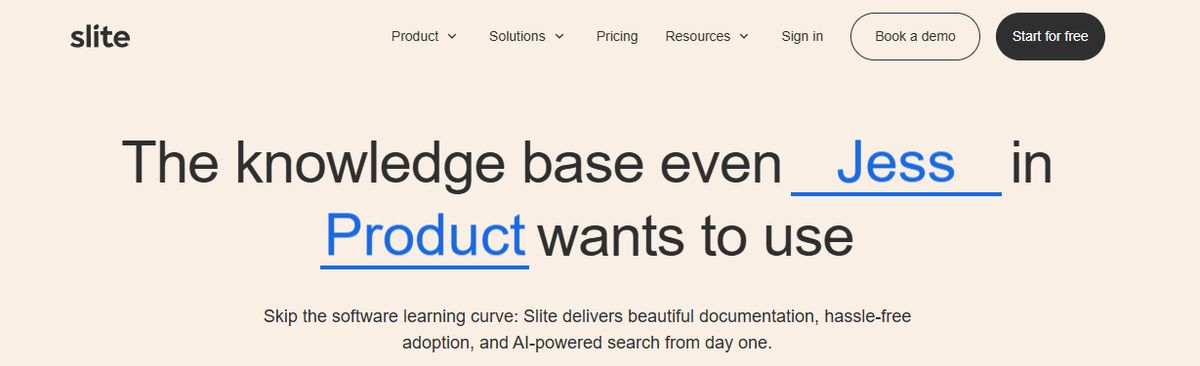
Slite is a collaborative documentation tool designed for teams, offering real-time collaboration and an easy-to-use interface.
Pros
- Excellent for Team Collaboration: Facilitates real-time collaboration, improving communication and productivity.
- Intuitive: User-friendly interface that is easy to navigate.
- Strong Search Capabilities: Powerful search features make finding information quick and easy.
Cons
- Limited Task Management Features: Primarily focused on documentation, may lack some advanced project management functionalities.
- Can Be Pricey for Larger Teams: The cost can increase, especially for larger teams requiring premium features.
10. Dropbox Paper
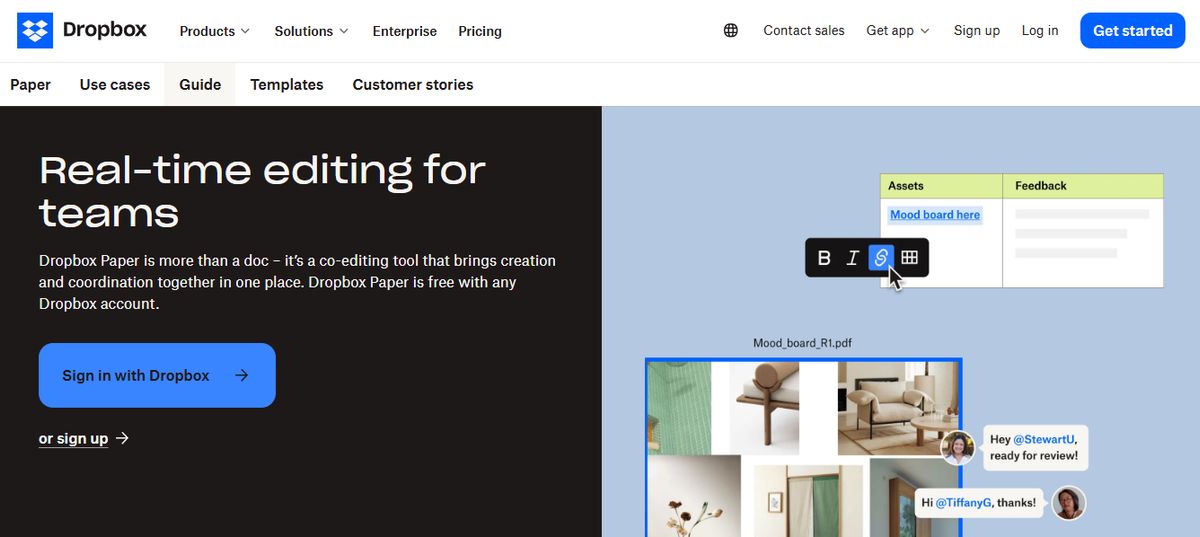
Dropbox Paper is a note-taking tool that promises simple note-making and an intuitive, user-friendly desktop interface.
Pros
- The notes app can embed code directly into notes
- The web app can handle simple task management
- Desktop and mobile apps are completely free
- Multiple device cross-platform syncs
Cons
- Lacks support for various font options
- Can’t italicize or underscore text
11. Apple Notes

Apple Notes is available on all Mac and iOS Apple devices. In recent years, Apple Notes received a considerable upgrade, making notes more accessible across all devices within the Apple ecosystem. Apple Notes is the most secure for note-takers on the go, along with FaceID, TouchID, or password. While Apple Notes might be the first obvious choice for Apple users, if you’re looking for a better notes hierarchy experience, it’s pretty limited compared to Microsoft OneNote’s notebooks, sections, and pages.
Pros
- An Apple Pencil with a compatible iPad can create an instant note from the Lock Screen
- Gallery view allows users to find the note they’re looking for easily
- Automatic iCloud sync across all Apple devices
Cons
- Limited formatting options
- Not a full-fledged note editor
- Low storage space (additional space available at an extra cost)
12. Logseq
Logseq is an open-source note-taking and knowledge management app that uses a graph database to help users organize and connect their notes. Users create and link notes together using markdown and visualize their connections using graph view. Logseq also offers features like backlinks, search functionality, and synchronization across devices for easy access to information.
Pros
- Visualize notes with a whiteboard
- Custom themes developed by the community
- Privacy focused note-taking
- Great for building backlinks between notes
Cons
- Can be difficult to learn and embrace
- Not best for basic note-takers
13. ProofHub
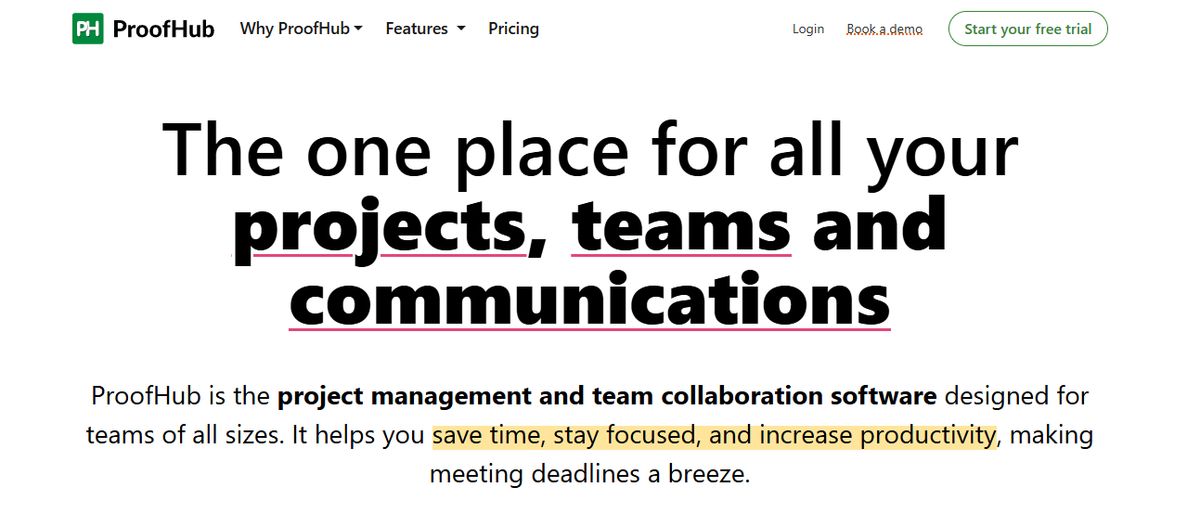
As a great Amplenote alternative, ProofHub offers advanced project management and team collaboration features, as well as an intuitive and helpful note-taking app. With an easy-to-interface, this feature-rich software helps teams stay in ultimate control of their tasks, projects, and communications.
Pros
- All-in-one tool
- Flexible task management
- Easy file sharing
- Powerful collaboration features
- Simple, no per-user pricing
Cons
- Limited number of app integrations
- No free plan
- No Linux support
14. Nuclino
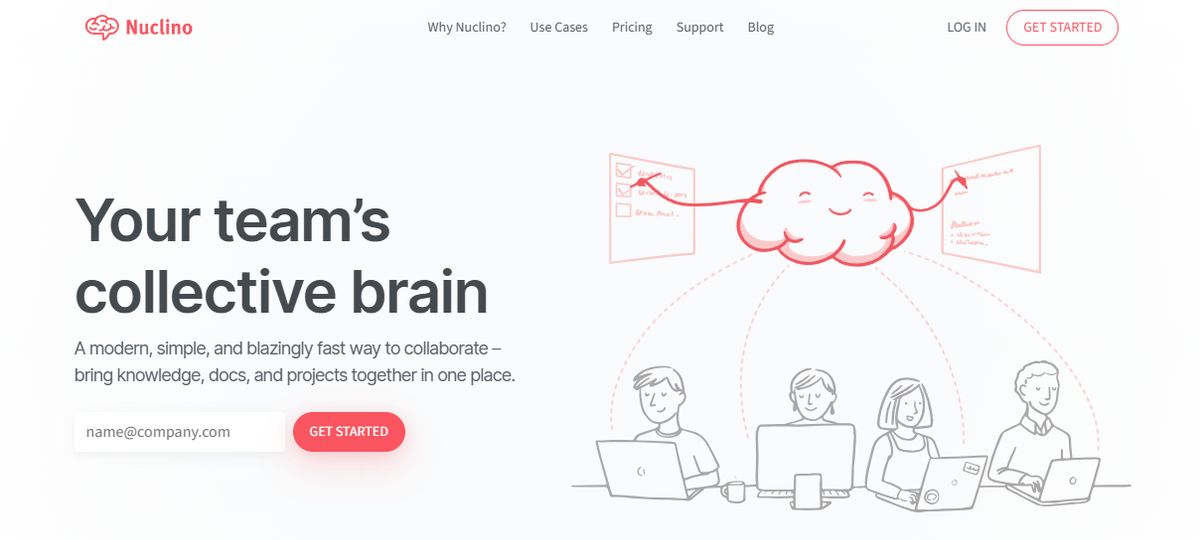
Nuclino is a lightweight and easy-to-use productivity tool that combines knowledge base, note-taking, and project management functionalities. It’s designed to help small teams and individuals streamline their work processes and enhance collaboration.
Pros
- Fast, Simple Interface: Easy to navigate and use, reducing the learning curve for new users.
- Excellent for Small Teams: Provides essential features without overwhelming complexity, making it ideal for small projects.
Cons
- Limited Advanced Features: Might be unsuitable for larger teams with complex needs.
- Can Be Basic: It may not have all the features needed for more advanced project management tasks.
Related Reading
- Slite Alternatives
- Roam Research Alternatives
- Joplin Alternatives
- Notion Knowledge Management
- Coda Alternatives
- SiYuan Alternatives
- Logseq Alternatives
Pros and Cons of Amplenote

The Good Stuff: Benefits of Using Amplenote
Amplenote excels at integrating notes and tasks. With an Amplenote note, you can create a task list for your project. Clicking on a task opens a detailed view that lets you write notes, add them to a priority-based dashboard, set reminders and calendar due dates, create templates, assign tasks to someone else, and more.
- Combines tasks, notes & calendar
- It comes with a daily note feature called Jots
- It has many GTD-like features for managing the workload
- The task score feature is brilliant for prioritizing tasks
The Bad Stuff: Downsides of Using Amplenote
- It can be too intense to learn from some people
- The design isn't as attractive
Research 10 Times Faster with Constella
Constella offers a fresh approach to note-taking. Its infinite canvas helps users capture and connect ideas seamlessly. The platform's unique layout lets you organize your notes like a mind map, allowing you to structure your notes any way you want. With Constella, you won't have to worry about restrictive folder systems or templates that limit your creativity.
Transform Research with AI Search
Constella isn't just about the infinite canvas. The smart, AI-powered search function helps you find information rapidly. The tool indexes your notes in the background as you work, so you get nearly instantaneous results when you run a search. This feature is handy for researchers who must draw connections between diverse sources. With Constella, you can uncover hidden insights and transform your research quickly.
Related Reading
Want more insights like this?
Subscribe to get short productivity tips and useful summaries of new tools every week.
Want more insights like this?
Subscribe to get short productivity tips and useful summaries of new tools every week.


